This is a difficult one to describe and maybe it's been fixed in later versions, we're on version 2.9.12 (I'm not sure this is important because I don't think it's version specific), but it used to work in ArcMap, so I would assume it should work similarly in ArcGIS Pro.
I'm creating a new feature in a dataset and I misclick then the feature locks (for lack of better use of a word).
1)
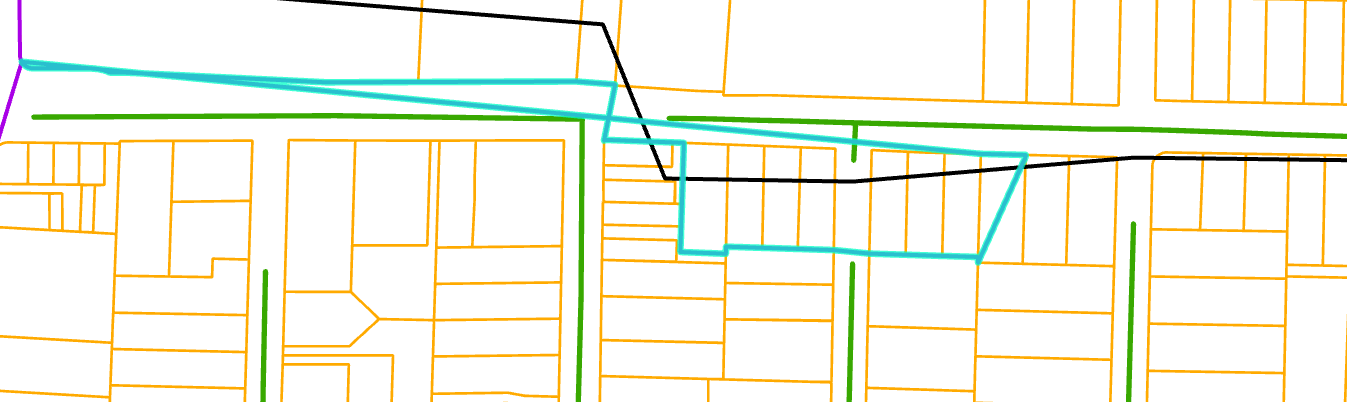
This is the vertex that I drew last where I want to continue editing from
2)
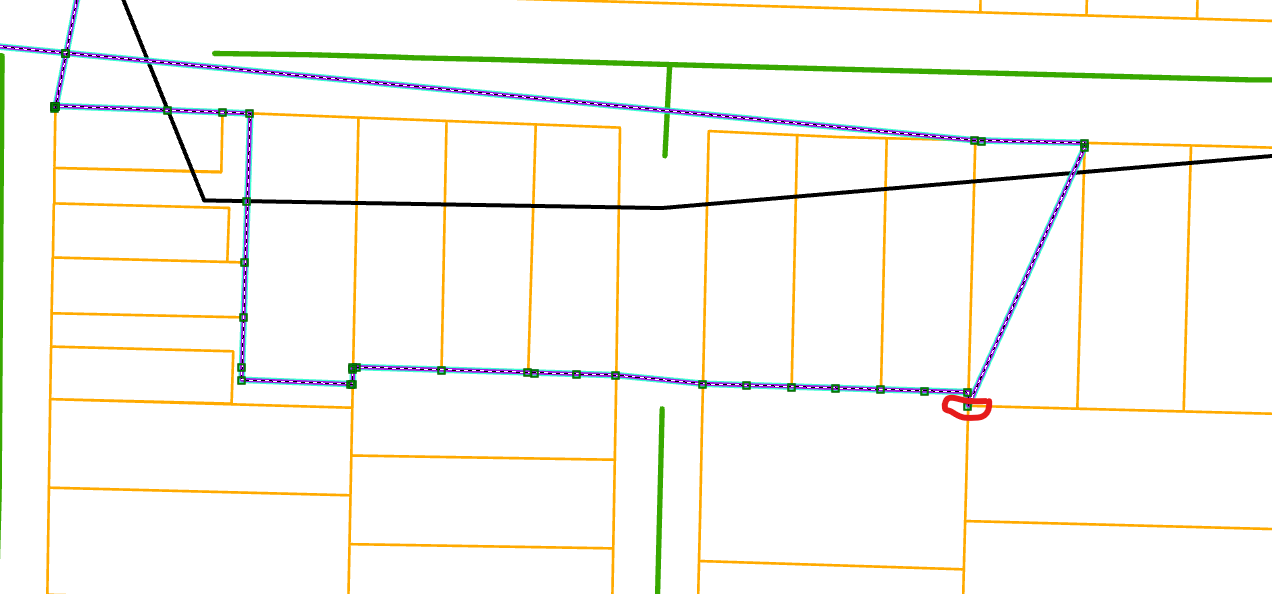
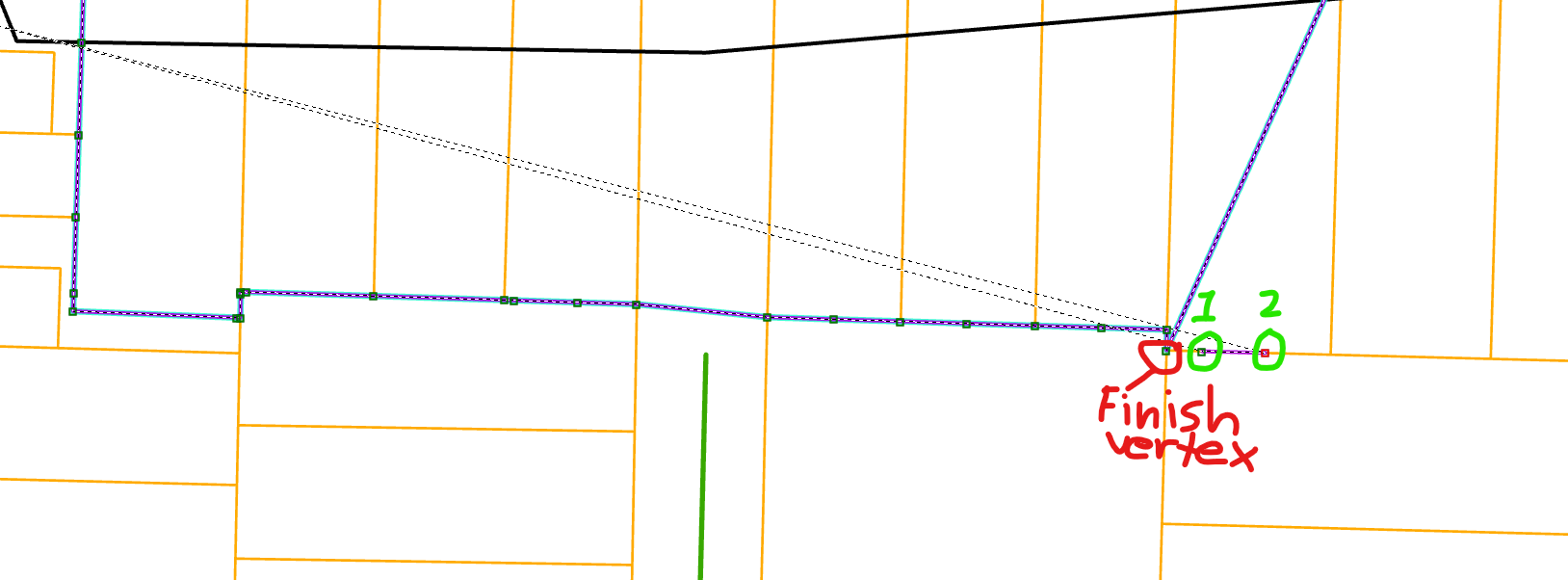
To begin editing again I use the Continue Feature option and I used to be able to trace along the line for 1 or 2 vertices then delete those vertices and the last vertex (finish vertex) would become active to continue drawing my feature. See screen shot below.
3)
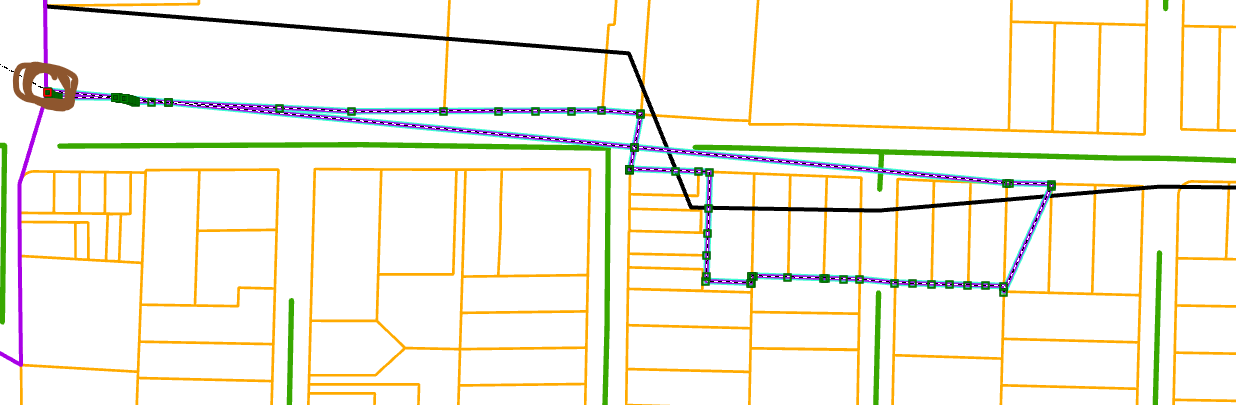
When I do that however a vertex at the beginning of the polygon feature engages though. See vertex circled in brown below.
4)
How can I engage the vertex that I finished on to continue editing? If I was just doing a few more vertices this wouldn't be a question, but I have to do thousands more.
Thank you,
Mark


