I am trying to get an image in a popup to rotate based on a rotation angle attribute. I accomplished this in ArcGIS Pro:
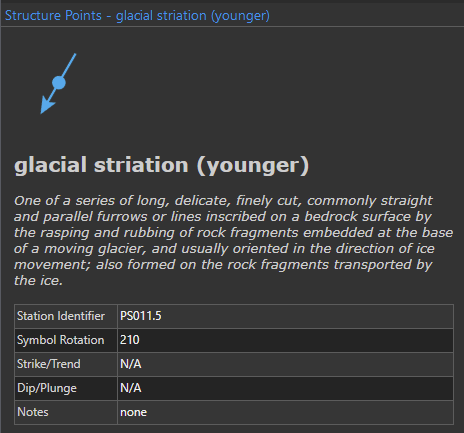
The symbol at the top is a transparent .png. I used HTML with embedded style to rotate based on the symbol rotation field:
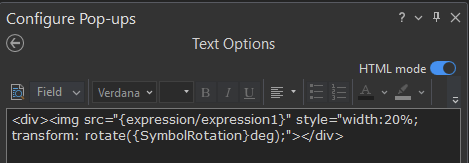
Expression 1 above is a simple arcade expression that selects an image URL based on the symbol type that is clicked. "transform: rotate({SymbolRotation}deg);" correctly rotates the image.
However, I cannot get this to work in ArcGIS Online. The image displays, but is not rotated:
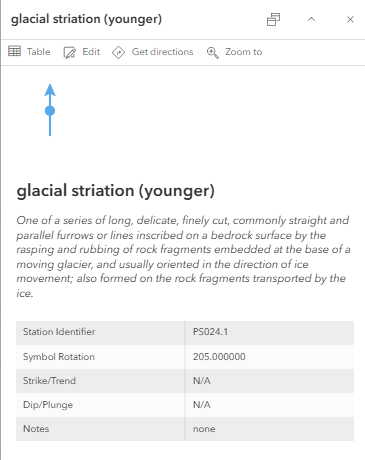
When I copy/pasted the same HTML code that I used in ArcPro, it changed it to this:
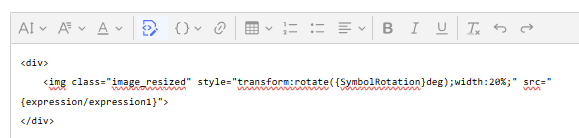
The rotation style is still in there, but it doesn't work.
Help?



