I am still fairly new to Experience Builder, so apologies if I am overlooking something simple.
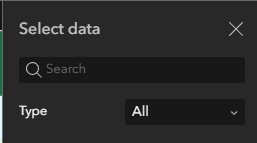
When adding a web map to a new Experience Builder , in the Map widget. I click ' Select Map', then a panel 'Select Data' opens, where I can click ' Add New Data' at the bottom. This then populates a list of Web Maps (in my case - no Web Scenes, only Web Maps)
My question is, how can I then remove a Web Map I previously selected from this list? This came up when I republished a web map.I added it to the 'Select Data' list, but the old one is still there and I can't see any way to remove it. NOw after trying some test,s I have this long list of Web Maps I don't want to see in this list.
This seems like something really basic. What am I missing here?