Hi All,
I had a question regarding how Layer Styles are saved/applied on AGOL. In short, it looks like you can no longer update a Feature Layers style and have it save to drawingInfo via AGOL. Once the Feature Layer is published, the drawingInfo cannot be updated through the Visualization options and must be exported into ArcGIS Pro and republished with updated symbology.
Example:
- User navigates to source data available UAS Restrictions Downloads
- My User opted to download as a shapefile, but one could just create and save a layer via URL source; no effect on the end outcome.
- User creates a featurelayer in AGOL via the "New Item" button and drags zip file in, following the prompts
- User opts to create a hosted feature layer from the shapefile
This layers styling is Blue transparent solid fill. We want a Red (ff0000) fill at 25% transparency with a dotted outline.
- Through the Viz tool, update the fill and outline of the hosted feature layer from blue to red
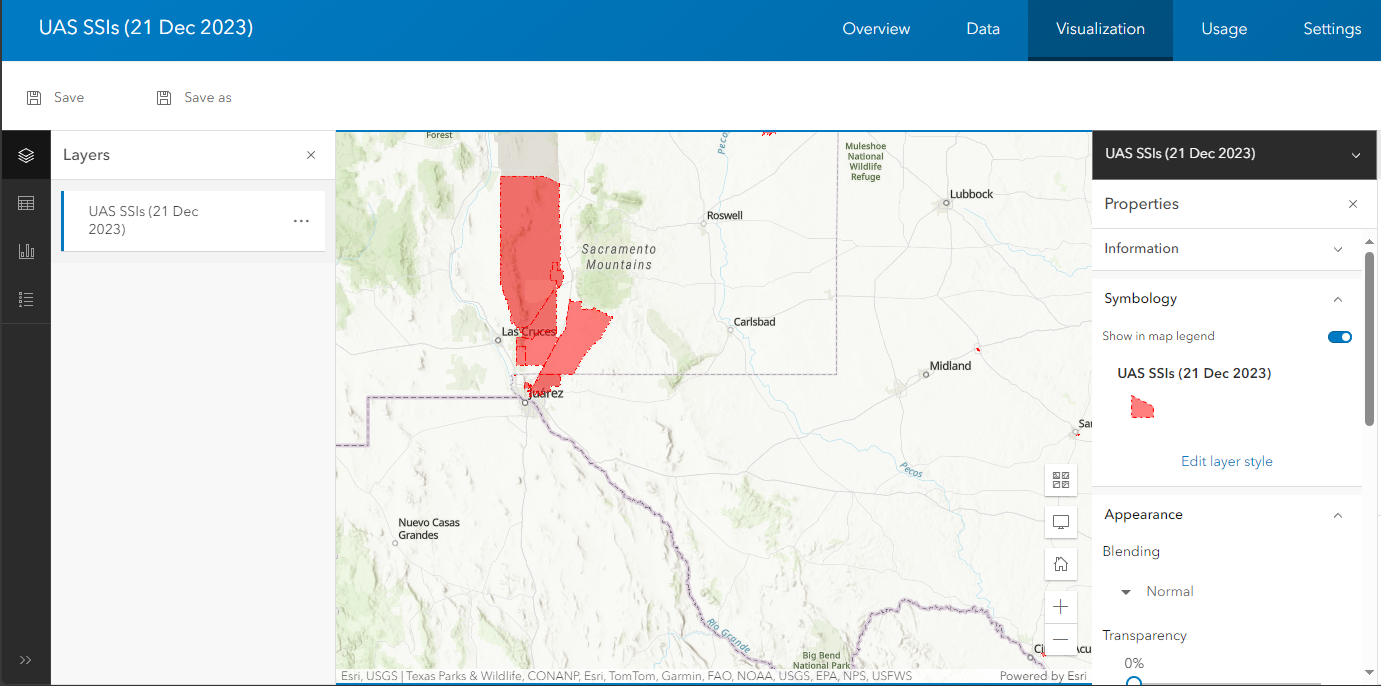
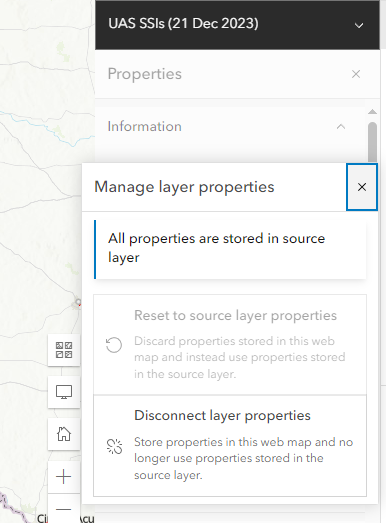
- Under Properties -> Information, save the changes. On exploration, there are only options to "use styling as it was published" or "Use map properties". Either option will not change the drawingInfo.

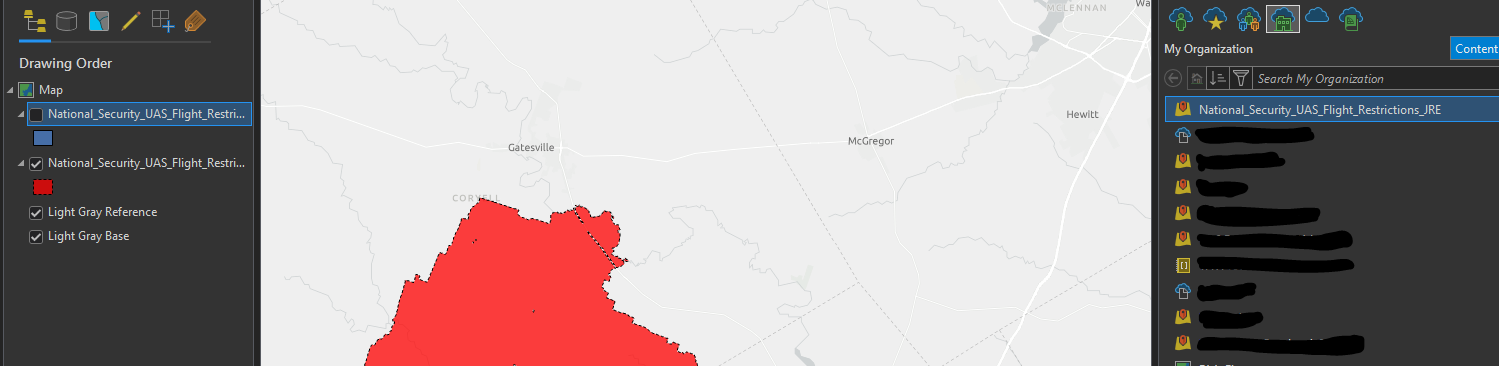
Now in ArcGIS Pro, sign into your portal and load this map through the Catalog -> Portal. The style does load into Pro this way.
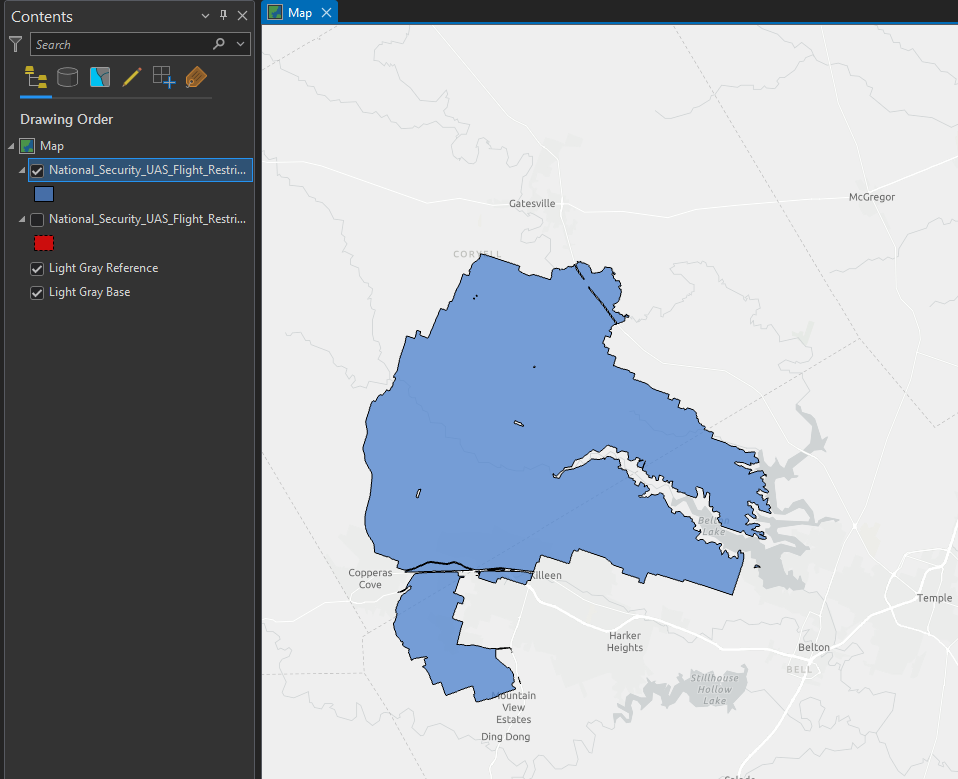
Now load it through Add Data -> Data from Path. Load the yourendpoint/FeatureServer/0/ URL. The styling is the base styling and not the styling applied/saved to the layer via the viz tool. If you go to the drawingInfo, the info remains as it was published.
Is there a way to update a Layers styling in AGOL at the FeatureLayer level and not the Map Level (or however it seems to be working now?)
Thanks!





