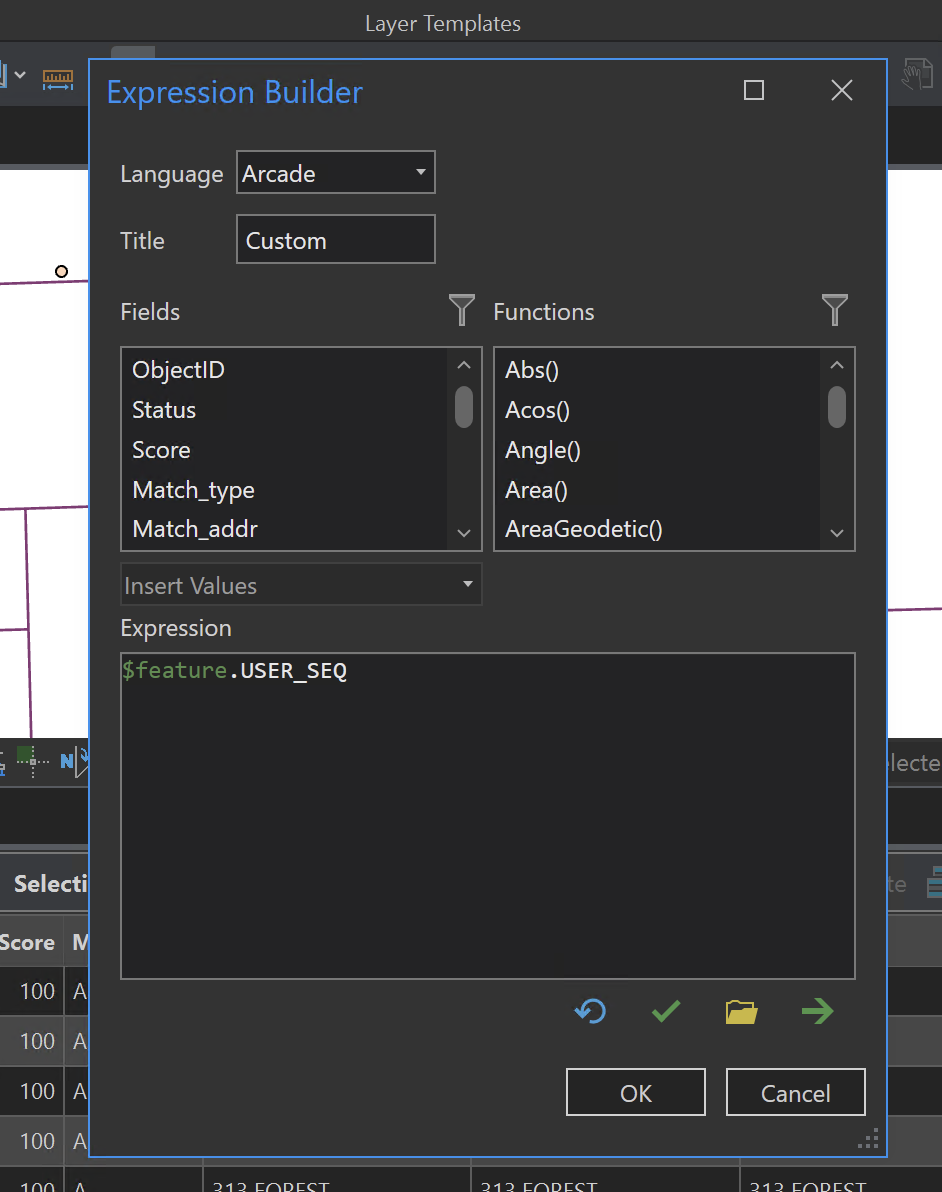
This solution proposes using Arcade for what I'm asking for, but Arcade has a learning curve and I'd rather not have to teach Arcade in my introductory class. It'd also just be easier for the everyday user. Per that question post, this is actually super simple in ArcMap (in fact, ArcMap uses comma and a space by default, which is much better looking than what pro does (just a comma).
So, the idea is for Pro to do what ArcMap does - provide an easy option for switching your delimiter without having to use Arcade. I'm basically just giving my students the Arcade code in the meantime but it shouldn't need to be that tricky - "do it this way if you're OK with just a comma, but do it this entirely different and more complicated way if you want something only marginally different." The Arcade builder doesn't give any pointers or for how to concatenate or clickable buttons for doing so, so it's not intuitive, either.
Default comma and space in ArcMap:
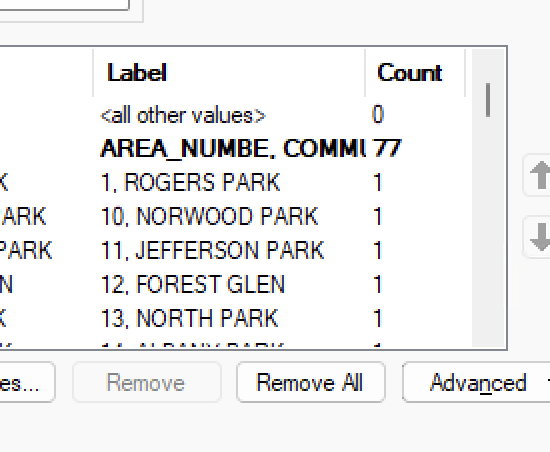
Easy peasy custom delimiter in ArcMap:
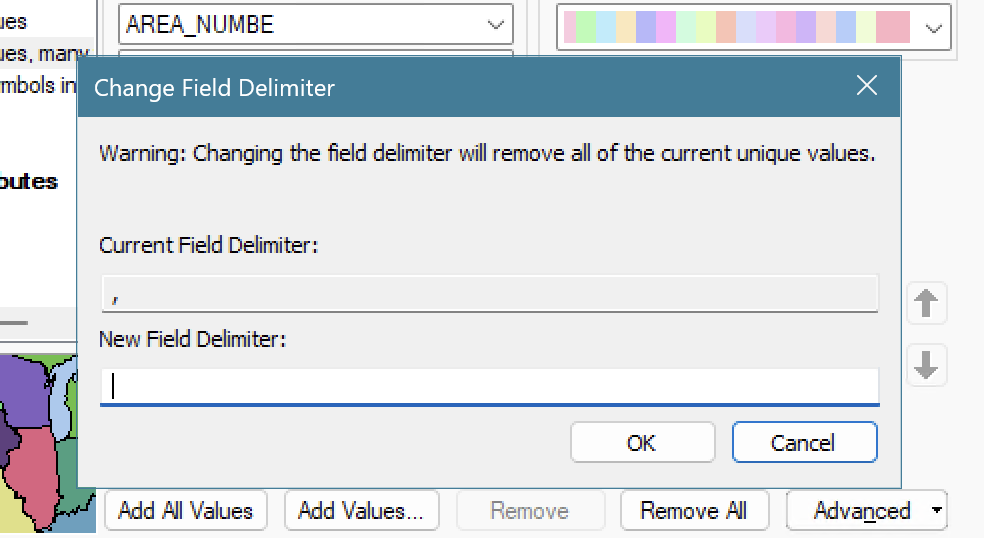
Default comma only delimiter in Pro, no option to customize:
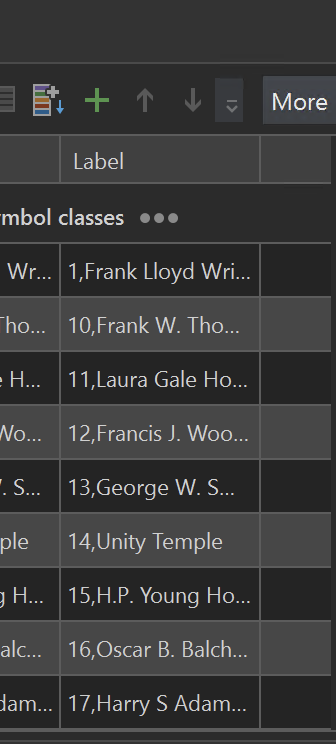
Much less intuitive interface for adding custom delimiter in Pro: