Hello:
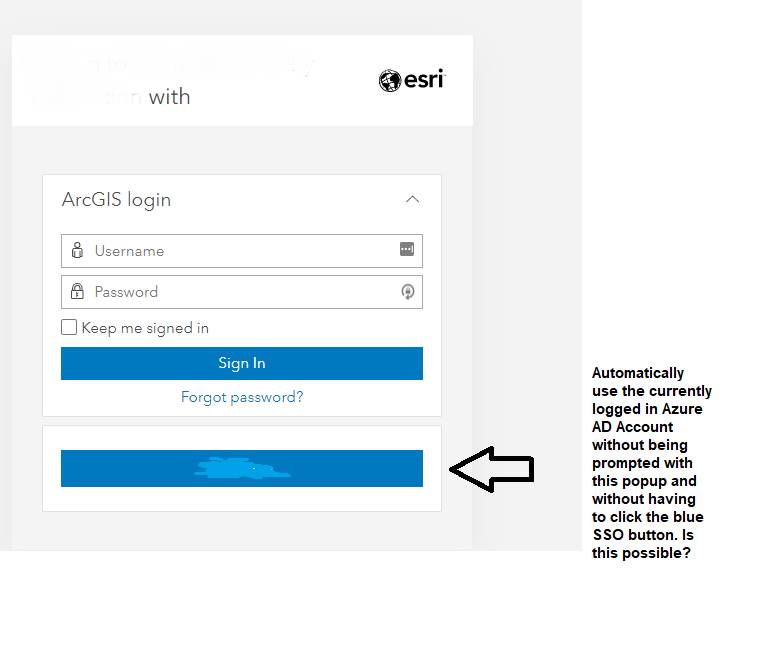
I am currently embedding maps on a SharePoint Online site and am wondering if there is a way to remove the Enterprise login screen and have the currently logged in Azure AD user be automatically logged into the map without having to authenticate manually by clicking the blue SSO button. To provide some background, I went into the Azure AD Admin Console and created an Enterprise Application using the ArcGIS Enterprise Application and configured it for SAML Logins. I just need to determine if there is a parameter that I need to select to enable the ArcGIS Enterprise login screen to be bypassed or if there is a way to do it with custom development. Any help provided would be greatly appreciated.
What I am looking for is similar to the question here:
https://community.esri.com/t5/arcgis-online-questions/esri-how-to-bypass-the-arcgis-online-login-screen/td-p/1186183