Hi. I have the following problem.
I started an empty Qt Quick 100.14 Runtime project to test the full cycle deployment in windows. I follow the guide from here.
- I run windeployqt tool on release folder.
C:\Qt\5.15.8\msvc2019_64\bin\windeployqt --no-translations --qmldir C:\Proyectos\MiProyectoFinal\qml .
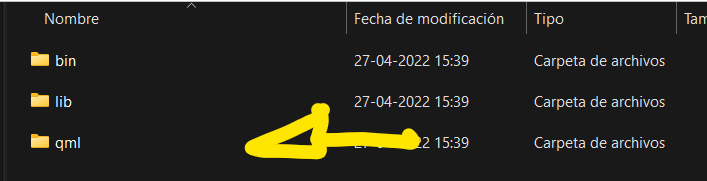
- I copied the qml folder from ArcGIS SDK folder to my release folder.
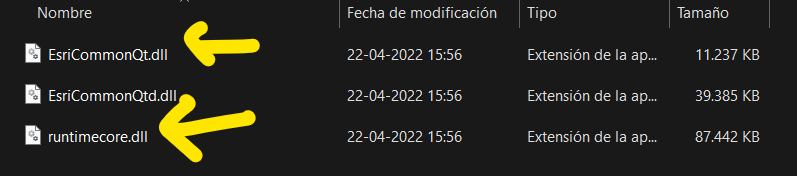
- I copied the ESRI Common DLL and runtime core DLL from ArcGIS SDK folder to my release folder.
- I copied the OpenSSL files.
- So the structure of my release directory is:
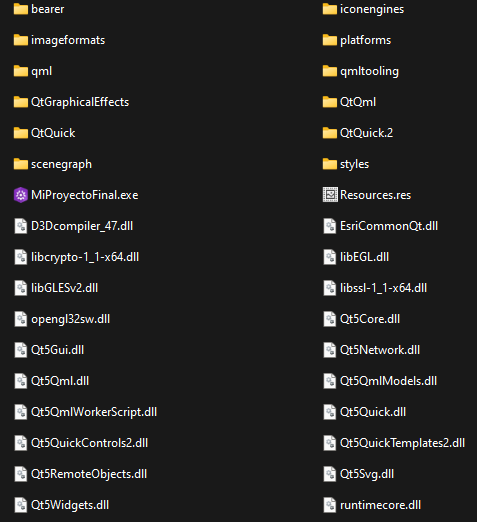
The executable doesn't run. No window, no cursor loading, nothing.
The application ran fine in Release mode when I started from the QtCreatror. The Sample Viewer from ArcGIS runs fine too.
Using:
Qt. 5.15.8
MSVC2019 64Bits
Windows 10
Any ideas about what's happening?