Hi all,
I have an netCDF file in hand which follows the format of the netCDF file in training material "atlantic_stride_56.nc".
I can successfully view it in ArcGIS Pro as a 4 dimensions voxel layer (x,y,z, time) with time axis bar.
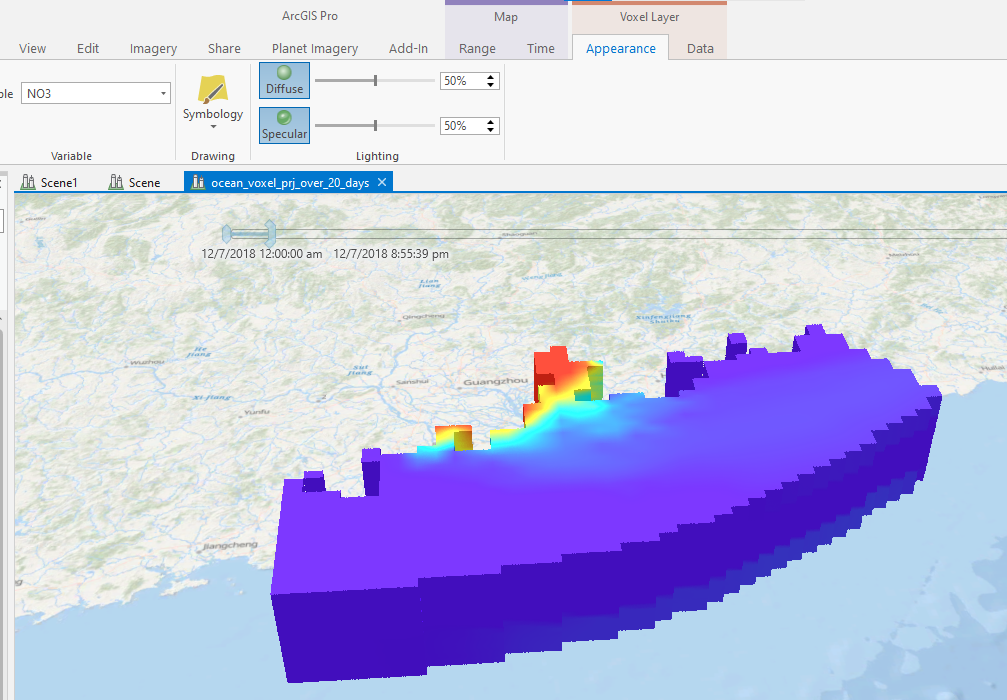
However, I meet 2 problems when I upload and view it on ArcGIS Online.
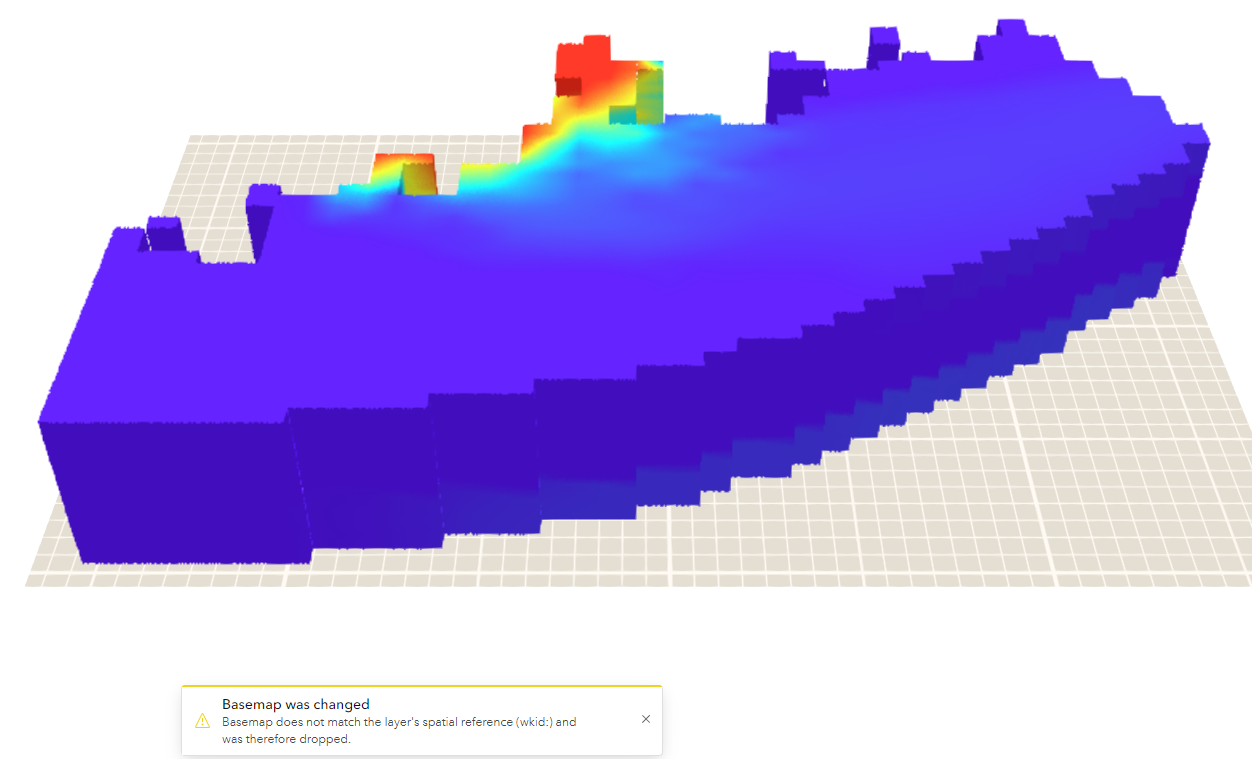
One is dropping of basemap. 2nd is no time axis available.
My Question: Does ArcGIS Online Scene View support time dimension for voxel layer?
I see there is an update in scene viewer but no time dimension is involved.
What's New in Scene Viewer (March 2022)
https://www.esri.com/arcgis-blog/products/arcgis-online/3d-gis/whats-new-scene-viewer-march-2022/
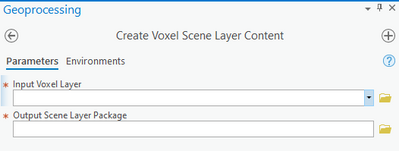
1st method: I used GP tool "Create Voxel Scene Layer Content" to create a local .slpk file. Then I add the local slpk file to AGOL and make a hoisted scene layer.
Result: It dropped my base map even through even through its xy coord system is WGS1984 web.
I think the problem is the strange vertical coordinate system in voxel layer in ArcGIS online
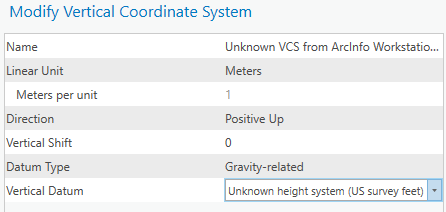
I can't even add base map to it. It is grey! I also cannot change the vertical coordination system for the voxel in ArcGIS Online.
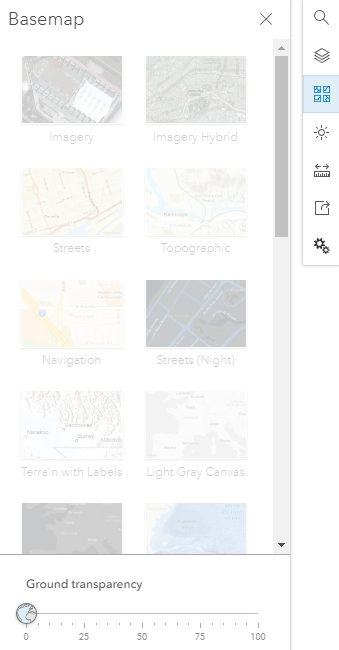
The most important is that there is NO time bar selectable for the voxel layer!!!
2nd method: In ArcGIS Pro, under "Share" , select "Web Scene"
Result: same as 1st method
3rd method: On ArcGIS Online, add Imagery layer and choose tiled imagery Layer
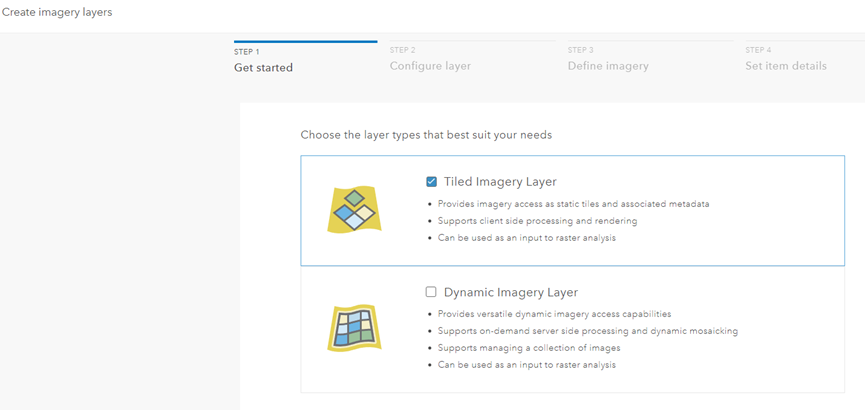
choose mosaicked image
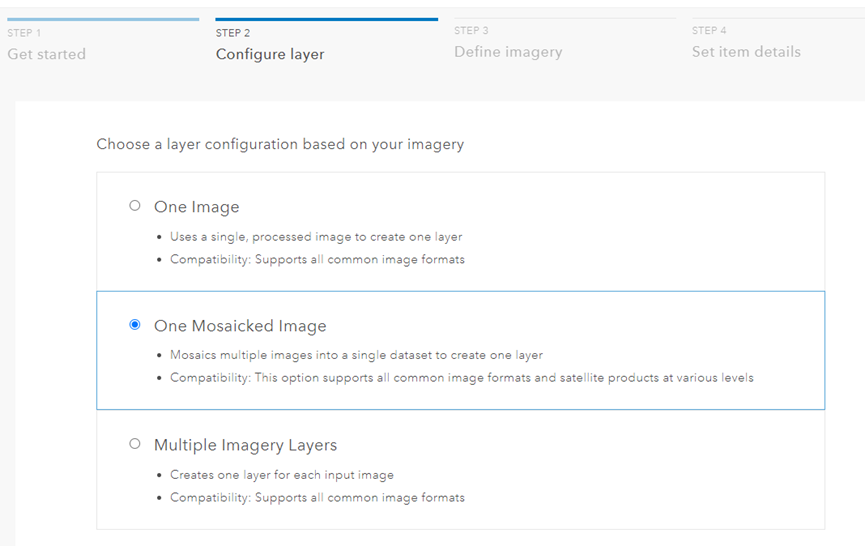
Choose my netCDF file and proceed.
Result: Creation failed
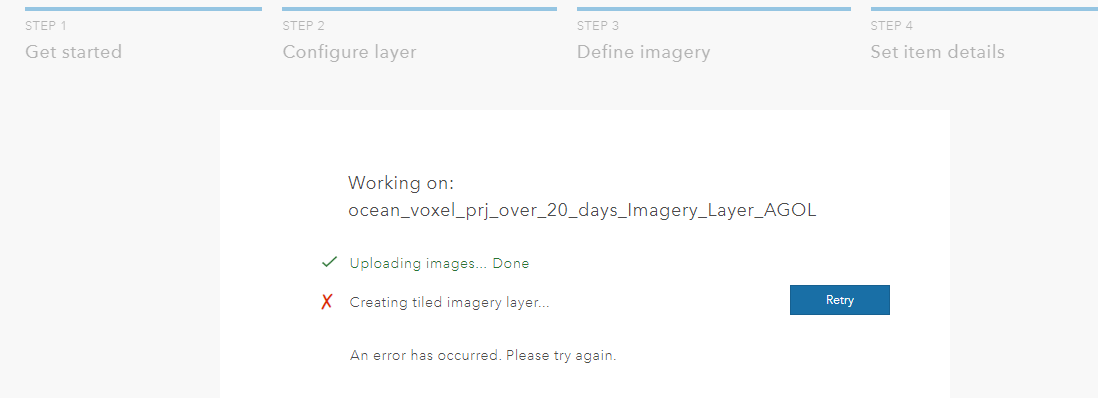
I have succeed in making uv flow diagram using crf and import it as ArcGIS Online.
However, it failed for netCDF.
I see the importation worked from
https://www.esri.com/arcgis-blog/products/arcgis/imagery/visualize-raster-using-a-vector-field-in-arcgis/
Thankful to anyone that help on this!


