I'm new to ArcPy and really coding in general.
I have three fields titled "Subcat_1", "Subcat_2", and "Subcat_3" all being used to categorize different themes of survey data that will then be used to create heat maps.
I am trying to:
- Use SearchCursor from the Data Access module to fetch an entire row if a value in Subcat_2 or Subcat_3 are not null (This I have working already - I changed my null values to a string "Nothing")
- Copy and insert that fetched row to the row below, where the populated value from Subcat_2 will replace the value in Subcat_1 (as that value is above)
EDIT I have attached screenshots of what this workflow looks like in Excel
Initial Table
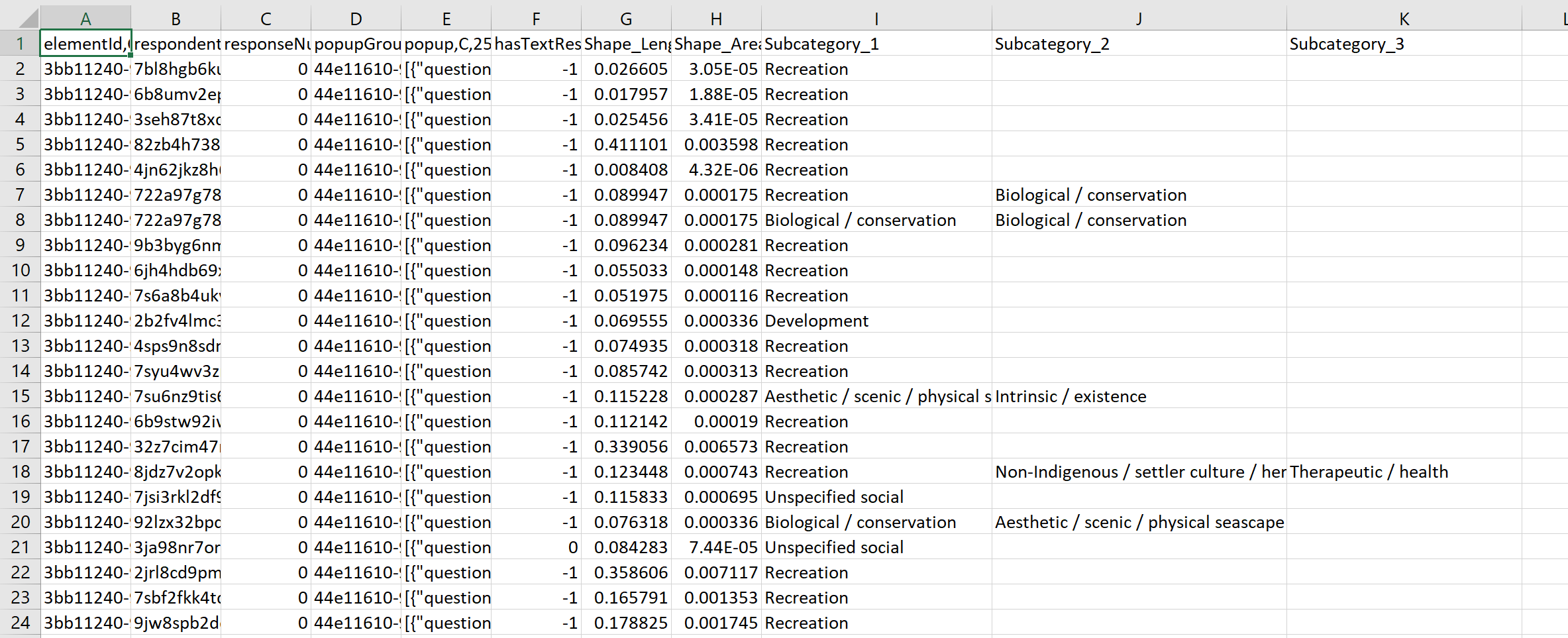
Find value that is not empty in Subcategory_2
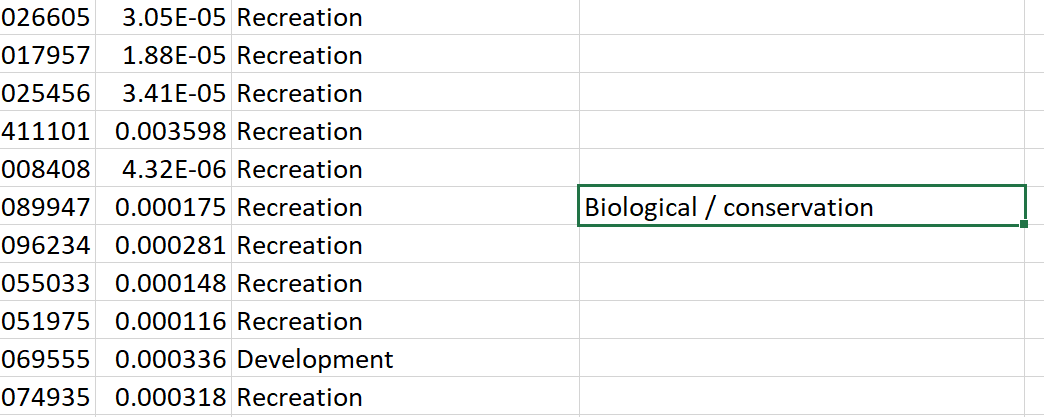
Copy that row
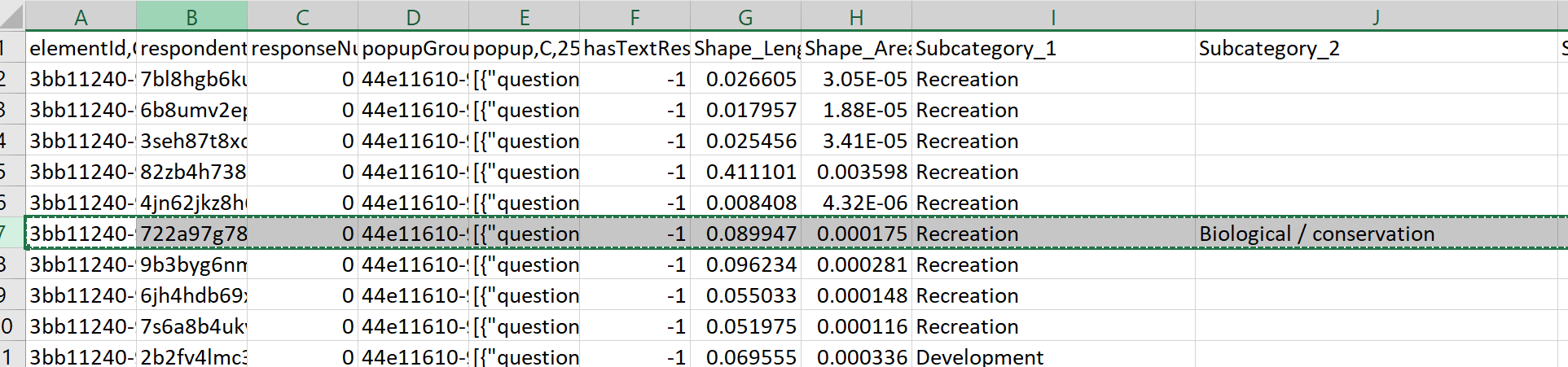
Insert into row below

Have the value in Subcat_2 replace the duplicated value in Subcat_1
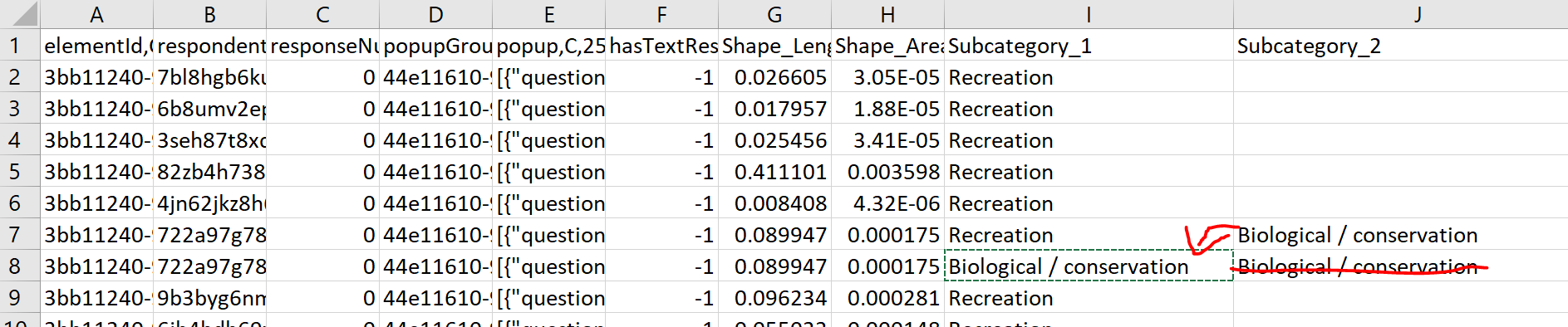
Since I am inserting a row from the same feature class, the length, schema, geometry is all the same.
The version of some code that somewhat works is below (this is attempting to look for any unique values in Subcat_3, copying the row, and inserting them into Subcat_2):
# A list of values that will be used to construct new rows

values = [row[0] for row in arcpy.da.SearchCursor(social_layer, fieldnames)]
#social_layer is the feature class I am working on
#fieldnames is the query for "Subcat_3"

uniqueValues = set(values)

# # Open an InsertCursor
cursor = arcpy.da.InsertCursor(social_layer,
                           ['Subcat_2'])
for row in values:
    if row != 'Nothing':
        cursor.insertRow([row]) #have to insert a list not a single value

# Delete cursor object
del cursorWhen I run the code I just break the layer

