I can't seem to find the Pro bug section, so will post it in here instead.
Recently (not sure how long it's been actually happening as I haven't dealt with layouts for a few months), I've encountered an issue that I'm now seeing on every single Pro project I have layouts for.
I always have been updating to the newest versions, but back in March at least, this was not an issue (can't recall the current version back then) and I've only discovered it this week, so it's hard to pinpoint exactly when this issue occured otherthan between March of 2021 and Aug 2021.
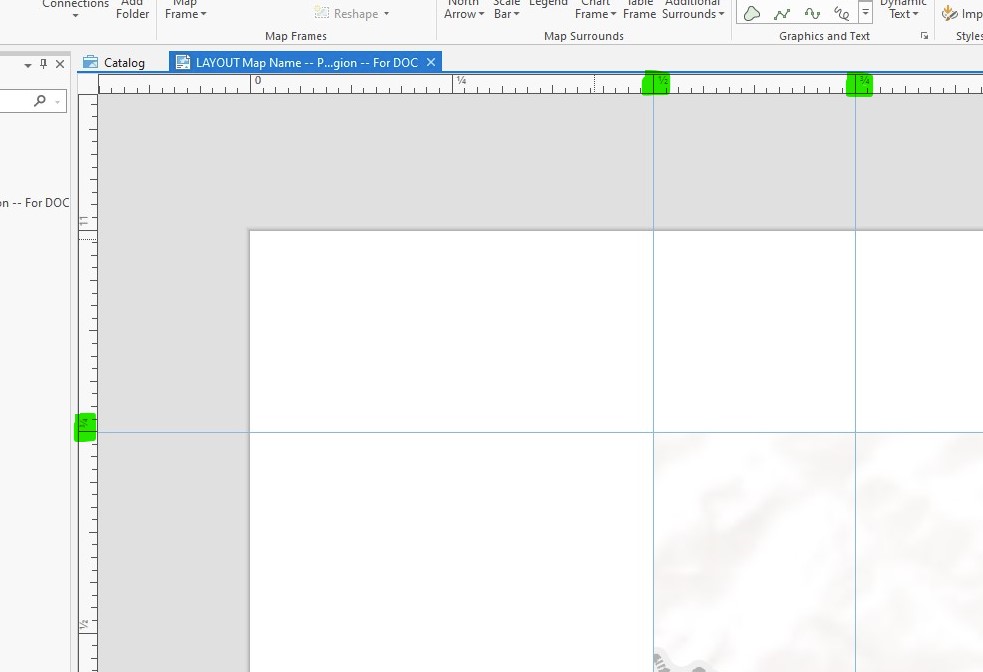
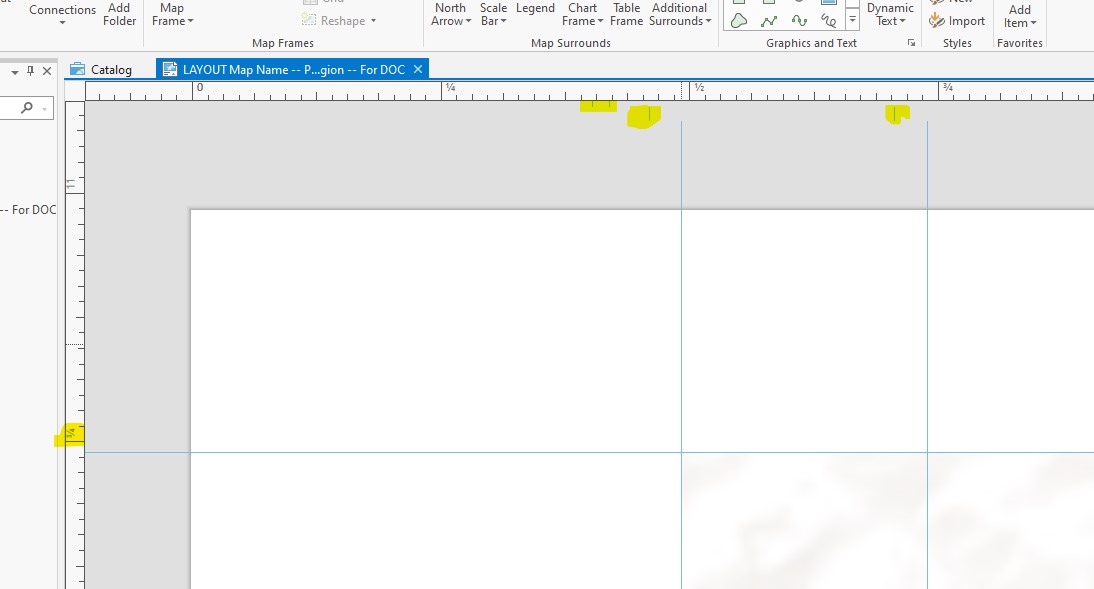
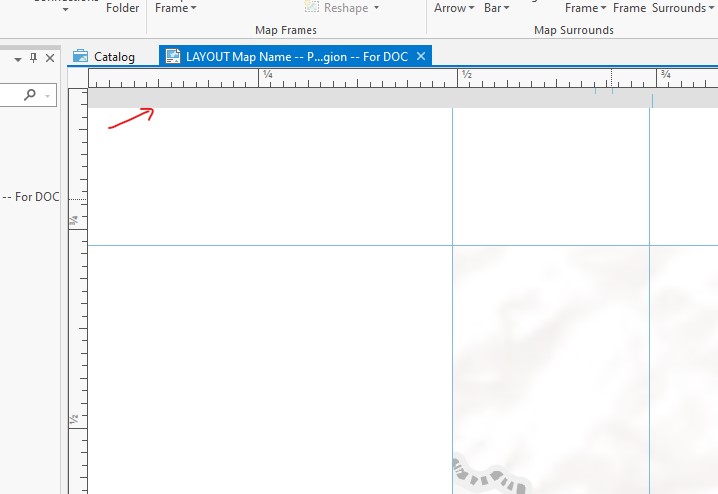
The issue is I can open up any Pro Project that has layouts for the maps and all the guidelines are completely fine and in the correct spots on the ruler. However if I close that layout and open a new layout or even the same layout, a strange buffer happens at the top and all the guidelines no longer match to the correct rular points. If I close out of Pro and reopen, everything is good again until I open another layout, etc.
Any idea why this is happening to every project I have now and/or how to fix this issue?
Here are the image examples: