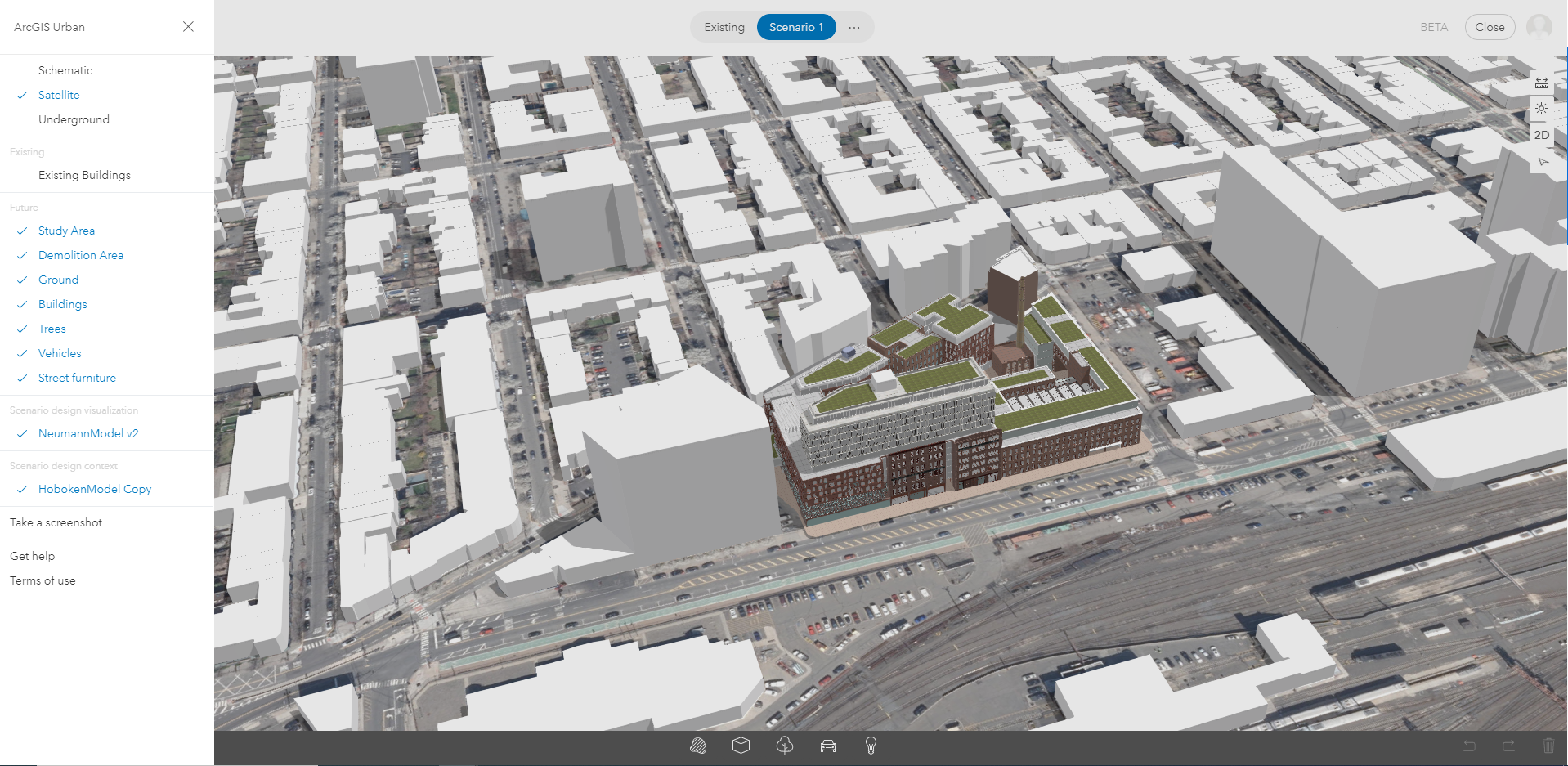
Hello! I have a question about locking certain properties when switching between Scenarios within a Project.
So after uploading a .dem model to CityEngine and uploading it to ArcGIS Online as a .slpk, I have now inserted this model as the Scenario Design Visualization for a project. While this worked smoothly, one issue I have had is that this new Scenario Design Visualization now overlaps with my Existing Buildings Layer. To work around this, I made a copy of my Existing Buildings Layer, and assigned it to the Scenario Design Context, except in this model I have deleted the original model for the building that is being replaced.
Is there possibly a way that I can lock the properties on Scenario 1 so that every time I open this project I do not have to switch off "Existing Buildings" in order to not have the two models overlap?
Thank You
(Below is an image of how I would like this Scenario to be permanently locked).