I am trying to programatically rotate a piece of text of a Layout. The Element class's SetRotation() method works as expected with positive numbers (counterclockwise rotations), but trying to use negative numbers for clockwise rotations is not. Instead of simply rotating in the expected rotation, the piece of text is rotated and turned upside down.
The result looks like this:
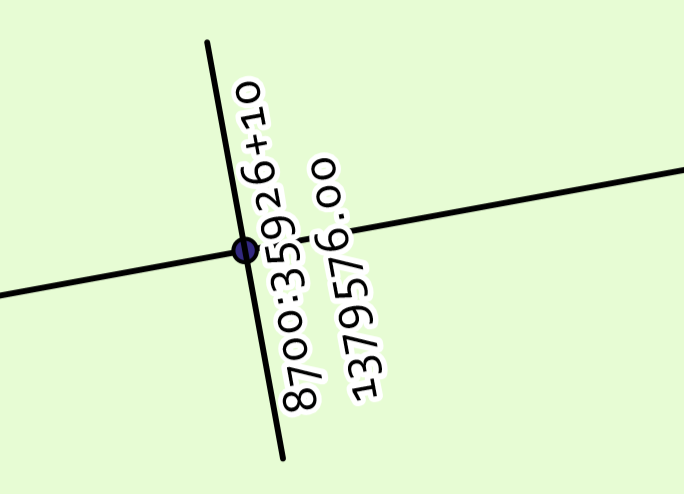
If I want to rotate up to 90 degrees to the left / counterclockwise, things turn out okay. But if I need to rotate the opposite way, such as in this scenario, the text ends up flipped so that you'd have to skew your head more than 90 degrees to see it straight.
Is there some extra anchor setting I need to use to get the expected behavior? Using the Arc Pro GUI, inserting a Layout element and setting the rotation does not cause the same behavior.


