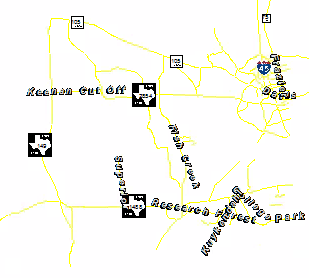
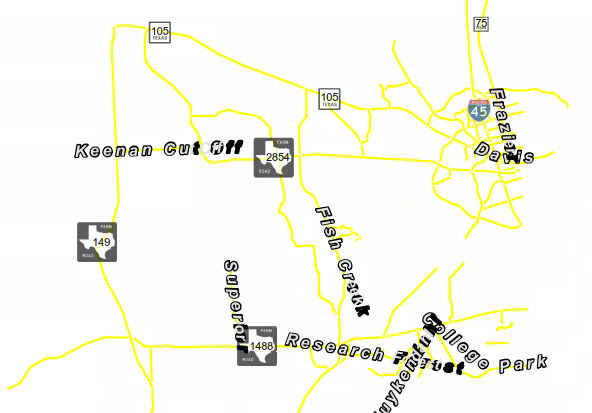
I've downloaded PNG files of road shields to use for labeling purposes (linking to the files within the marker symbol>picture symbol). They show perfectly in data and layout view, however, when I export to PDF they are transparent. Anything that is a PNG exports with approximately 50% transparecy, but the text written over the PNG exports correctly (i.e. the county road shield png is 50% transparent, but the '100' designating it CR 100 is not transparent).
I've tried different versions of GIS (Desktop 10.2 and 10.5), and converting labels to annotation. Neither of those things worked. "embed all fonts" is selected.
When I export to JPG the labels show properly. But I need to export to PDF as this will be a large map. What can I do to get this to work!?