Hello,
all I wish is to insert a hosted feature layer (because only this works with PowerBI) whose polygons have different colors. I got this example feature from the public folder and it proofs me that it theoretical works:
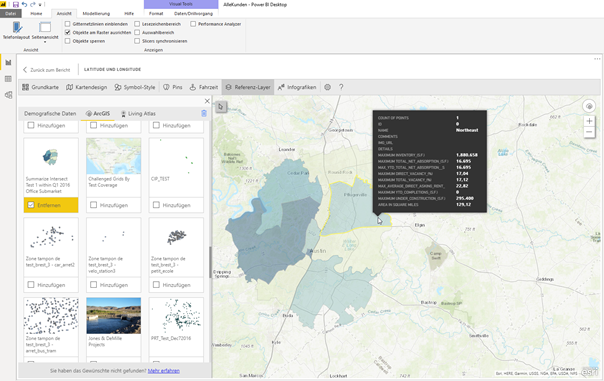
I have a Plus membership to ArcGIS Online and I documented my way to replicate this:
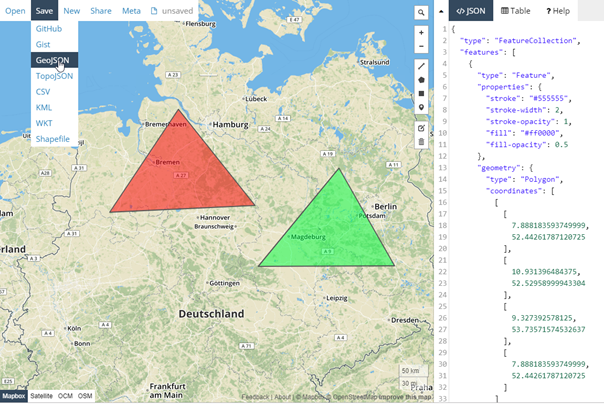
- First I created a new geojson-file with some polygons and colors at geojson.io I saved this file and imported it in AGOL.
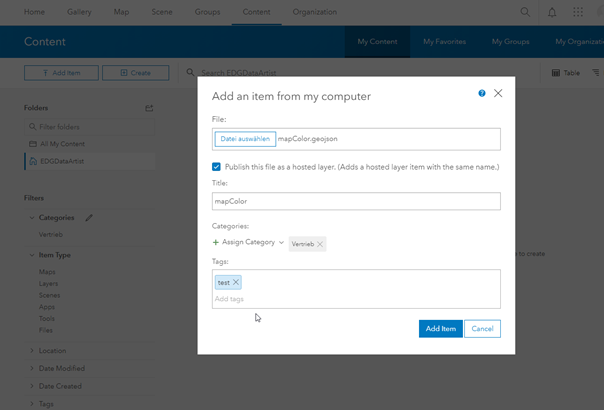
I added this file from my computer and published as a hosted layer.
Share with organization. The tumbnail shows that the colors were not set.
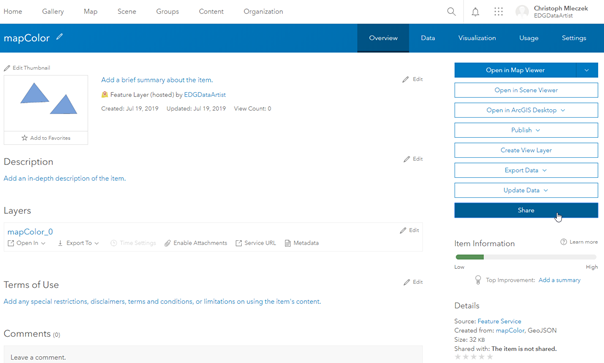
Unfortunatly the colors are missing.
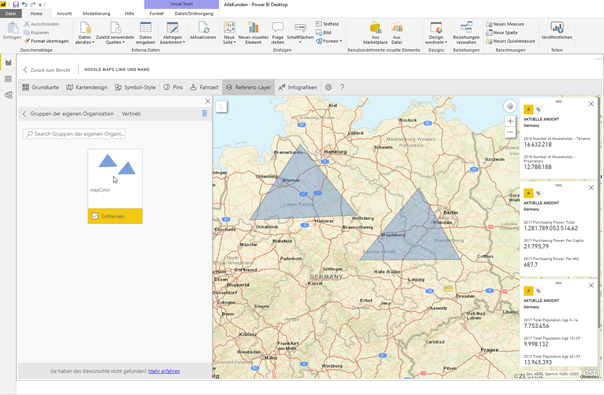
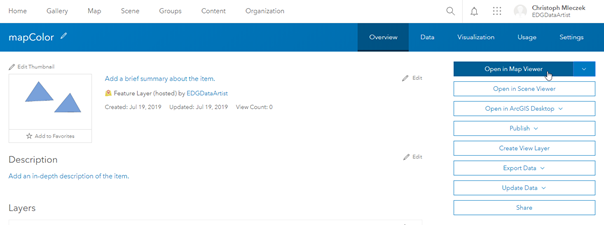
So I want edit my hosted Feature Layer.
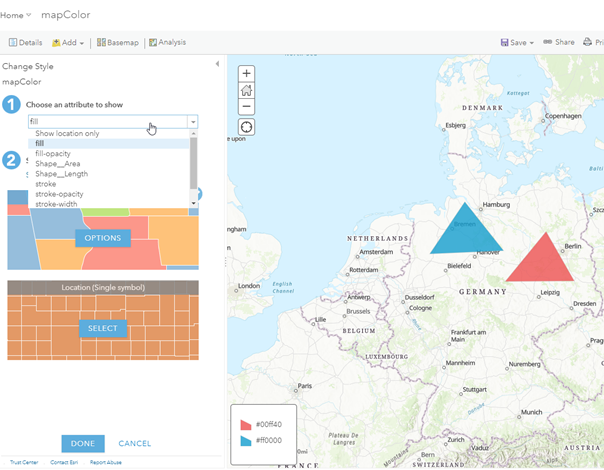
The given attribute "fill" defines the color of my polygons.
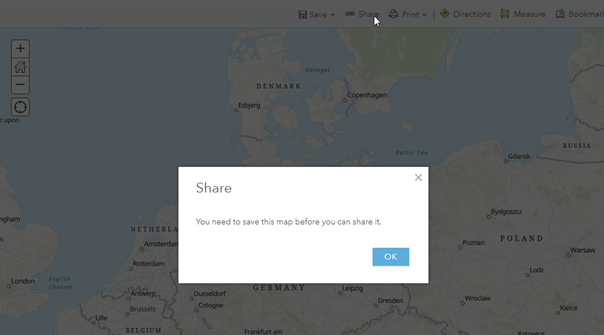
I can´t share before saving.
So I try to overwrite this feature.
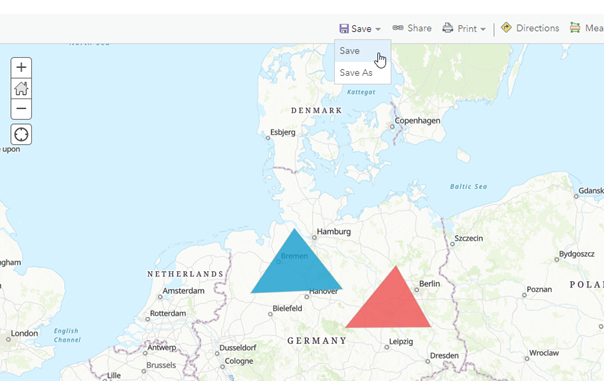
But I can´t. So I need to create a new one.
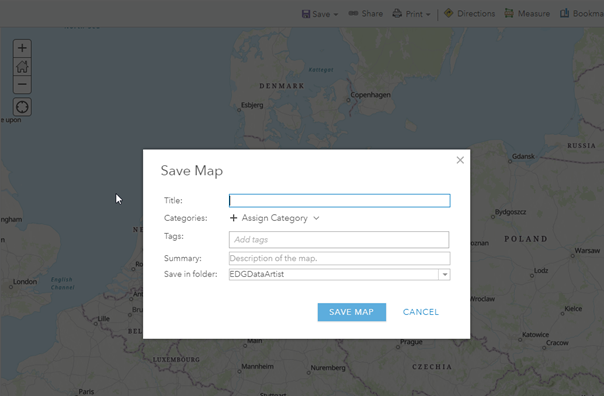
The new one is not shown as hosted feature layer, but as Web Map.
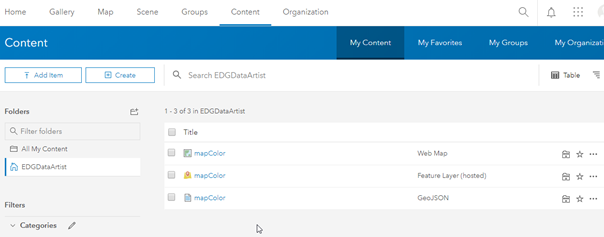
But published Web Map´s don´t work with Power BI.
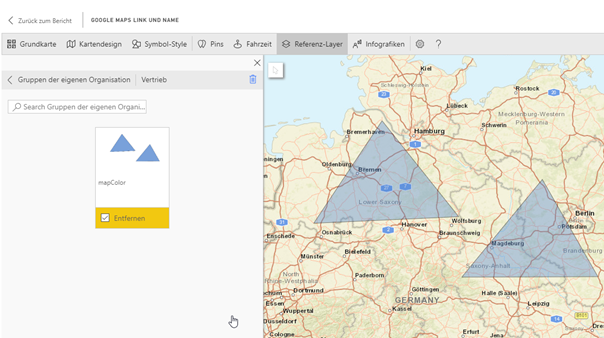
I´m really frustrated and worked a couple of hours on this absurd problem. Can someone please help? I have also installed ArcGIS Pro but can´t find any functions to overwrite or create a hosted feature layer. I have little hope left. Please help me.




