I encountered few hurdles while trying to deploy a web browser only survey based on hosted feature service.
1) Sign in/out buttons : The survey is deployed as expected and both hosted FS and the survey is made publicly available. Yet on the survey form in the browser a sign in and a print button is visible.
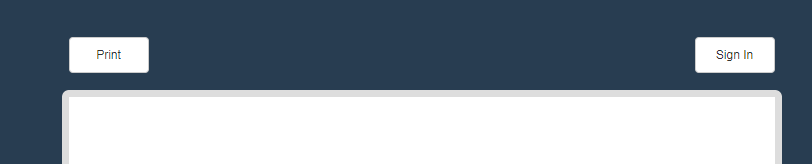
This could confuse the general public taking part in the survey and I want to remove the two buttons, how to achieve this?
2) Image/logo: I would like to use the organisational logo at the top of the survey.
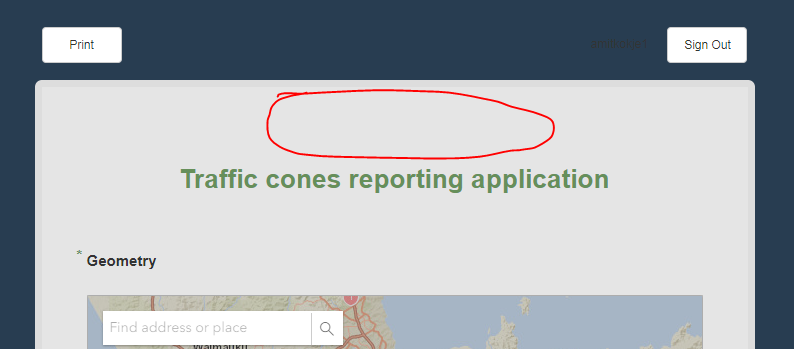
If I use note or any other field type (read only) first it generates a blank space as noted in this known bug and second if a media image is used, it always shifts to the left margin of the web based survey. If the survey is open in survey123 app, the image is adjusted to center margin.
Is the the known issue as well?
How to achieve this?
Thanks
Amit




