Created a survey using an existing feature service. Followed the directions from previous thread
In Connect, go to New Survey, then select Feature Service and pick your feature service from the gallery. Once the XLSForm is loaded, eliminate the questions relative to the parent layer. Eliminate the rows with the begin and end repeat statemnts. Then change the FormID value in the Settings tab so it references the name of the related table you want to edit.
Settings tab in Connect: 
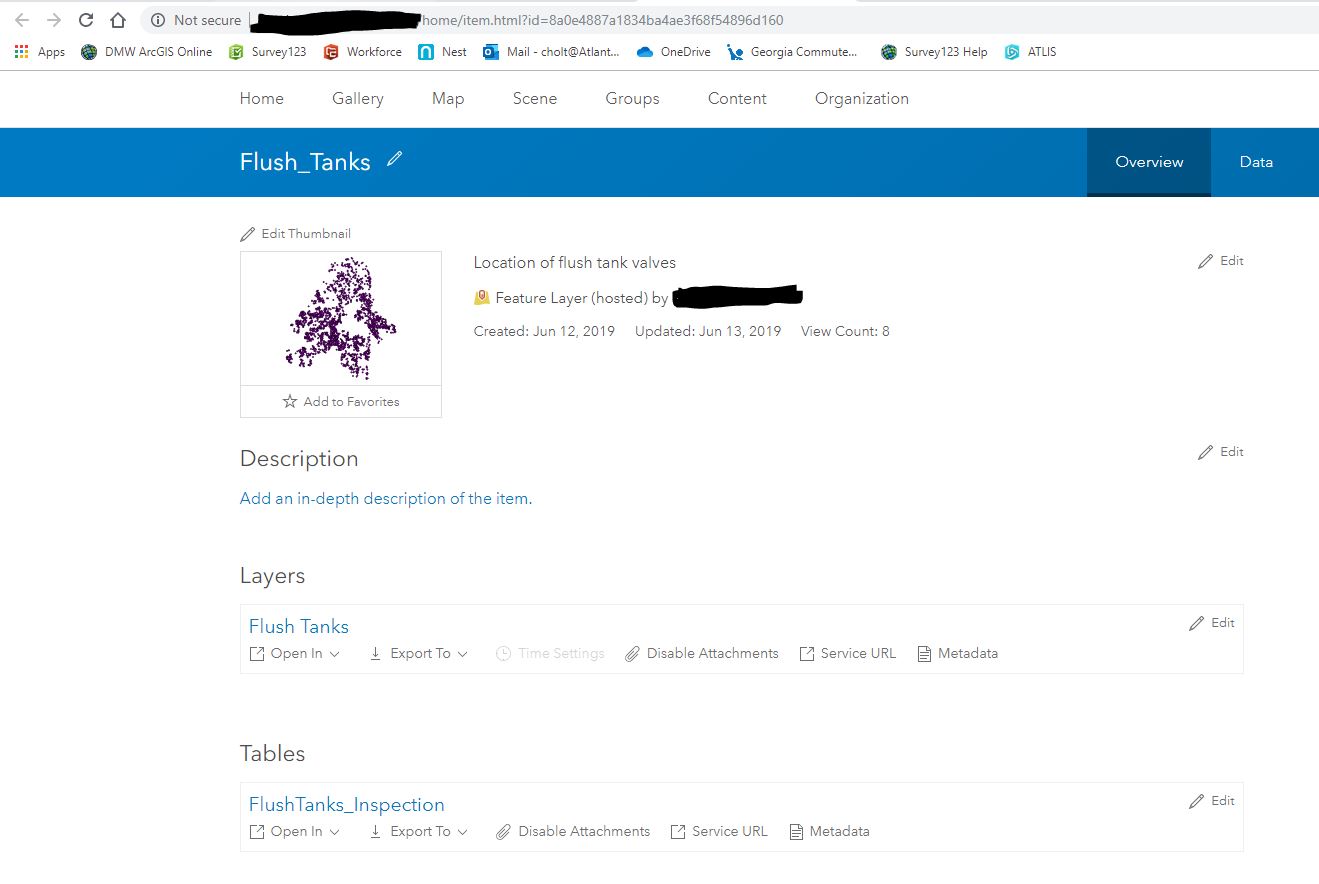
Feature Service item details
The submitted test surveys are visible in the table, but when I click on the point in a map, it shows no related records.


