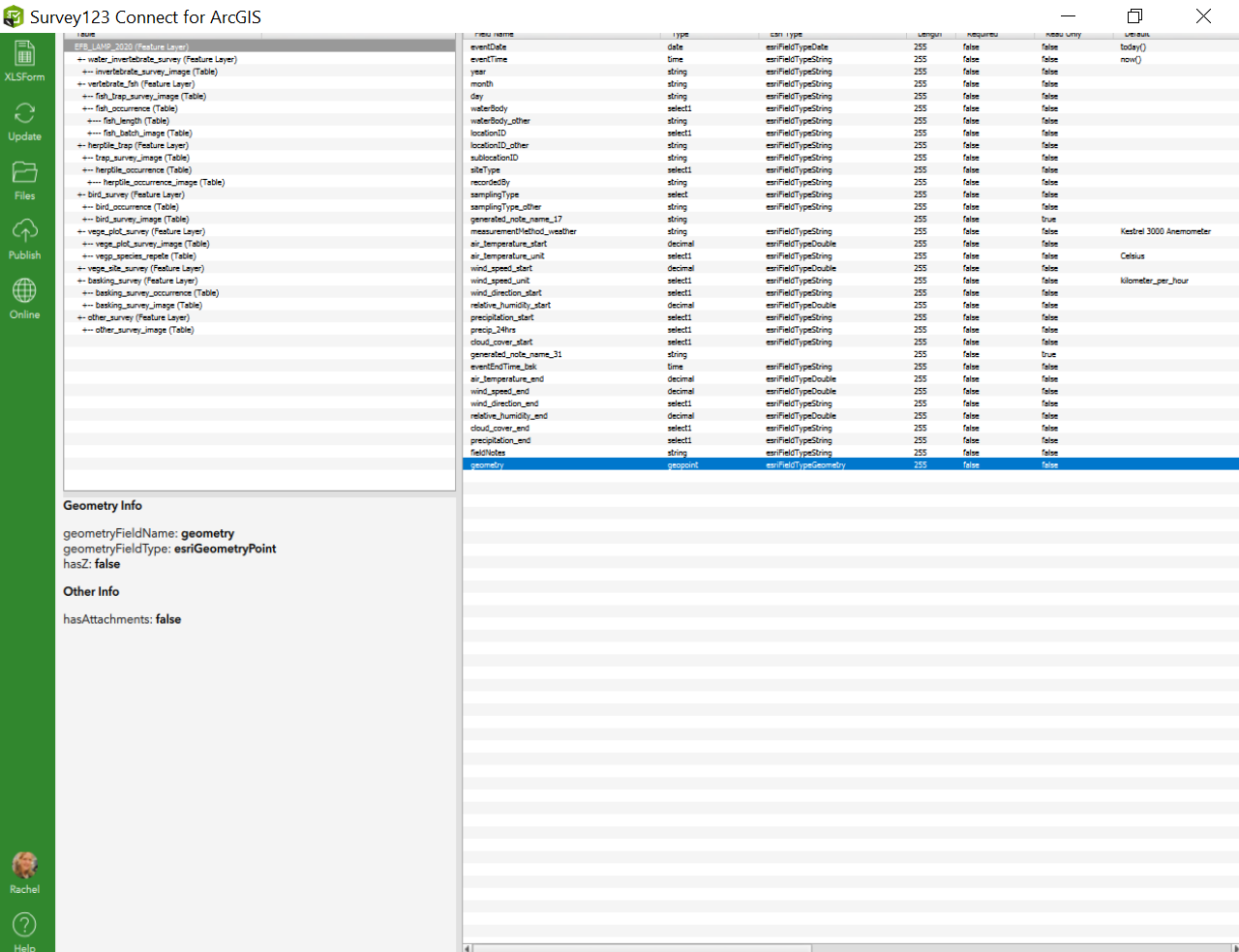
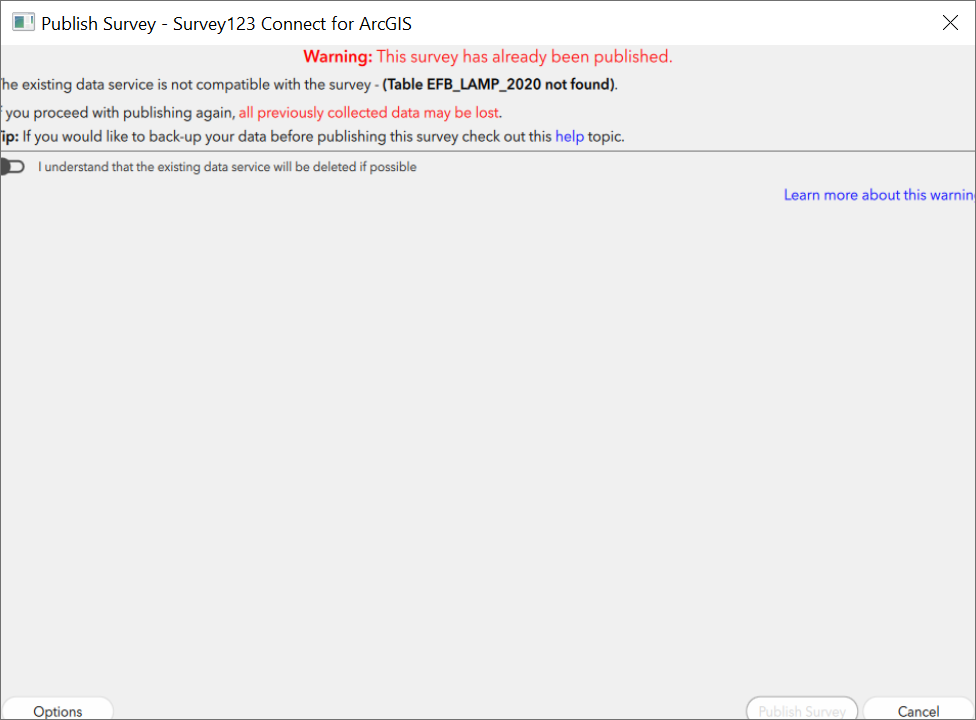
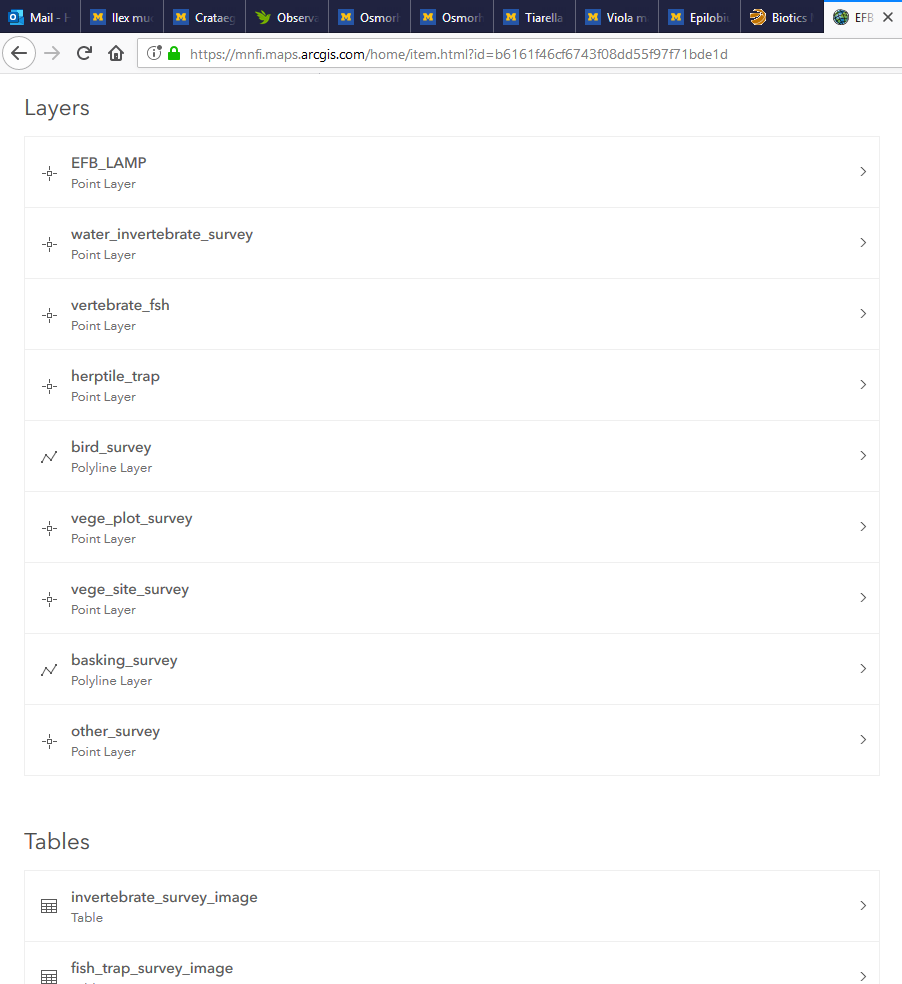
I have a Survey123 form with multiple tables/repeats and existing data. I wanted to edit some constraints. I pulled the .xls form from the existing survey to edit via "Edit in Survey123 Connect" in ArcOnline portal, edited two constraint cells. When I try to re-publish it tells me that "The existing data is not compatible with the survey - (Table EFB_LAMP_2020 not found)." I have made no adjustments to the tables and do not know how to change the constrains without loosing the existing data. It looks like the table it is referring to is actually called EFB_LAMP in the existing Feature Layer. I'm not sure how the two names got used. How do I reconcile the two names so I can update the constraints for the survey form? I've tried updating the Title under General Settings, but I get the same message.
Error message:
Existing Feature Layer Layers:
Survey123 Connect layers: