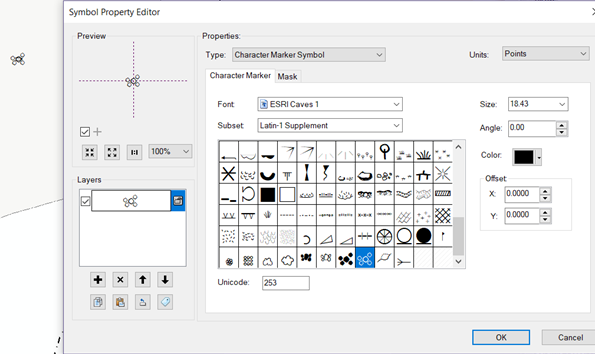
I have a symbol that is suddenly displaying differently than it should. The symbol property editor box shows the correct symbol, but when it is used in the map, it is conflating the symbol with another one for a different layer. I tried closing and reopening, but it's still there. Here is the dialog box alongside the actual symbol in the map. It's a little hard to see, but in the middle there is another, smaller symbol. It's easier to see when you create a point - the conflated symbol briefly appears before the correct one is added on top. Is this a bug? (this is not actually Pro, but ArcMap 10.5)