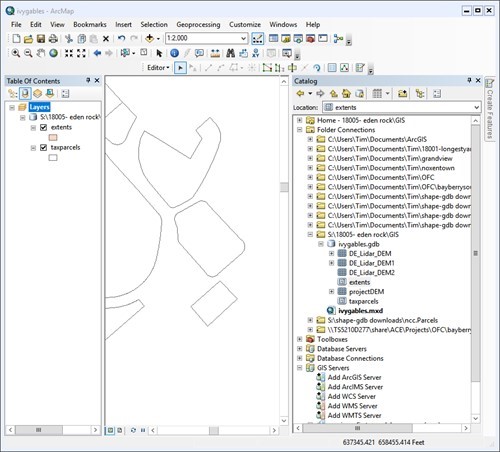
I am using ArcGIS for Desktop 10.4.1. I have a gdb on a folder located on a network attached storage device (NAS). If I right click on a feature class to delete it, "delete "and "rename" are grayed out. New feature classes can be created in the gdb but cannot be deleted (or renamed), including feature classes that have no features within them. This also goes for anything in the gdb including rasters, although rasters can be renamed but not deleted.
I don't experience this with gdb's on my computer hard drive. Is this problem happening because the gdb is on a network folder? If so, how can one work with gdb's on network folders? Below is a screenshot of the catalog view.