Hello,
I created a custom widget for the ArcGIS Viewer for Flex.
The widget works an I am able to deploy it as a ZIP file and ship it to (test-)customers.
The ugly part:
If you import that widget into an ArcGIS Viewer for Flex to publish it with your Map and want to configure it, the Viewer only shows the content of the xml-configuration file instead of a fancy UI.
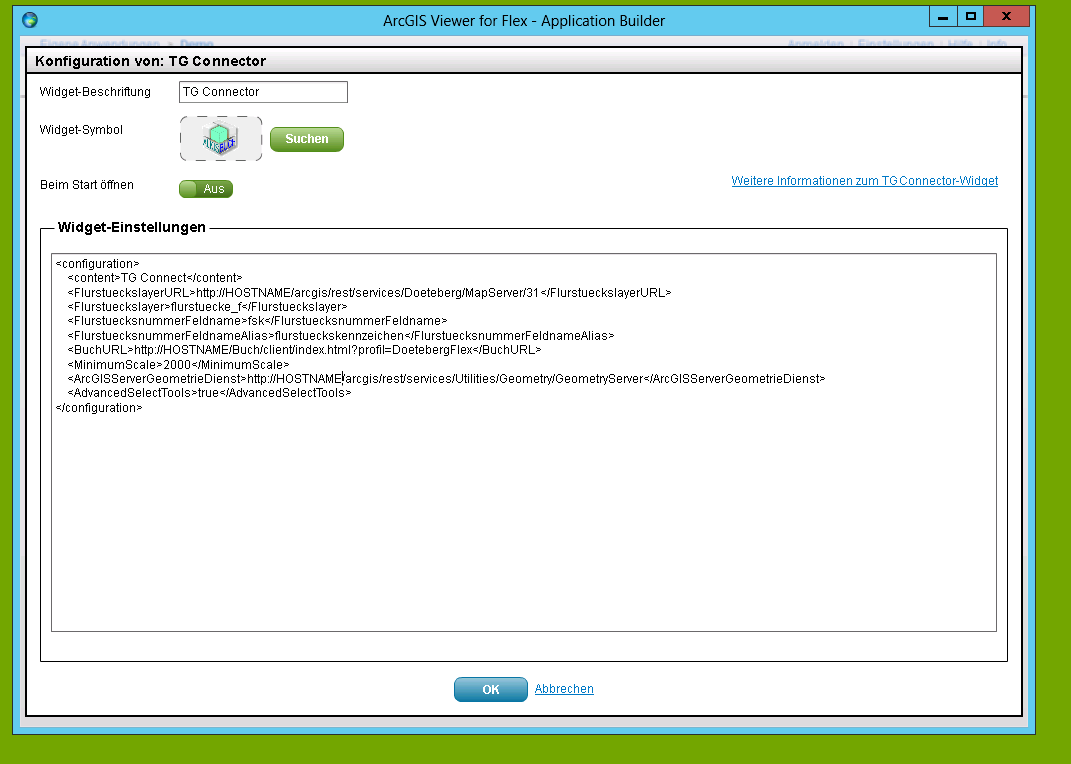
To get around that, I created a UI-"Module" for my widget, as it is explained here:
Custom Modules for Application Builder · Esri/arcgis-viewer-builder-flex Wiki · GitHub
That works quite well:
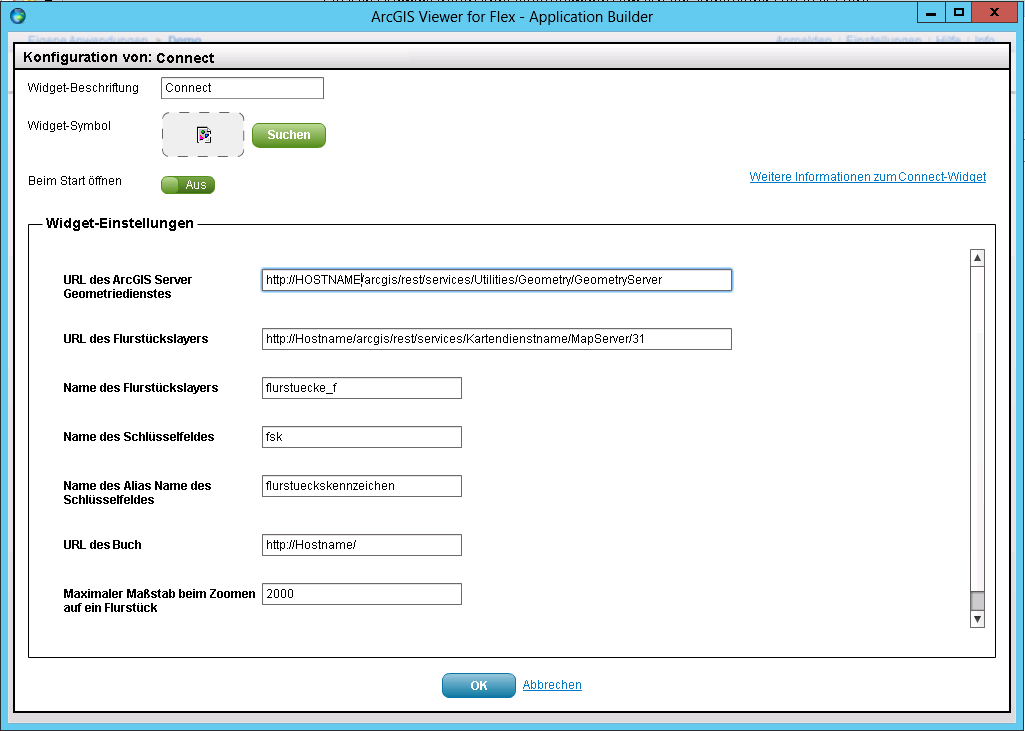
The problem is, when I import this custom Widget with the Module, my Widget Icon is not displayed.
The icon is packed in the "assets/images" folder of my widget-zip-file.
I can't figure out how to access the assets folder to correctly display the icon for the widget.
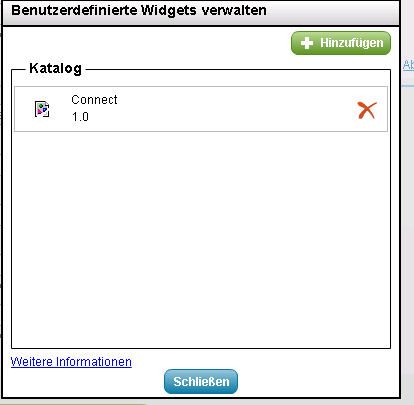
When I deploy the widget without the custom-config-ui module the icon is displayed correctly.
(See first screenshot)
Did anyone try to create such a custom-widget-configuration-ui?
Any hints on what i am doing wrong?
Is there an other way to create a custom configuration window?
If needed I can provide sourcecode.
Greetings!


