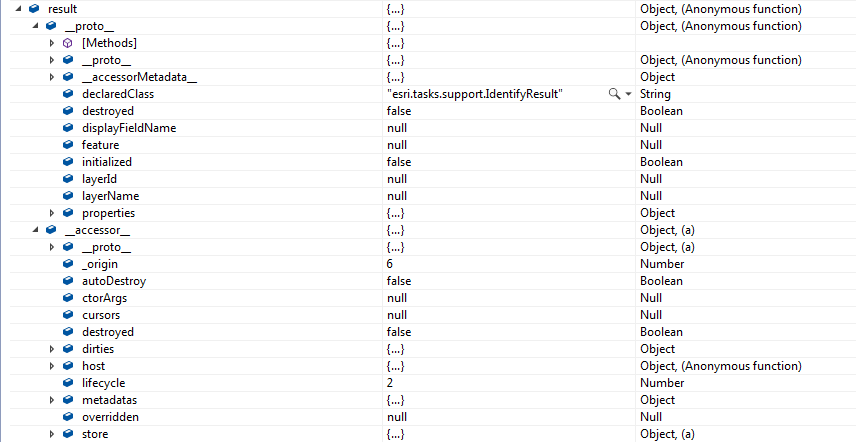
I want to access the feature geometry when using the IdentifyTask in the JavaScript API 4.6 so that I can add a graphic to my point feature.
I am using the Sample located at https://developers.arcgis.com/javascript/latest/sample-code/tasks-identify/
I added a line
var mp = result.feature.geometry;
but the geometry is null.
Here is part of the code:
// Executes each time the view is clicked
function executeIdentifyTask(event) {
// Set the geometry to the location of the view click
alert (event.mapPoint.x);
params.geometry = event.mapPoint;
params.mapExtent = view.extent;
dom.byId("viewDiv").style.cursor = "wait";
// This function returns a promise that resolves to an array of features
// A custom popupTemplate is set for each feature based on the layer it
// originates from
identifyTask.execute(params).then(function(response) {
var results = response.results;
return arrayUtils.map(results, function(result) {
var feature = result.feature;
var layerName = result.layerName;
var mp = result.feature.geometry;
End of the code
Here is what the result object looks like in 4.6. How do I find the geometry? The "_proto_" and "_accessor_" make it difficult to find anything.