I cobbled together a custom valve symbol using the Symbol Property Editor in the Style Manager in ArcMap. (created from several existing symbol styles/groups in ArcGIS for Desktop)
I set the Symbol Rotation Value (generated using Attribute Assistant JUNCTION ROTATION) to match the orientation of the pipe
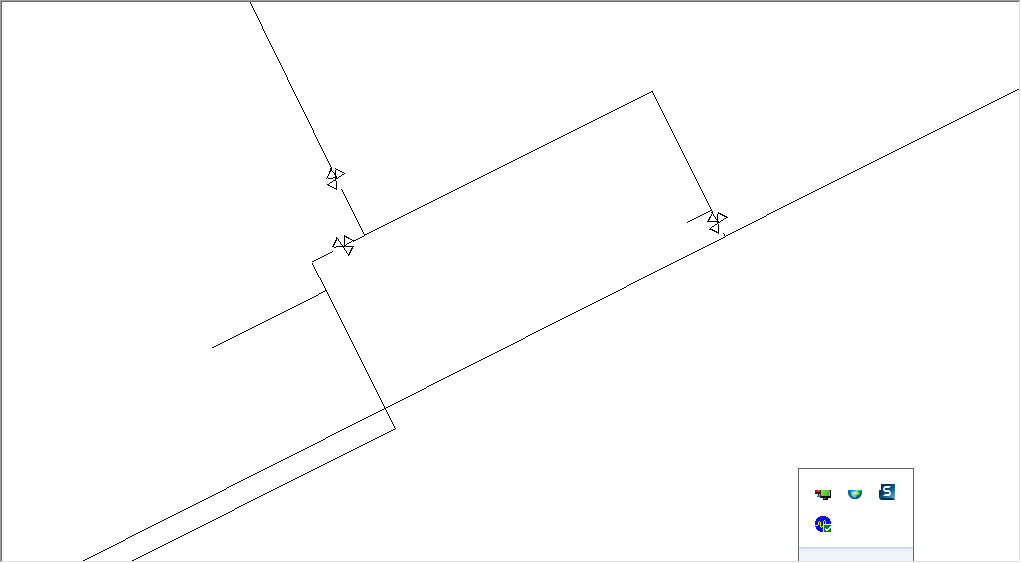
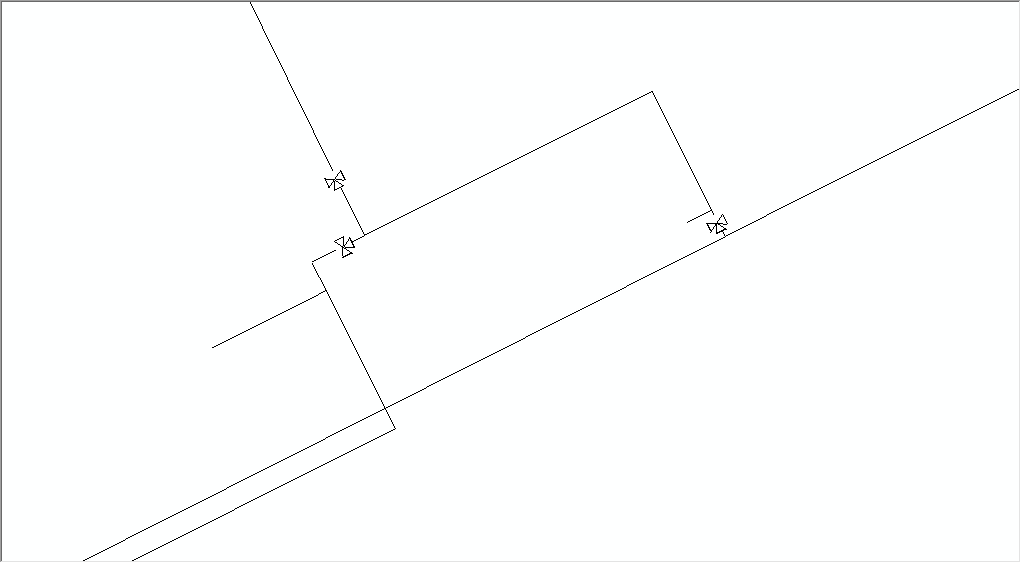
I tested whether the custom valve symbol will match the line orientation using Geographic Rotation, then Arithmetic Rotation. Both methods the symbol does not rotate in line with the pipe as it does when I use the default valve symbol in the ESRI AM/FM Water Symbol Set.
Below are the results of this test:
Custom Valve Symbol using Arithmetic Rotation (not oriented in line with the pipe)
Custom Valve Symbol using Geographic Rotation (not oriented in line with the pipe)
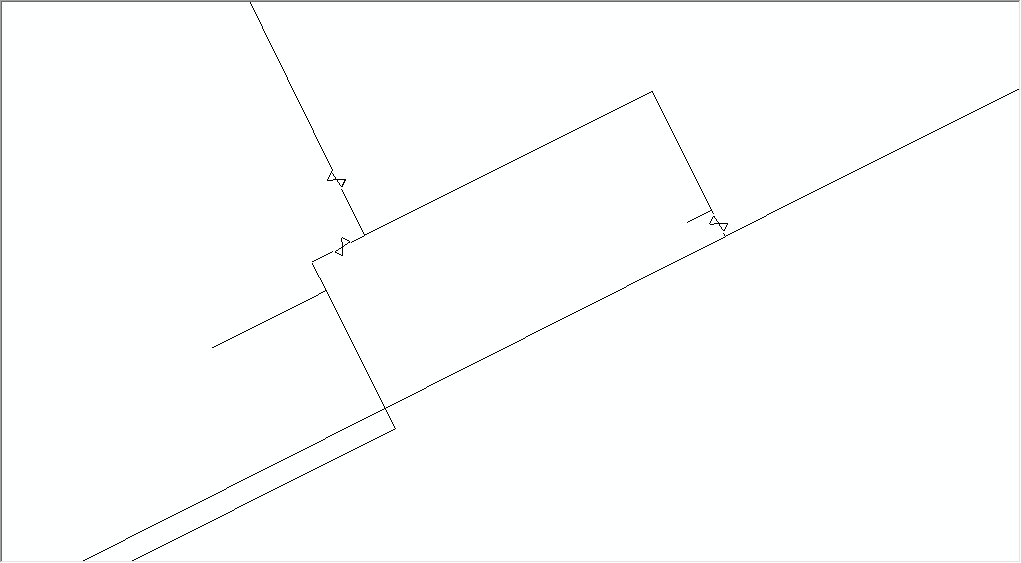
ESRI AM/FM Water Valve Symbol using Arithmetic Rotation (not oriented in line with the pipe)
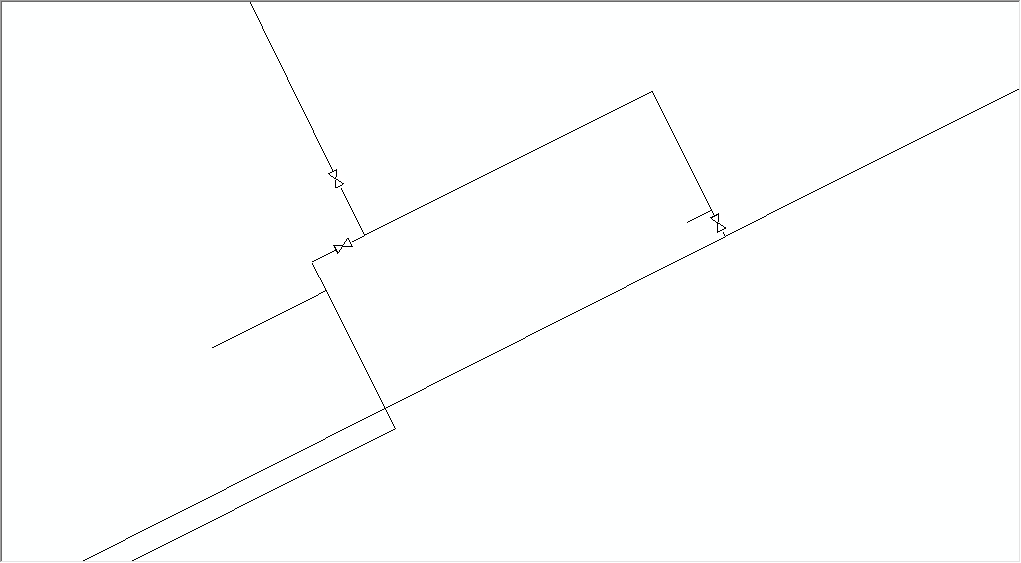
ESRI AM/FM Water Symbol using Geographic Rotation (This is the correct orientation I would like for the custom valve symbol I created)
QUESTION:
If I use custom valve symbols, what is the best way to ensure they rotate in line with the pipe? (the Symbol Rotation Values I currently have, which were generated using Attribute Assistant JUNCTION ROTATION, do not seem to work)

