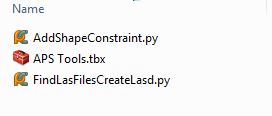
In Arc GIS 10.2.1, I've written custom toolbox which contains a model which in turn makes use of a .py file that lives in the same folder as the toolbox .tbx file, as shown below:
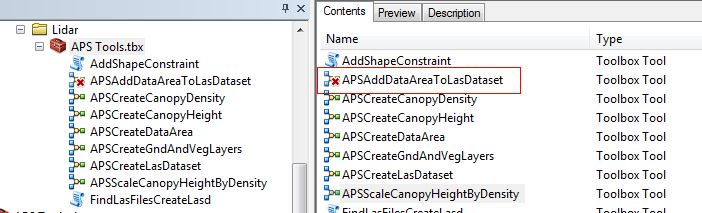
When I copy the folder with the .tbx and .py files to a new machine in order to run the model, the model APSAddDataAreaToLasDataset displays a red x next to it indicating that it has a problem.
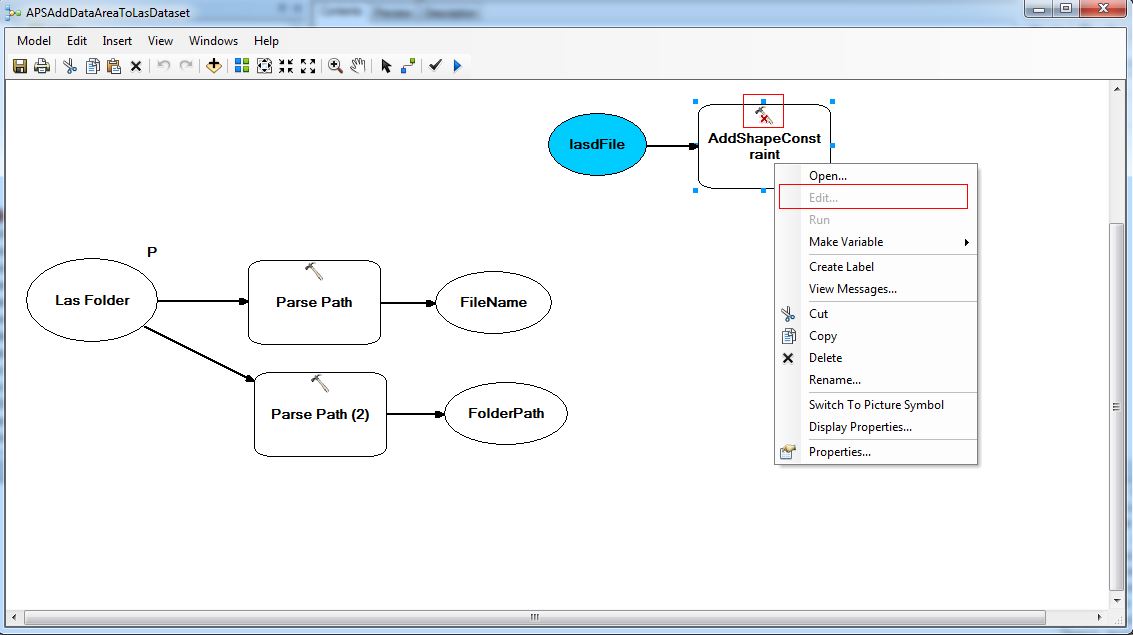
The problem seems to be that the model cannot find the file AddShapeConstraint.py that it needs. The tool AddShapeConstraint has a red x next to it in the Model Builder editor. Also the Edit option is missing from the Properties of the tool in model builder, shown below.
If I remove the tool AddShapeConstraint from the model and then add it back in from the Insert->Tool menu item, then the model can find the .py file and everything works. Does anyone know why the model cannot find the .py file, and therefore I must delete and then add back the tool to the model whenever I copy this custom toolbox and its .py files to a new machine?
The problematic file AddShapeConstraint.py is attached.



