I created a small table (less than 200 rows) then attempted to export to Excel. Table to Excel tool consistently fails.
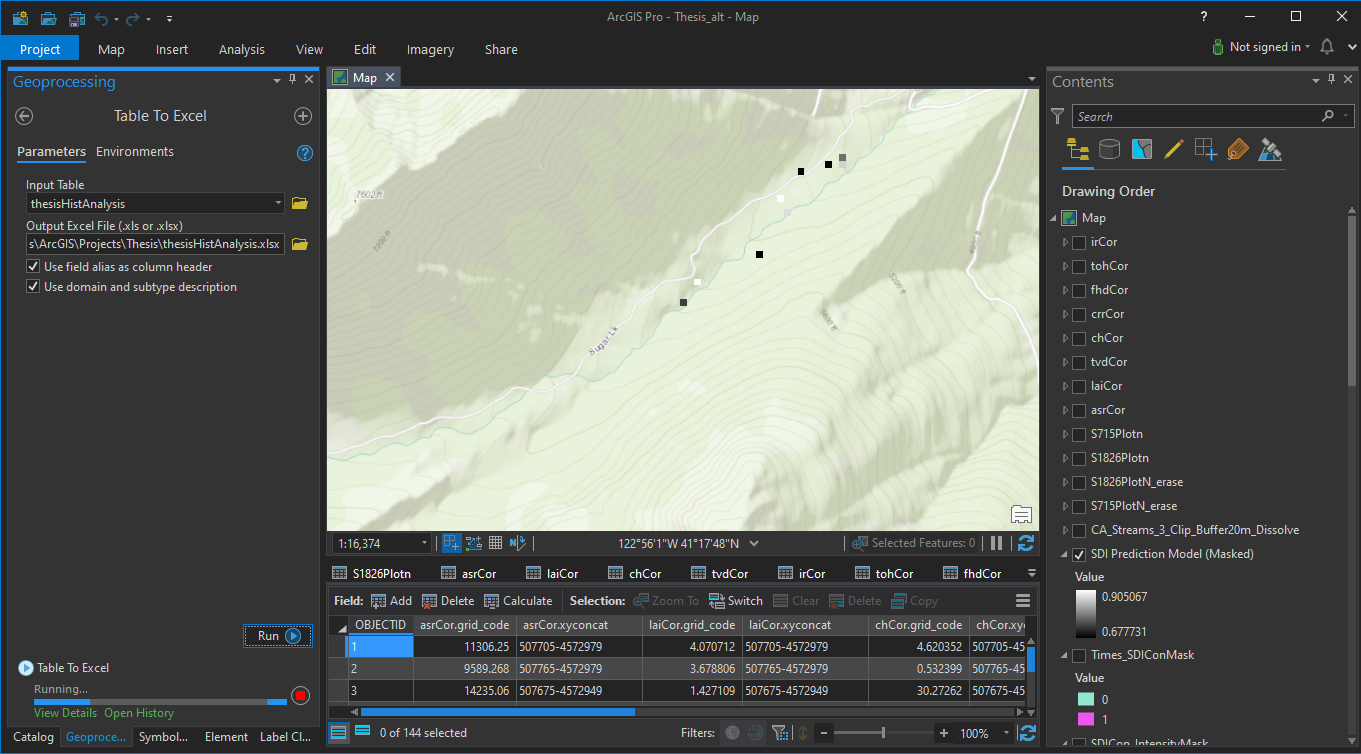
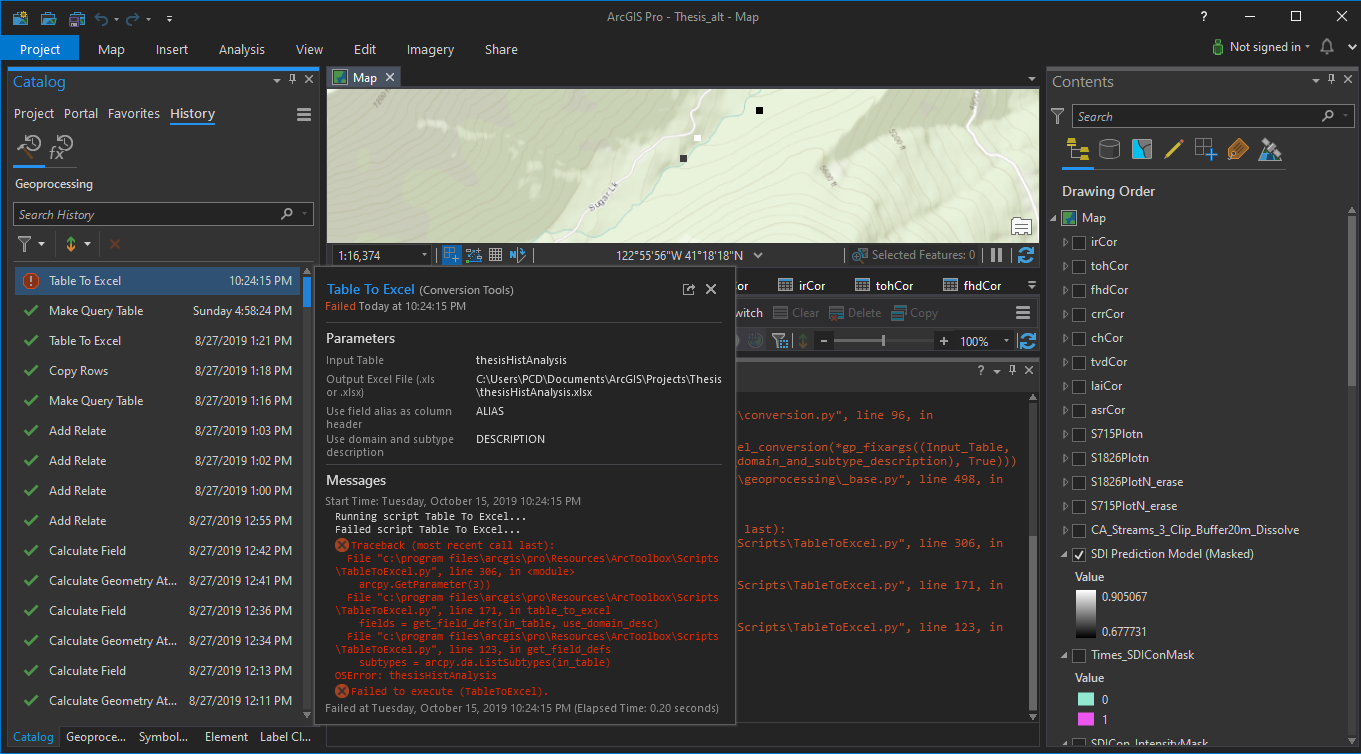
If send the tool script with my parameters to the Python window and run the tool, the following error results - it is the same and repeatable:
import arcpy
arcpy.conversion.TableToExcel("thesisHistAnalysis", r"C:\Users\PCD\Documents\ArcGIS\Projects\Thesis\thesisHistAnalysis.xlsx", "ALIAS", "DESCRIPTION")
Traceback (most recent call last):
File "<string>", line 1, in <module>
File "c:\program files\arcgis\pro\Resources\arcpy\arcpy\conversion.py", line 99, in TableToExcel
raise e
File "c:\program files\arcgis\pro\Resources\arcpy\arcpy\conversion.py", line 96, in TableToExcel
retval = convertArcObjectToPythonObject(gp.TableToExcel_conversion(*gp_fixargs((Input_Table, Output_Excel_File, Use_field_alias_as_column_header, Use_domain_and_subtype_description), True)))
File "c:\program files\arcgis\pro\Resources\arcpy\arcpy\geoprocessing\_base.py", line 498, in <lambda>
return lambda *args: val(*gp_fixargs(args, True))
arcgisscripting.ExecuteError: Traceback (most recent call last):
File "c:\program files\arcgis\pro\Resources\ArcToolbox\Scripts\TableToExcel.py", line 306, in <module>
arcpy.GetParameter(3))
File "c:\program files\arcgis\pro\Resources\ArcToolbox\Scripts\TableToExcel.py", line 171, in table_to_excel
fields = get_field_defs(in_table, use_domain_desc)
File "c:\program files\arcgis\pro\Resources\ArcToolbox\Scripts\TableToExcel.py", line 123, in get_field_defs
subtypes = arcpy.da.ListSubtypes(in_table)
OSError: thesisHistAnalysis
Failed to execute (TableToExcel).
Is there another approach - maybe a pandas or similar solution if the ESRI script does not work? Is ther a way to troubleshoot ESRI Python that previously operated as anticipated? Are there requirements wrt the table itself that could be related to the error?




