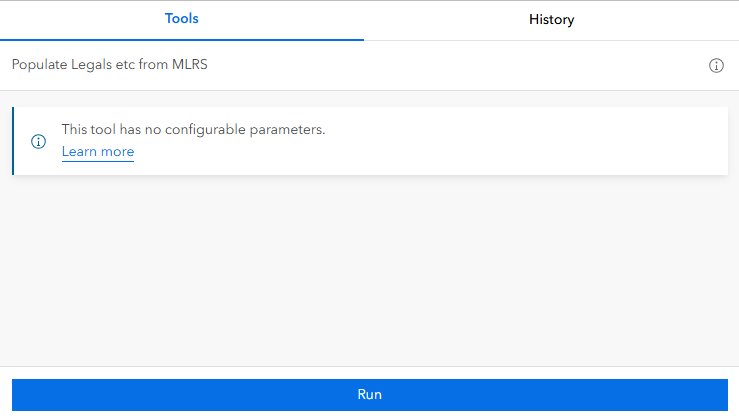
I have a geoprocessing service that basically does a bunch of field calculations.
It has one input parameter, which the user does not see. This parameter takes a json file that points the tool to the right tables. When tool was published as a service, that json file went with it.
I got it uploaded and it works great. I'm using it in Experience Builder.
In Pro, when I open the tool from the Portal, it displays that input parameter and it shows the original file path, rather than what that file should be on the Portal's server.
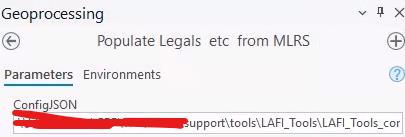
In any case, the GP service works great in Pro, too.
However.
I heard that you can make an automated task via Pro by clicking the dropdown on the Run button. So I did that, and set it to run every night at midnight.
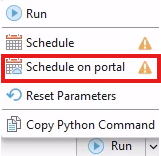
(Note that the exclamation points are from my project not being saved)
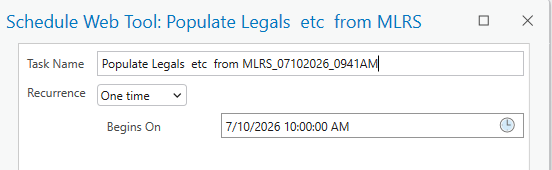
Unfortunately, when I go to check the task the next morning, it has always failed.
I was able to change the time a touch (from like 5AM to 5:15) and that appeared to largely work, but when I changed the time to 5:30, it didn't work anymore
What's the deal, here?
On a related note, how can I get more information about the task's run? Only seeing "Succeeded" or "Failed" is really not helpful, and I have print statements (or even a specific error) would be helpful.




