Hello everyone!
I'm dealing with a issue in my Utility Network that I haven't been able to resolve through the usual troubleshooting steps, and I'd appreciate any insight from those who may have encountered something similar.
The situation:
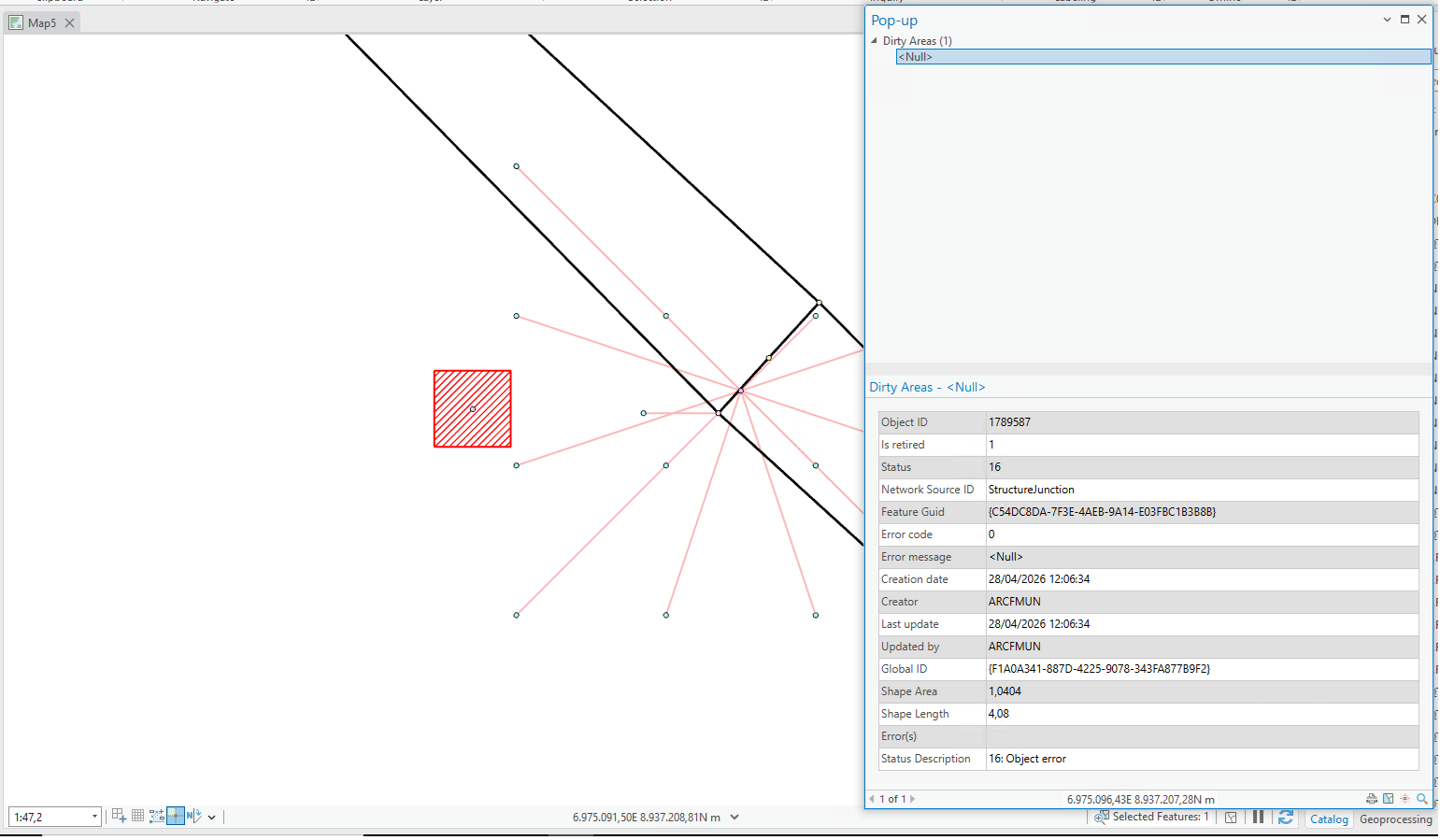
I have more than 1000 poles flagged with dirty areas that I cannot clear. The characteristics of these dirty areas are unusual:
- The ErrorCode is 0 in the Dirty Areas table
- The ErrorMessage field is empty / null
- These dirty areas do not appear in the Error Inspector pane
- Despite not showing up as errors in the Error Inspector, they are preventing the Update Subnetwork operation from running successfully
What I have already tried (without success):
- Check Geometry on the exported features — no geometry issues were identified
- Modifying network attributes on the poles (Asset Group, Asset Type, Lifecycle Status) — the dirty area condition does not clear after validate
- Replacing the geometry using the ReplaceGeometry tool — the dirty area still persists
What I understand so far:
Based on ESRI documentation, an ErrorCode of 0 indicates a dirty area without an associated error — meaning these are technically "edit dirty areas" rather than "error dirty areas," which would explain why they don't appear in the Error Inspector. However, they still block subnetwork updates.
Environment:
- ArcGIS Pro version: 3.3
- ArcGIS Enterprise version: 11.3
- Utility Network version: 7
- Domain: Electric Distribution
Any guidance, similar experiences, or troubleshooting suggestions would be greatly appreciated. Happy to provide additional details, screenshots, or attribute table samples if helpful.
Thank you in advance!

