Hello everyone,
I'm having trouble getting a custom theme to show up in the Experience Builder interface.
{
"name": "demo-theme",
"label": "Demo Theme",
"type": "theme",
"thumbnails ": [],
"font": {
"fontFamily": "Avenir Next",
"color": "#484848"
},
"version": "1.19.0",
"exbVersion": "1.19.0",
"author": "Esri R&D Center Beijing",
"description": "This is a demo theme containing all customizable theme variables.",
"copyright": "",
"license": "http://www.apache.org/licenses/LICENSE-2.0",
"translatedLocales": [
"en",
"zh-cn"
],
"isNewTheme": true
}
When doing npm run, I see that webpack found and build the theme successfully in client/dist/themes/demo-theme.

Everything seems fine so far but that demo-theme does not appear in the experience builder client.
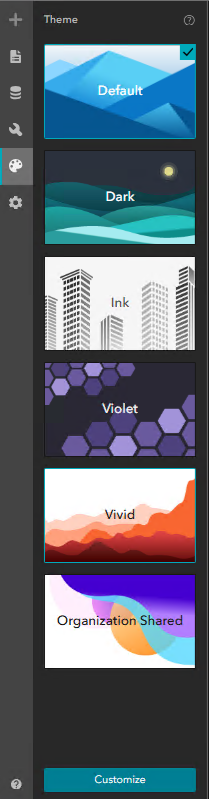
I have try to restart the client and server, erase cache, run in private mode, etc without success.
What could be the cause of this problem? Is there something I'm missing?
Experience builder is v1.18 and nodejs v22.19
Thank you