Hi all,
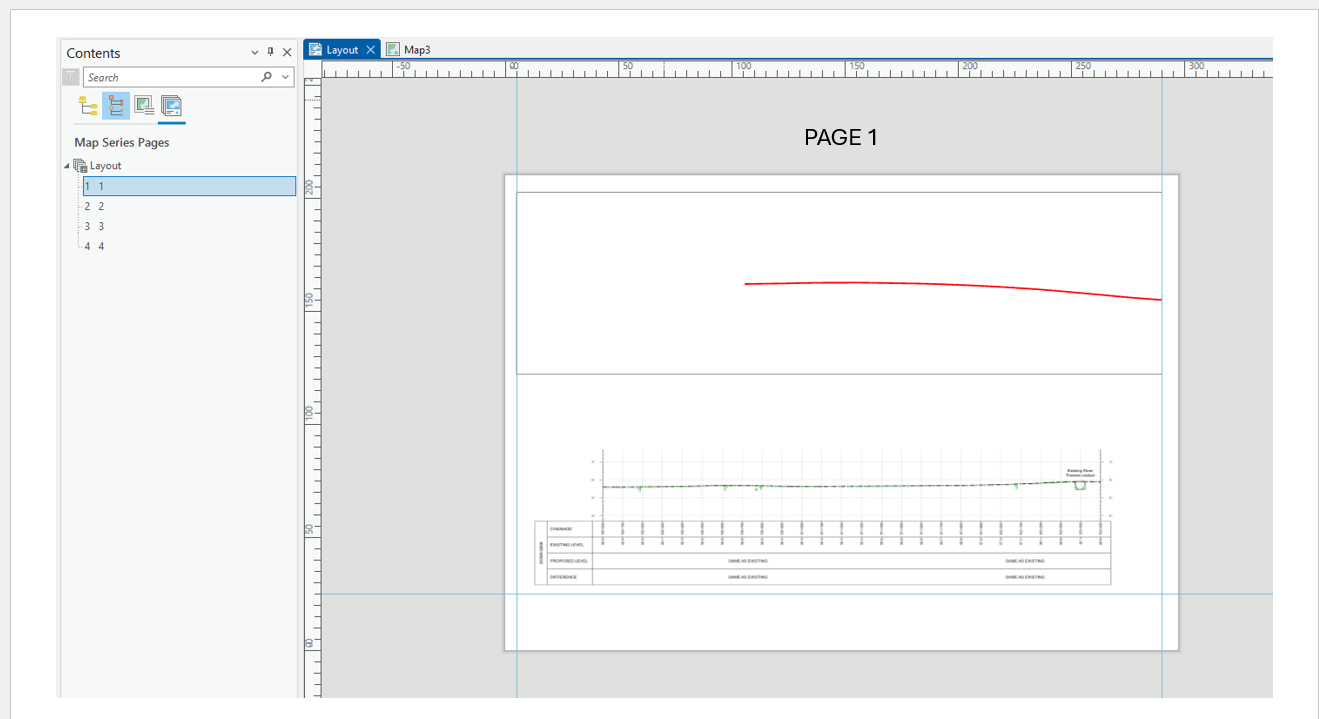
I’m working with a Map Series layout in ArcGIS Pro and using a dynamic picture element whose source is driven by a field called PNG. The PNG field correctly updates the image for each page in the series, so the image itself changes as expected.
My problem:
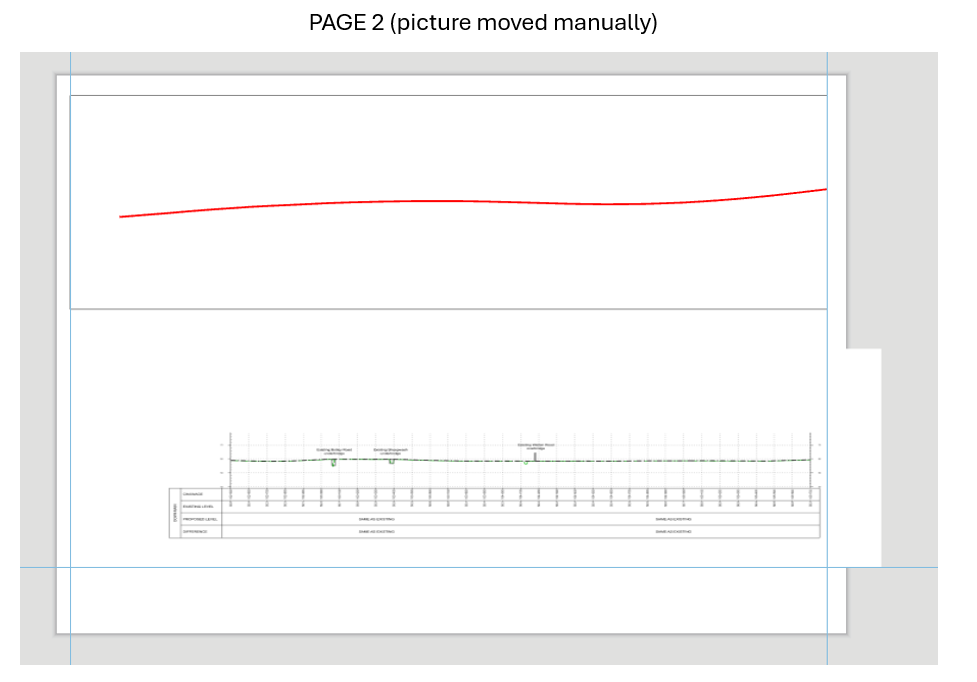
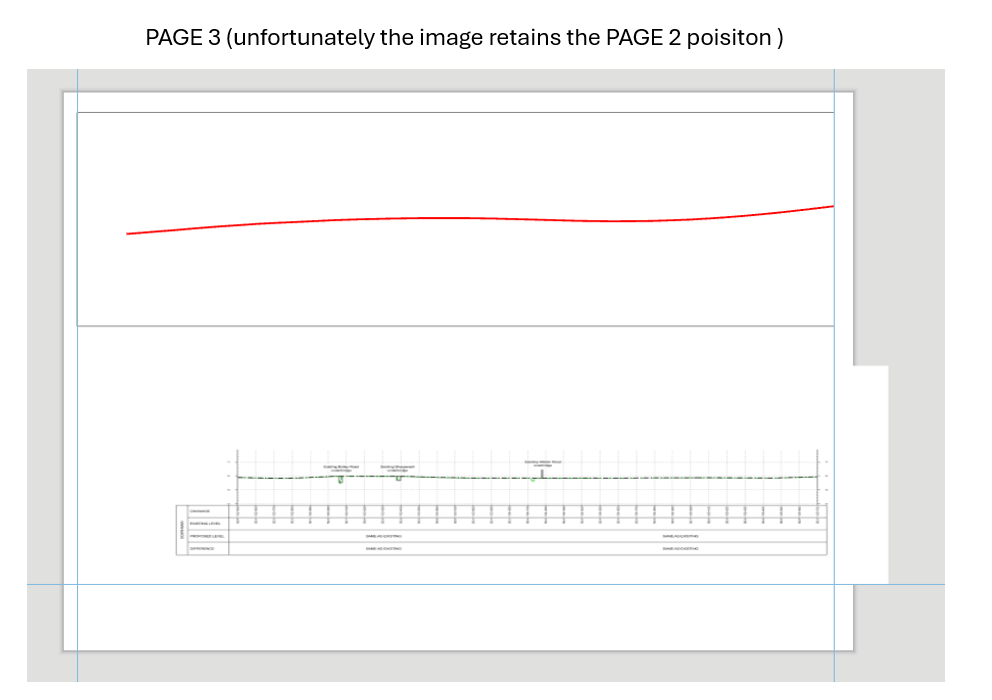
I also need the position of the picture element to change per page (Page 1, Page 2, Page 3, etc.). However, when I move the picture element on Page 1, that same position is applied across all pages in the Map Series. I need the picture to sit in different positions on each page, dynamically, just like the image source does.
Question:
Is there a way in ArcGIS Pro to make a picture element’s position dynamic per page in a Map Series?
For example:
- Page 1 → image at Position A
- Page 2 → image at Position B
- Page 3 → image at Position C
…all while still using the field‑driven PNG value for the picture source.
I’ve tried adjusting the element on individual pages, but the layout seems to treat the picture’s position as global, not page‑specific.
Is there a built‑in method, workaround, or recommended workflow (Arcade, map frame features, arcpy.mp scripting, etc.) to achieve page‑specific element positioning?
Some pictures below:
Thanks in advance!




