In Instant Apps, I've noticed depending on the template you choose, your color theme is applied differently.
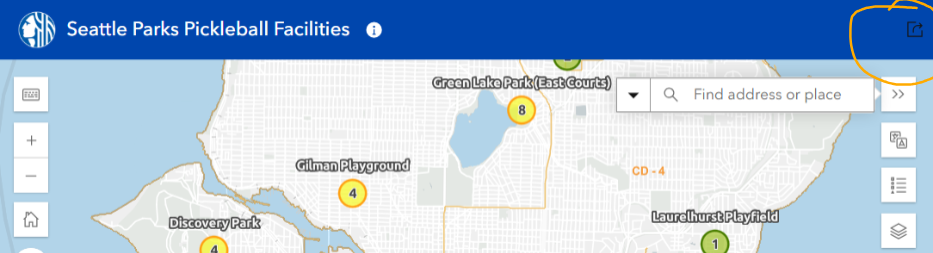
Our Parks department uses the "basic" template quite a bit and even though we have chosen accessible colors, the share button in the top right corner is black against our blue header. It seems like there isn't a way to change this.
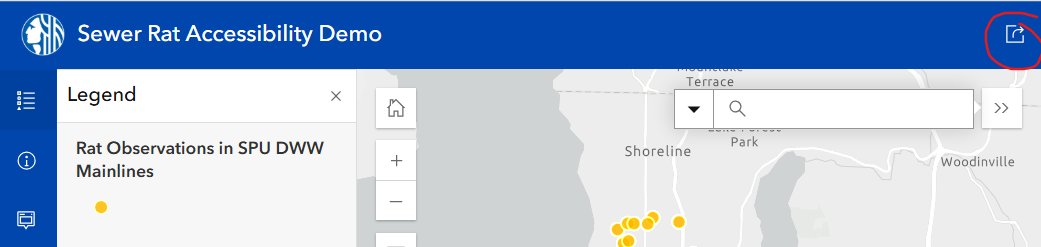
When I use the Sidebar template with the same theme/color scheme, this isn't a problem.
I'm hoping this is an easy/quick fix that Esri could implement - @KristaMcPherson
Example - Basic template with our City of Seattle shared theme:
Seattle Parks Pickleball Facilities
Sidebar template with same "Shared Theme" to choose the colors: