I am having an issue in the Space Planner app where all of our conference rooms, which are given 'meeting room' for the ASSIGNMENT_TYPE in our root data (which the map for the Space Planner was made from) keep getting changed to 'none' (Office (unoccupied)) any time I merge. I have tried merging our default data (which is correct) to the current plan, but it does not change the assignment type. I have tried calculating the assignment_type field in the current plan WFL, which will show the correct data in the Space Planner until I have to merge the data, then both sets of data become incorrect, even though they were BOTH correct before the merge, and no changes were made within the Space Planner app.
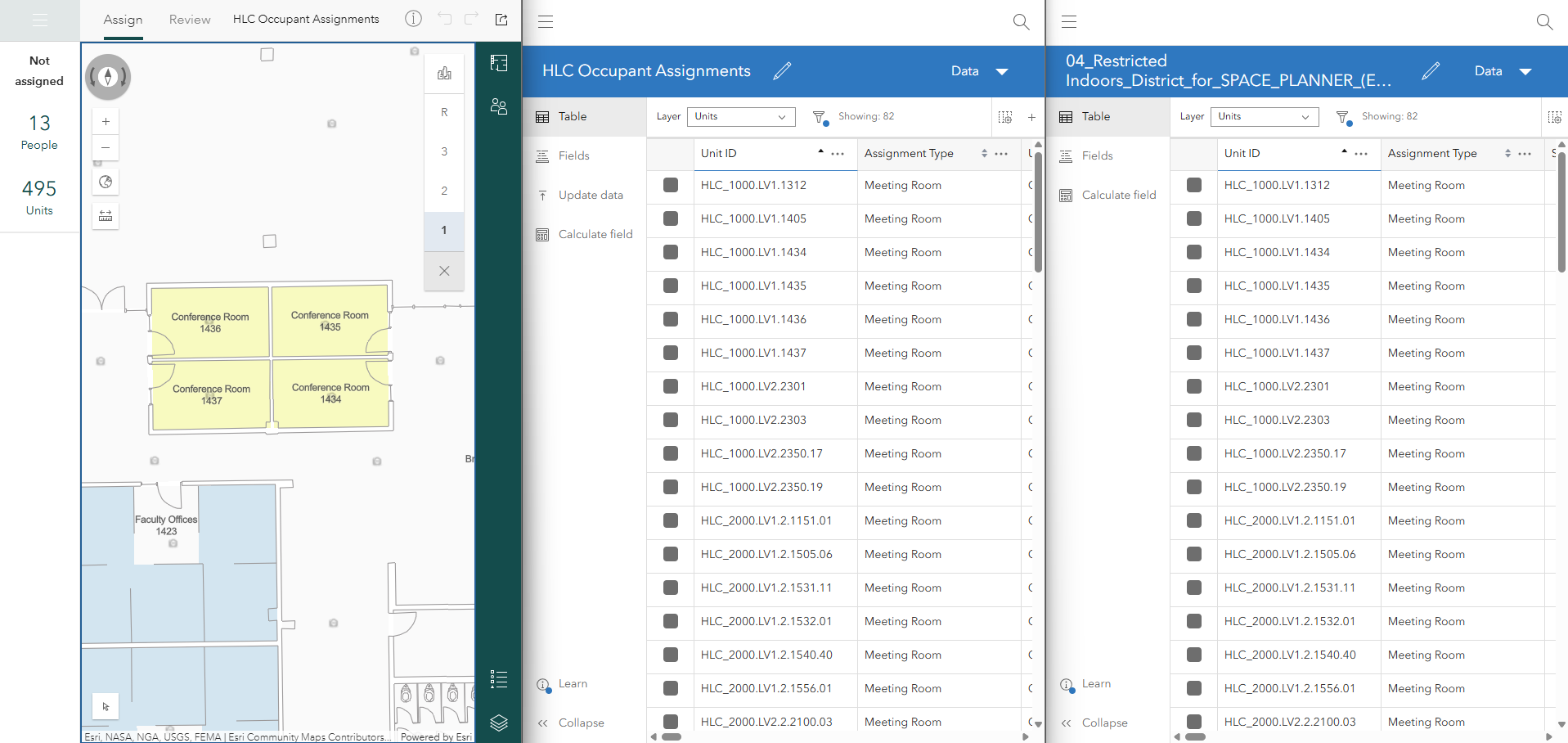
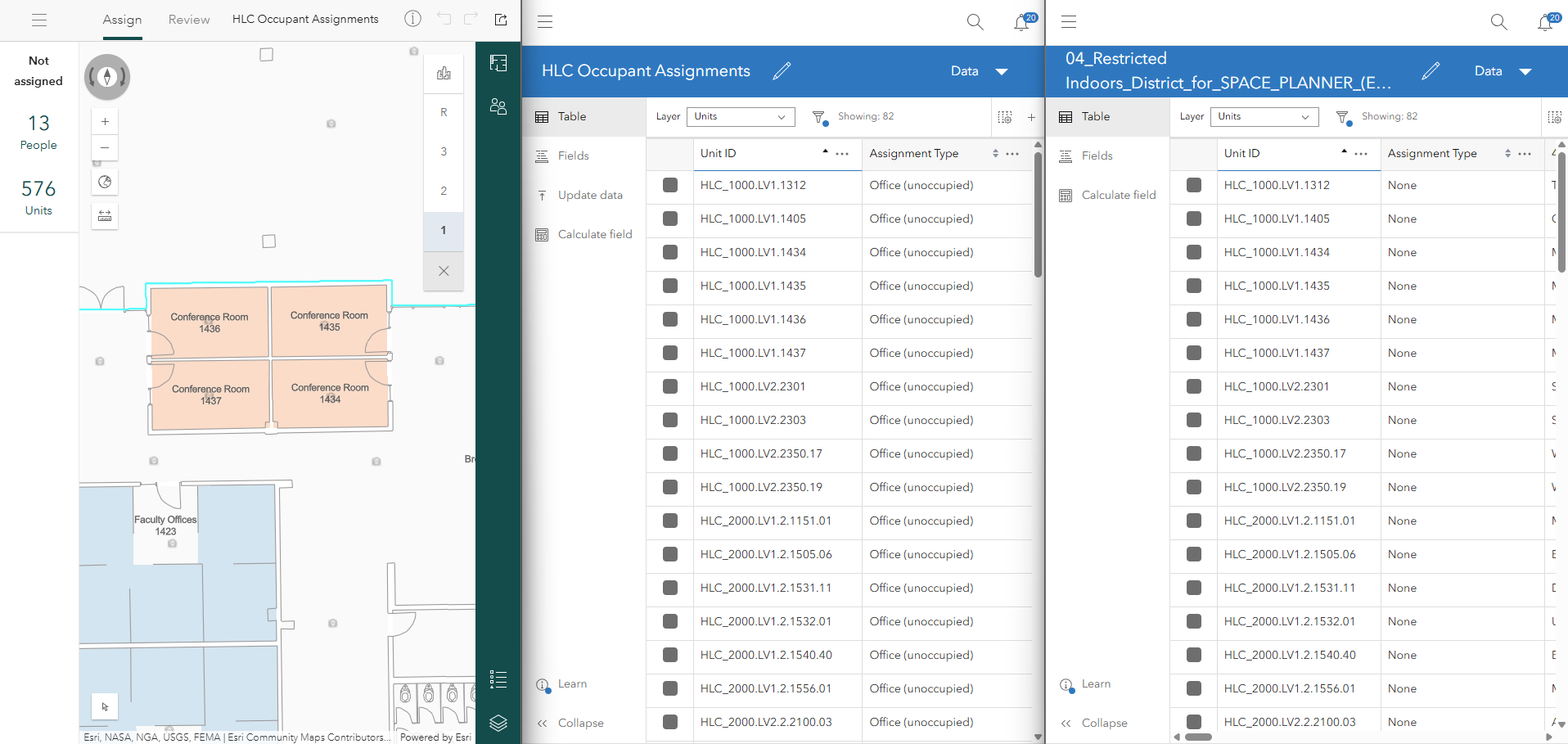
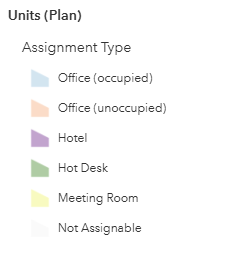
These images show the Space Planner app, the Units table for the plan's WFL, and the Units table for the Root data WFL. The first image is before I merge, the second is after I merge current plan into default plan without making any changes in the plan. Note that "None" and "Office (unoccupied)" are both domain code 'none'.
Before Merging:
After Merging (current plan into default plan):
If I start with the data correct for both layers (assignment type set to 'meeting room') and then merge the default plan into the current plan, the root data will stay correct but the plan data will change and the Assignment_Type changes to 'none', as shown below.
After Merging (default plan into current plan):

I do not have Workspace Areas enabled in the Space Planner, but we (hopefully) will use that functionality in the future and I would like still like the meeting rooms to be attributed and symbolized correctly in the mean time. Even though I haven't had this issue with the units assigned as Hotels or Hot Desks, I have tried enabling Workspaces and that did not change anything. Is this a bug or is there something incorrect about how I am managing this? Has anyone else run into an issue like this?


