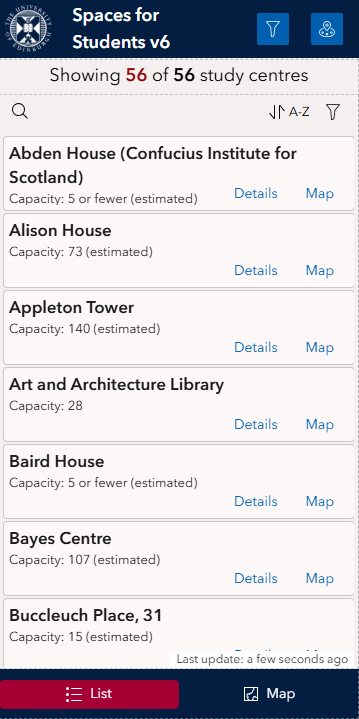
I'm the process of creating an Experience that has two main views: a List of buildings (the default view) and a Map showing the location of the buildings. I also have a third element: the Feature Info widget to display the popup of the selected feature. The default List view looks like this:
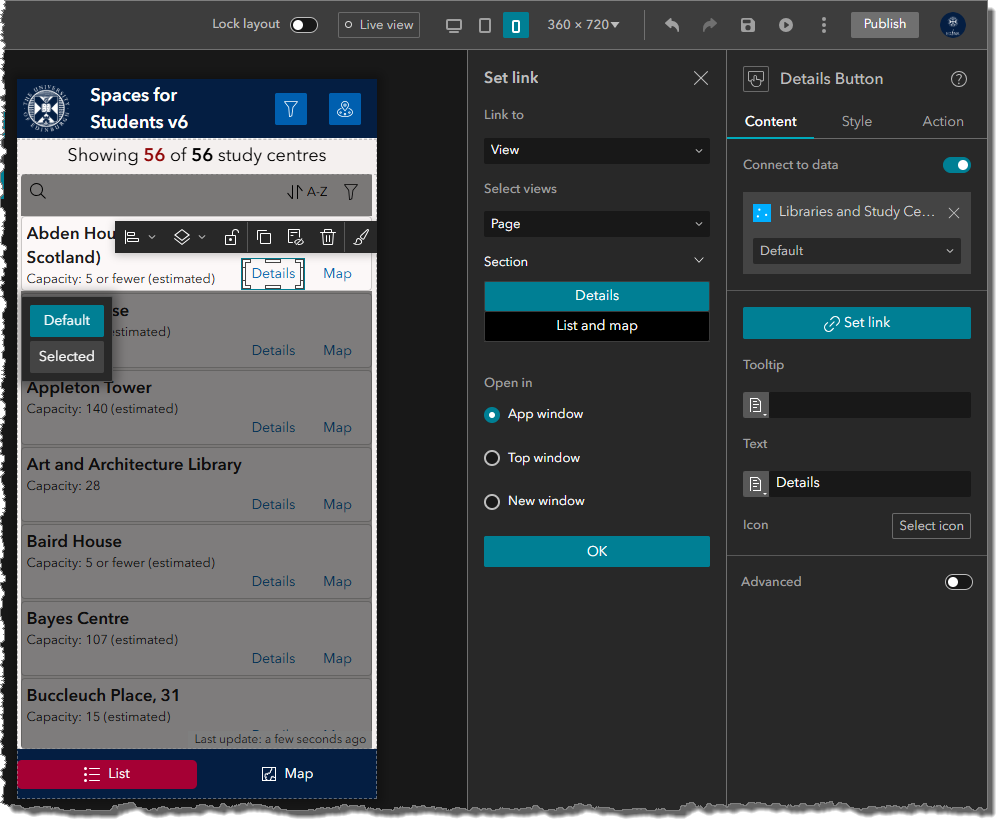
The 'Details' link on each building card is a Button that is opens the Feature Info widget for the relevant building:
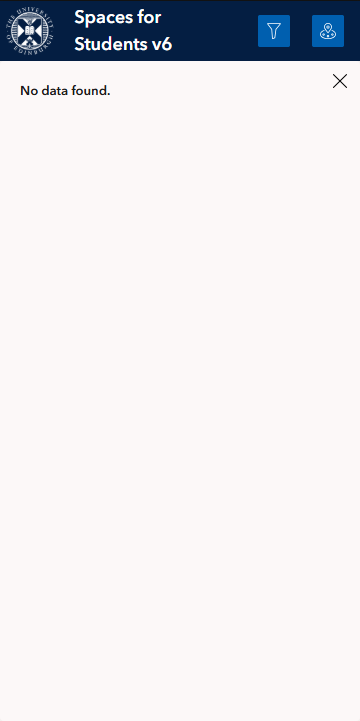
The problem I'm having is that if the user presses any of the Details buttons without going to the Map tab first, the details don't display:
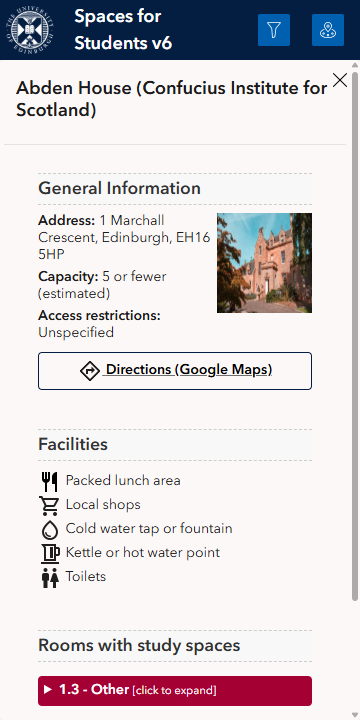
It only works if you go to the Map first. After the map has loaded the Details buttons work fine:
It's like the app hasn't loaded the map so isn't able to access the feature popup info until the map has been loaded.
Does anyone know if there is a way around this (other than making the map the default view, which I don't want to do for this application)?




