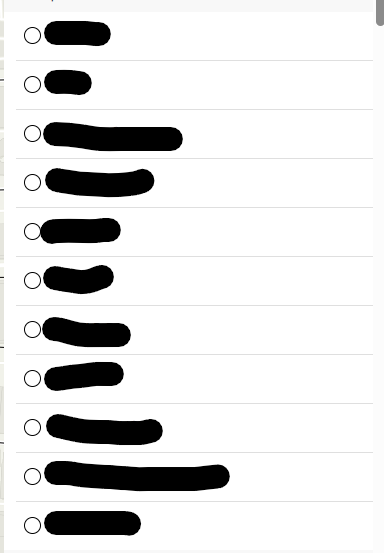
My template symbology in field maps disappeared halfway through the creation of a form for a point layer and now I have no option anywhere to update template symbology and sync my templates. When I go to drop a point in the field map now I see the same transparent point for all categories instead of my default symbology (shown below).
This happened once before during my configuration of the field map, but a splash screen opened when I entered the template editor asking me to update the templates. That splash screen hasn't popped up again and my template symbology is stuck. This also seems to be affecting field calculations in my form.
Any insight on this matter would be greatly appreciated, thank you!