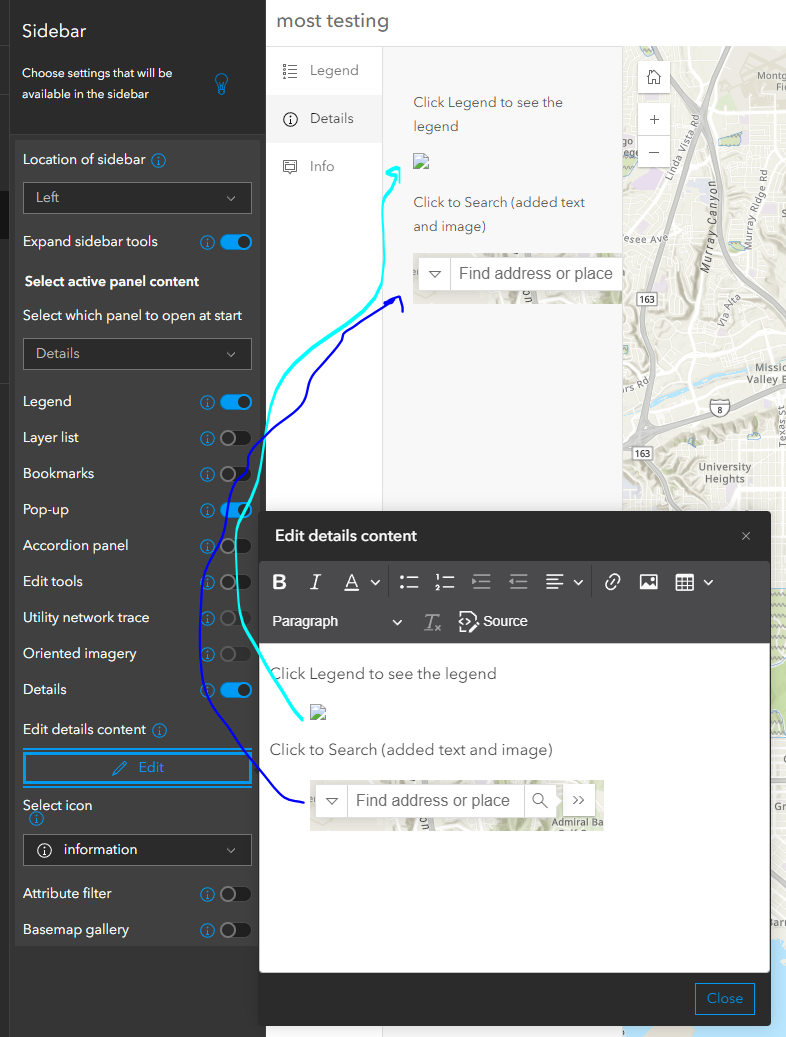
Images on the Details Tab of the Sidebar instant app is glitching.
A single image seems to be okay
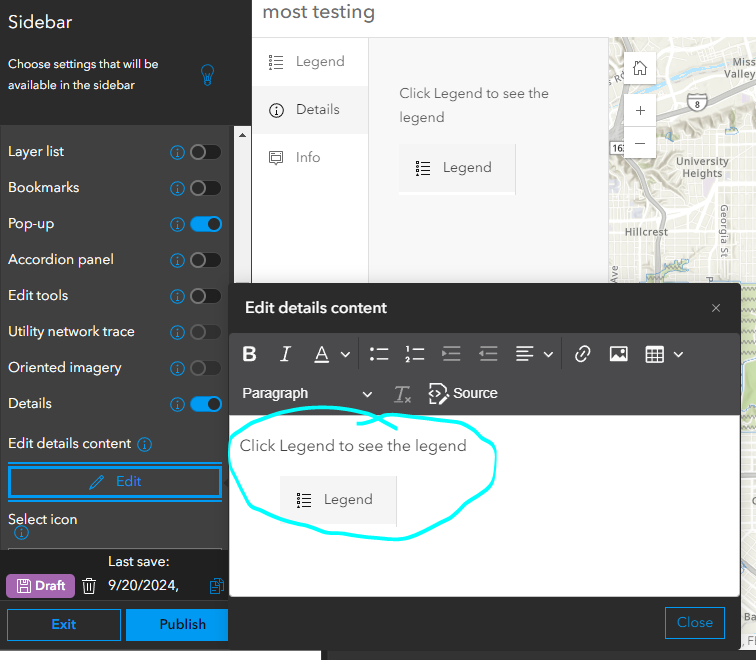
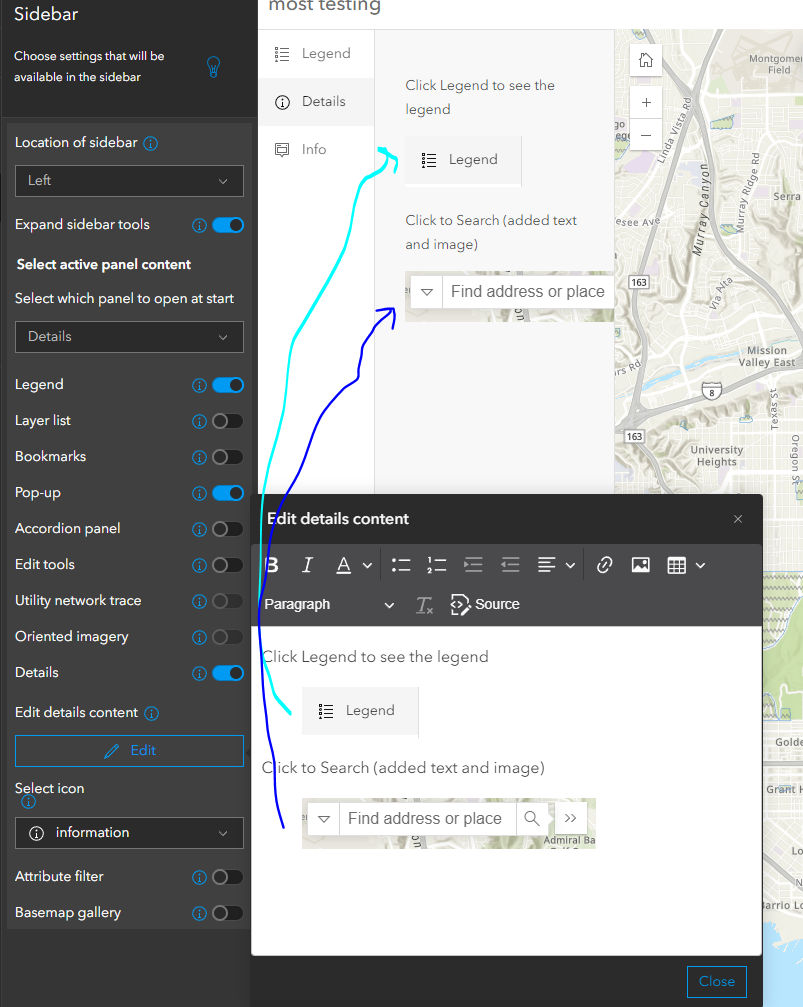
If you save and come back later to add an additional second image. The previous images break.
- At first it looks okay in the Instant App Editor.
However, if you launch the Instant App, the first image is lost.
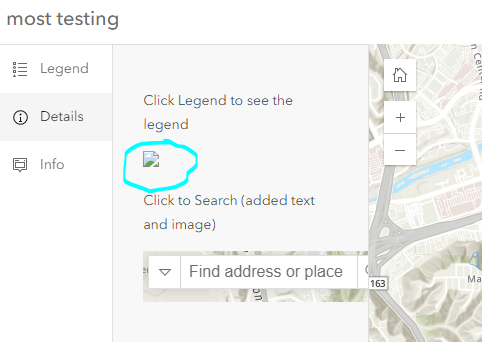
If you go back or reload to the Instant App Editor. The first image is now lost.
- This happens any time a new image is pasted into the details pane, if a previously image has been saved.
- The only work around I have found, is to remove all images and re-paste them all in a single edit session.