I have this Experience Builder site based on this web map.
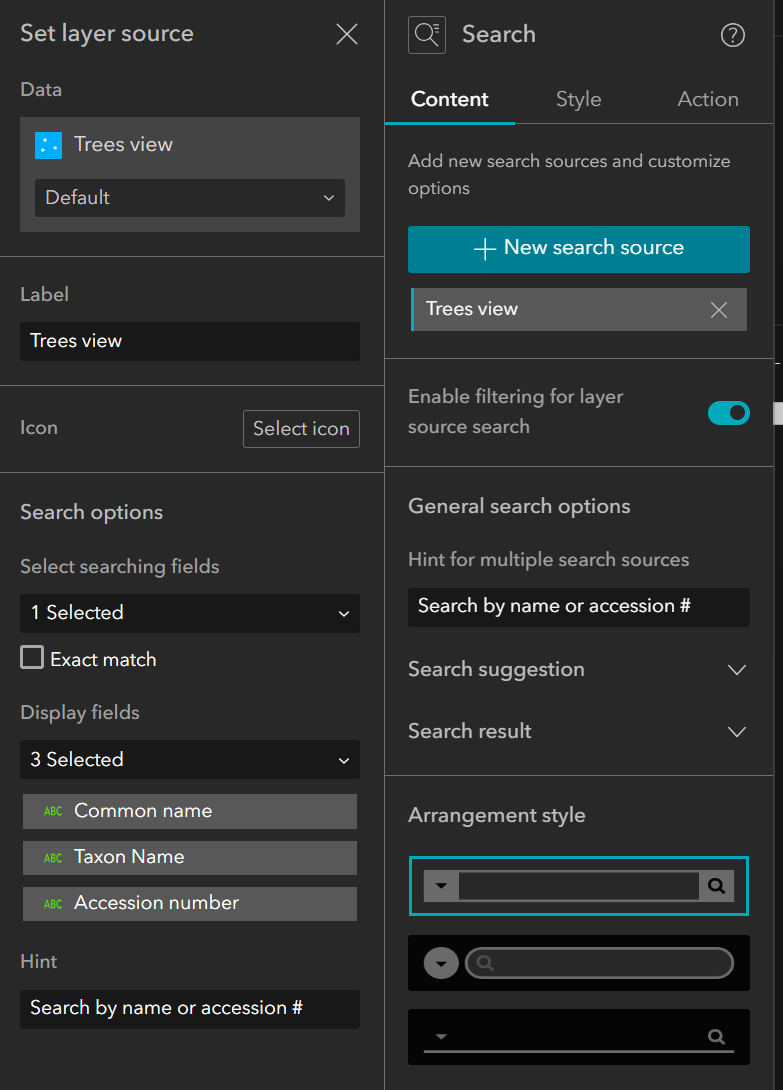
I have configured the Search widget to search on three fields: 'Common name', 'Taxon name', and 'Accession number' (screenshot below). But only the common name is available when I type in the search bar. If I type in an accession number or a taxon name (aka scientific name), nothing comes up.
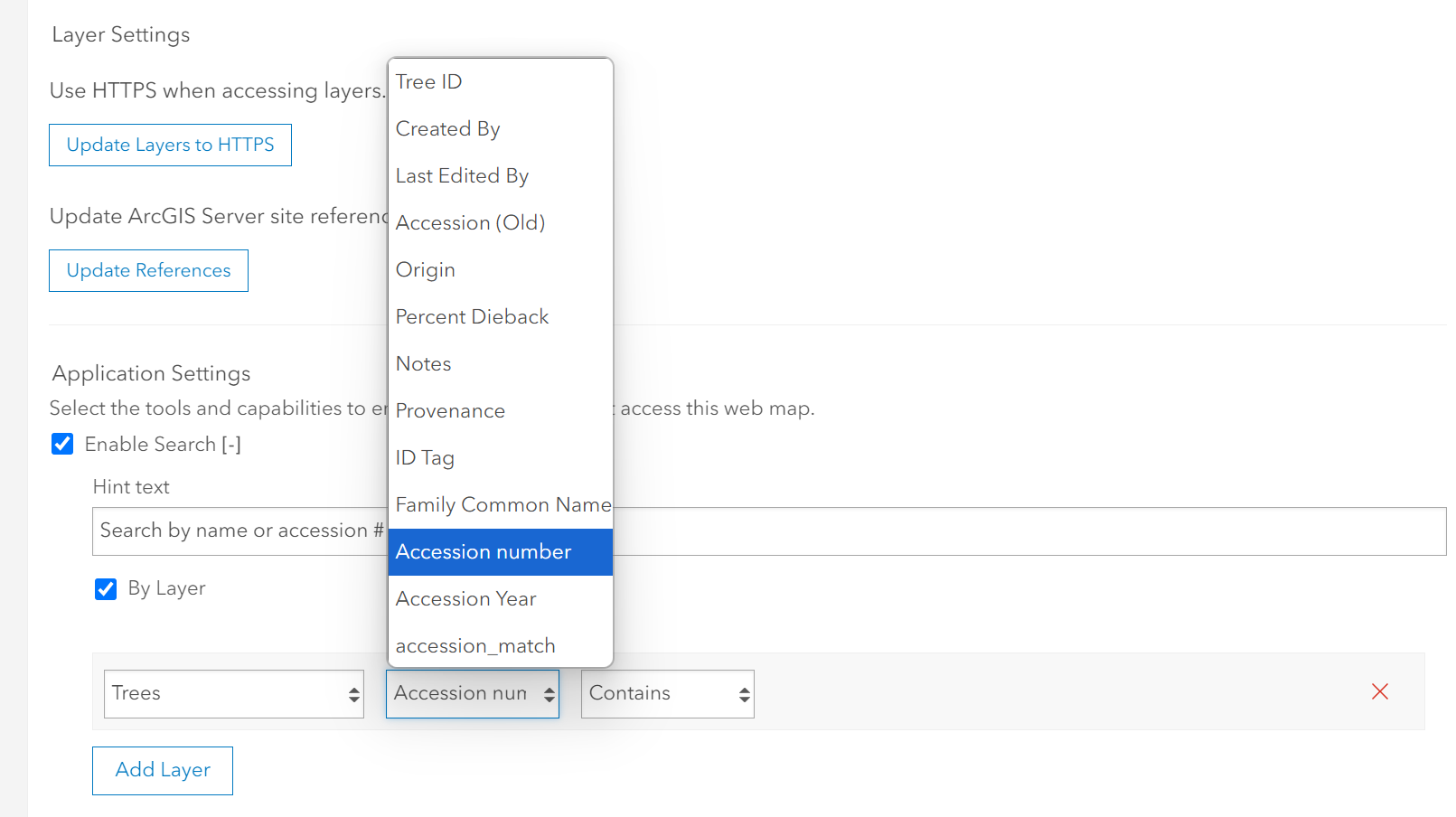
I have tried to configure the web map to be searchable, but most of my fields do not appear in the "Add Layer" dropdown menu (screenshot below). The weird thing is that 'Accession number' DOES appear in the list, but 'Common name' does not.
This may be due to the fact that this map is based on a Solution called Tree Management. I have modified the Trees feature layer in the solution to include more fields. 'Common name' was already present, but the other two were not.
How do I set up my map to search on these newly added fields?
Experience Builder search configuration:
Web map search settings: