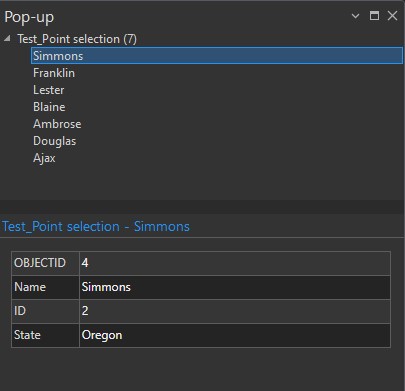
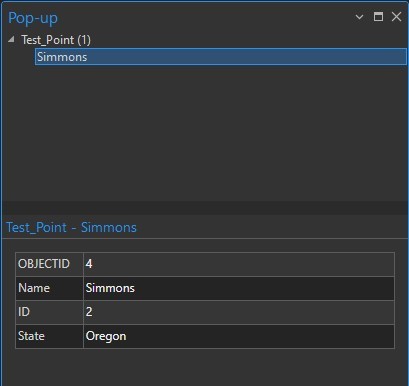
Working in Pro version 3.3.1. When I identify a feature in a selection layer with the explore tool, it lists all features in the selection layer in the top of the pop-up and displays only the top feature no matter which feature you click on. If I turn the selection layer off and ID the same feature in the source layer, the pop-up displays only the feature I clicked on (like it should). A colleague also running 3.3.1 is experiencing the same behavior. I opened the same project on a different computer running 3.2.2 and the pop-up will only display the feature clicked on in the selection layer (like it should).
My settings are the same on both computers.