Greetings,
I have a feature with various string and numeric values. I just want the value to 5 decimals places and medium black (Before I had advanced formatting that changed the color to light green, light red, medium black, and dark grey depending on certain value ranges in if statements via Arcade and it worked but given each subset of features having different ranges its not feasible).
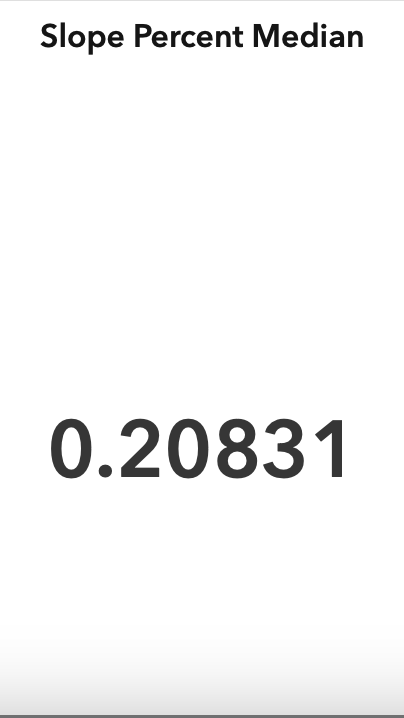
What I would like to do is use a string field that has Increasing, Decreasing, No Change, or Insufficient Samples as the options. I would like to display on the bottom part of Indicator widget and have the change color based off string value (Light Green Decreasing, Light Red Increasing, Medium Black No Change, and Medium Grey Insufficient Samples).
Is it possible to achieve this? I would also like to use the icons from ESRI on the left of the text bottom or top possibly if that looks better by adding the up triangle (Increasing), down triangle (Decreasing), circle (No Change), and square (Insufficient Samples) and have them change colors too.
I couldn't get it to work in advance formatting via Arcade. Is it possible to use a string field that is in the same map feature the calculated value is using in the middle of the indicator and data settings?
Thanks.



