I keep struggling with the Experience Builder search widget behaving wonky. I was able to set it up to search my feature layers and zoom to features, but I still don't understand how the text searching actually works. I do not have "exact match" enabled so the search should work as a "contains", correct? Here are some examples of that not working.
Say I want to search my developments for "The Corners at Cherry Glen" (an existing development).
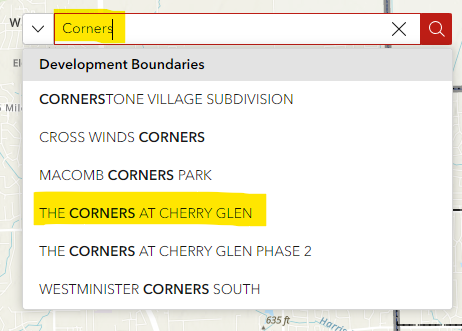
If I start searching "Corners", my result is in the suggested list as intended:
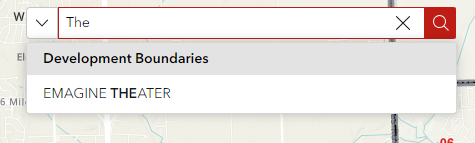
If I start searching "The", I don't get my intended result returned, or anything beginning with "The":
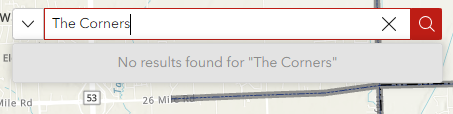
If I start searching "The Corners" - this is BEFORE I hit enter, nothing comes up:
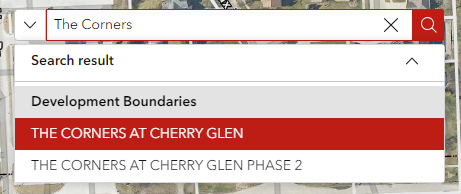
AFTER I hit enter on "The Corners" even though it brought up no results prior to hitting enter, suddenly it shows up as suggested:
This makes it very confusing for the end user. I'm not sure if this is intended behavior, if it's a bug, or if there's some little setting I'm missing. I do have "Auto select the first result" enabled in the search result settings.







