Hi,
I have looked at videos and read some blogs but still confused about how to get data from ArcGIS Online to Power Bi.
I can - add an excel spreadsheet with x/y coordinates (in WGS1984) and drag the x/y into the Latitude and Longitude fields and get them to display on a map in power bi. I can also sign in to my organisation account and add in reference layers into the map if I already have something mapped (eg from excel spreadsheet).
However I don't know how to create that 'first' layer using Get Data to use a ArcGIS Online layer (as opposed to a static excel spreadsheet).
I have tried Get Data > Web and entered the URL (copying the URL of the feature service in ArcGIS Online).
Then I get the following:
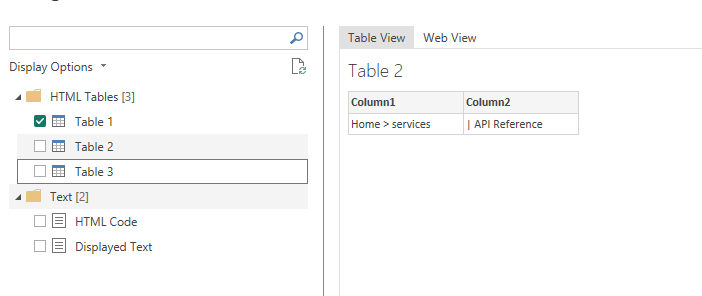
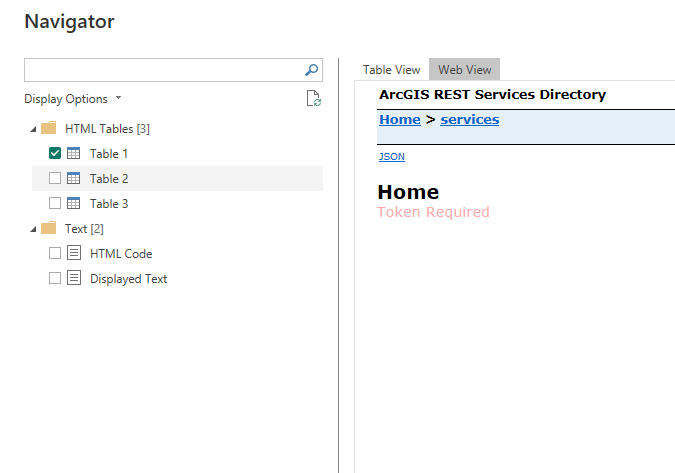
I am not sure what to do next. Is copying the URL from ArcGIS Online enough information?
Thanks,
Karyn



