I have been working on a project in ArcPro 3.2.2 for months, but this week the project toolbox was corrupted. I opened the project today and there was a red exclamation point next to the project toolbox. I have not changed any file names and to my knowledge there were no updates.
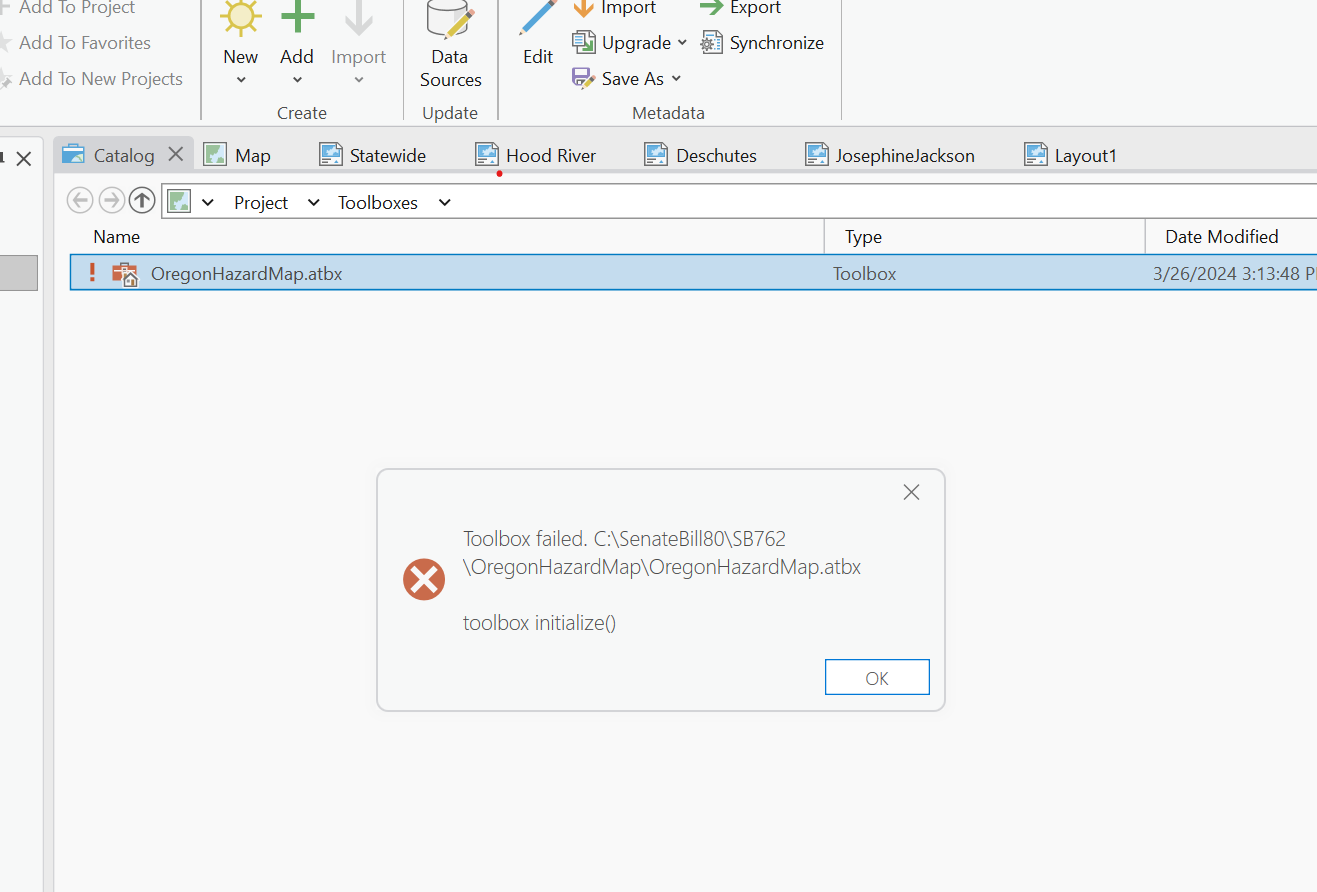
When I attempt to repair the toolbox, this is the message that flashes up. There's no error code, but it does not fix the problem.
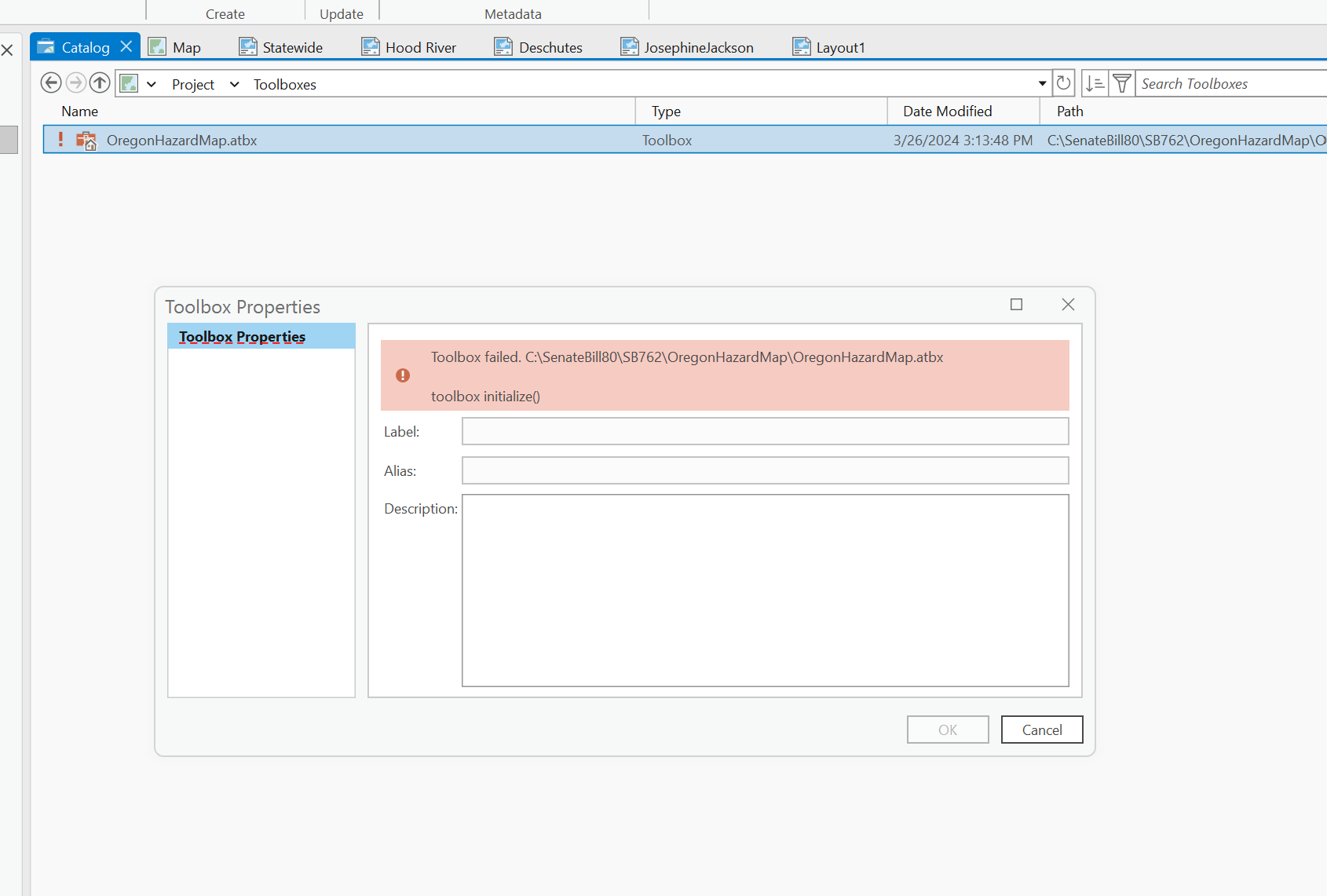
When I select the toolbox properties, this is what I see.
Can anyone help me recover the toolbox? Or, is there another way to access models that were saved in that toolbox?




