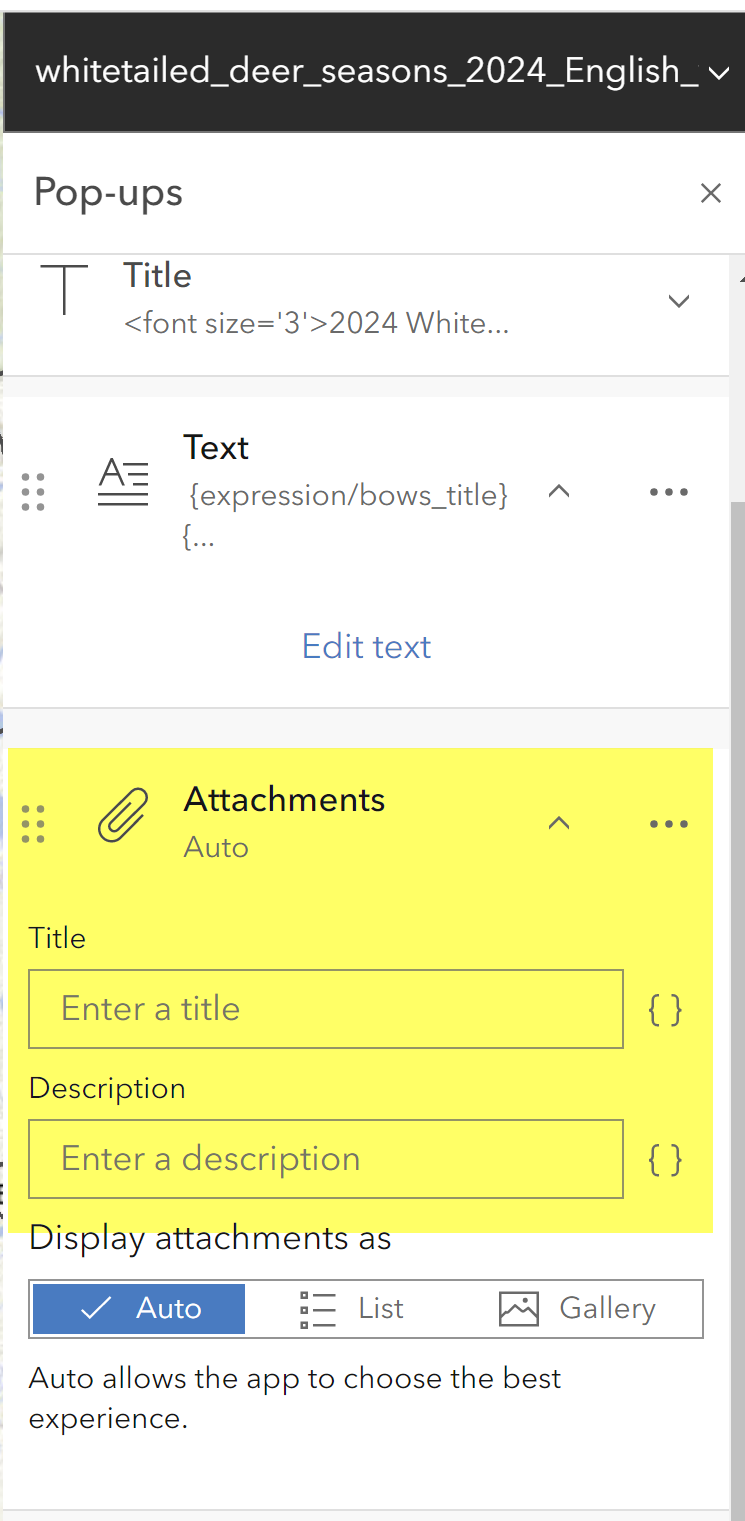
I created a feature layer in ArcGIS Pro that has .jpg attachments. I uploaded the layer to ArcGIS Online and am viewing it via Map Viewer. The attachments are displayed nicely in the popup. Everything is working great, but the default alternative text is the filename. My communications services folks have asked me to change the alternative text so something more descriptive than the filename.
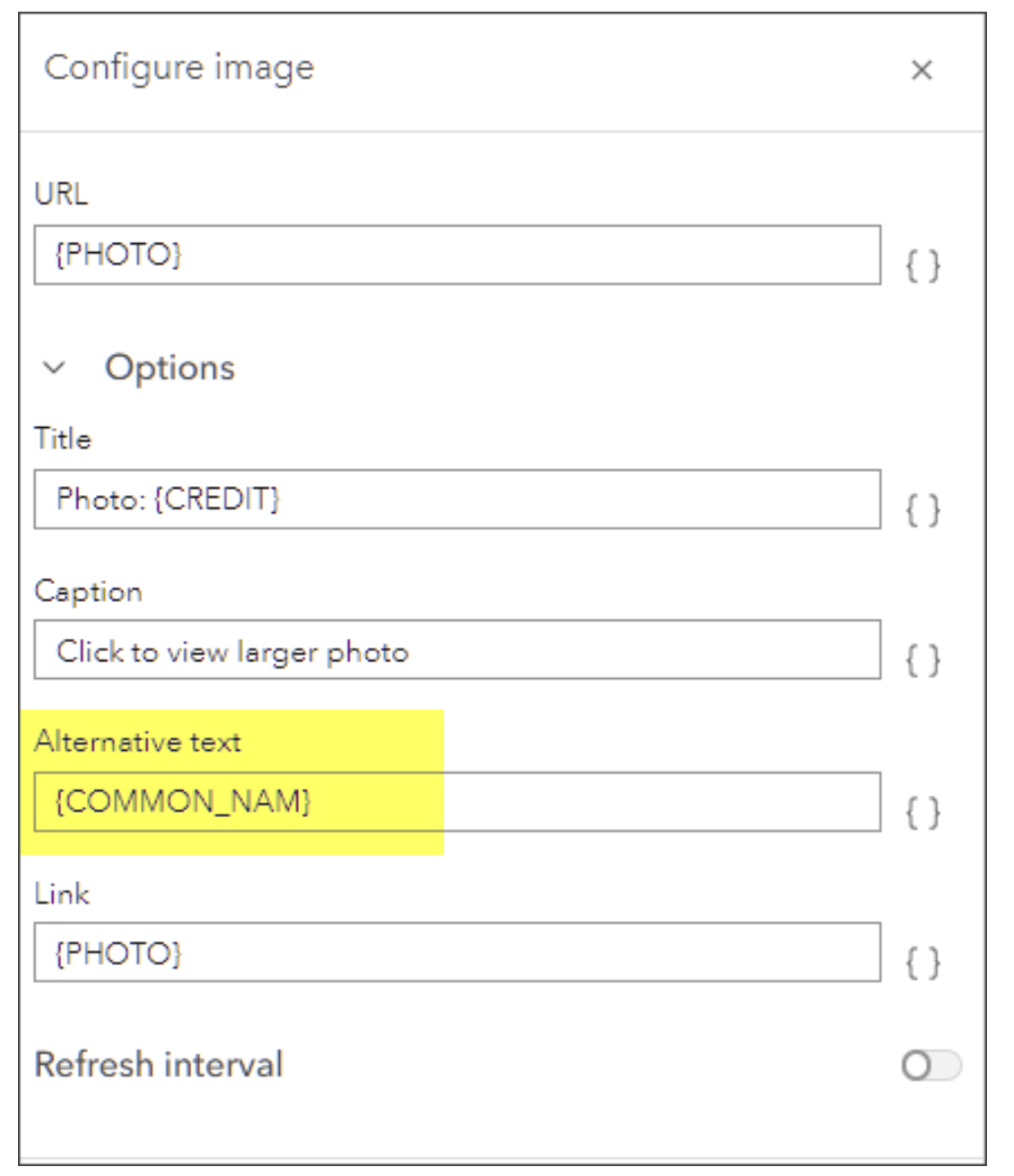
I see that adding alt text is easy when you add an image within the popup menu itself - this website shows how (https://www.esri.com/arcgis-blog/products/arcgis-online/mapping/configure-pop-ups-tips-photos/, see screenshot).
However, when I try to add alt-text for my attachments that were already present in the layer, there is no field to do so. I have the expression all ready to go for the field, but I can't find anywhere to insert it! Any ideas?