I am wondering if anyone has ever opened a Web Map from ArcGIS Online in ArcGIS Pro through the portal and had the issue where one of the layers has an un-viewable definition query that is automatically filtering out data?
Here is the situation:
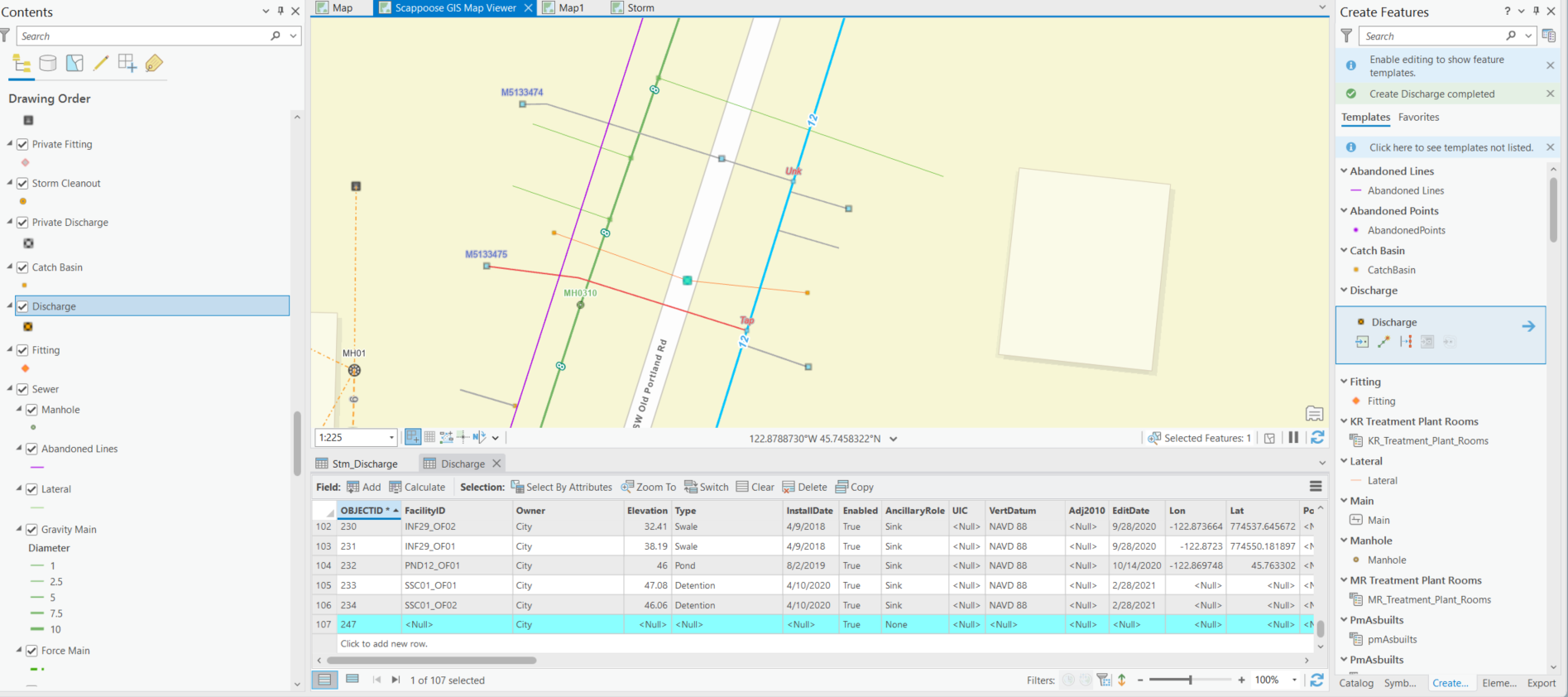
I am using ArcGIS Pro to edit a web map from ArcGIS Online with several feature layers. I brought this web map into ArcGIS Pro through the Portal and I’ve made edits in the other layers using the “Edit” and “Create” tools. When I at a new point feature to the "Discharge" layer, I am able to create a new point and save it (the highlighted point and row is the new point I just created):
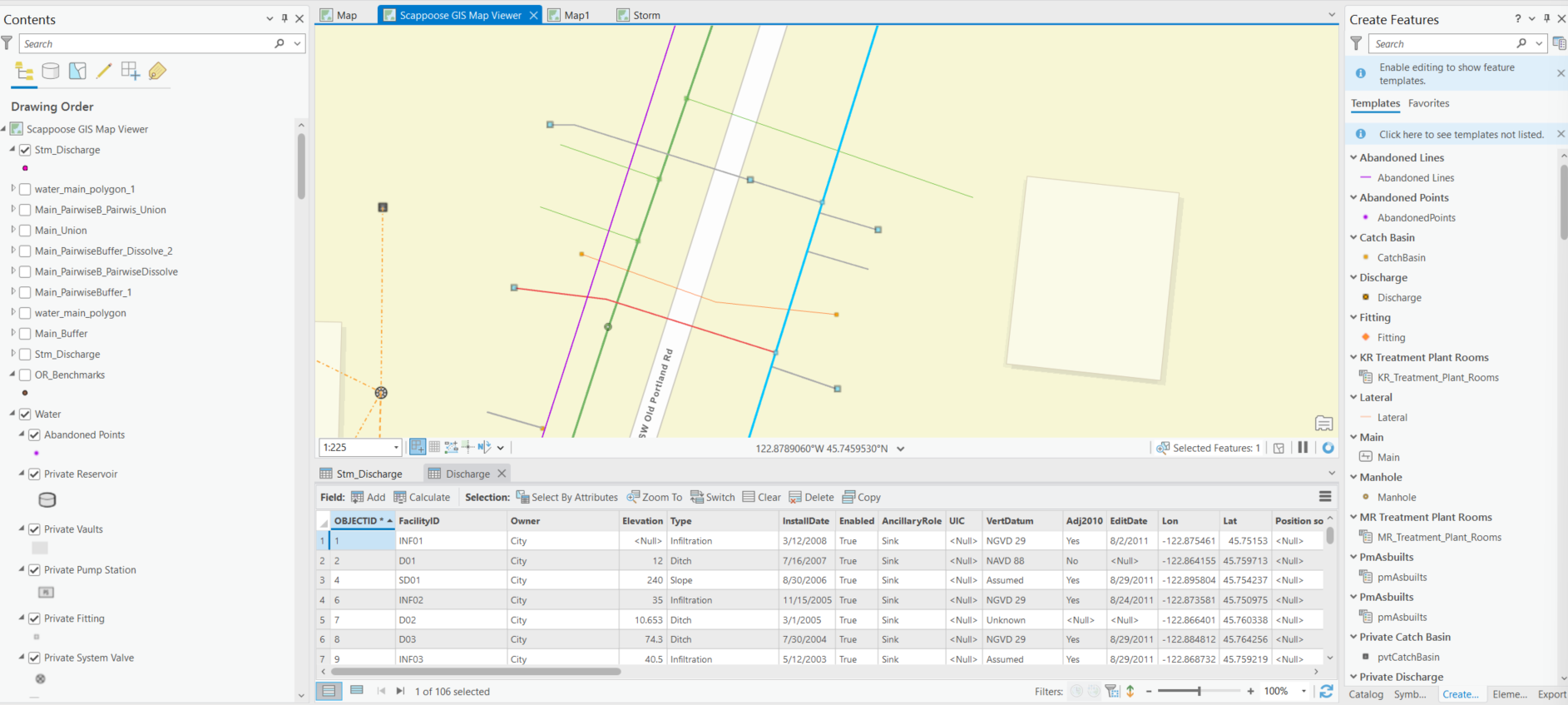
When I close ArcGIS Pro and open it another time, this point is no longer there:
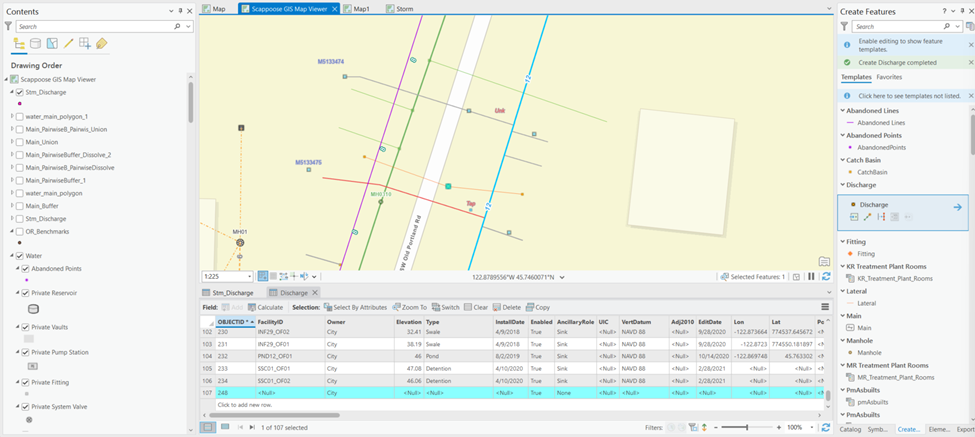
However, when I created another point, it creates a point that has an Object ID that is 1 number higher (248) than the previous point (247).
I did notice this warning message when I tried to create new points:
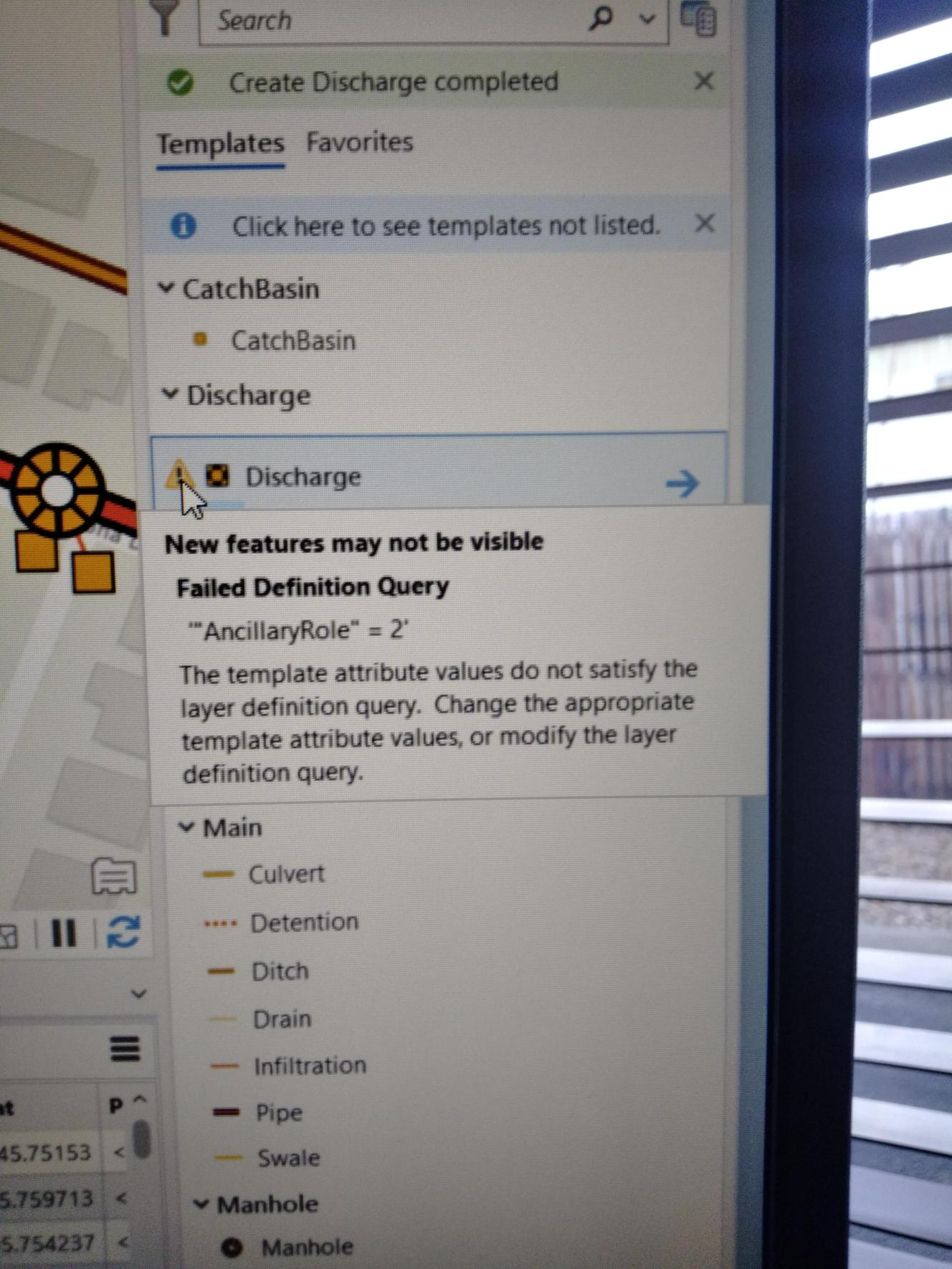
But when I checked in this "Properties" of the layers and there is no definition query.
I figured out what was happening: There was a definition query in the layer that was sorting through one of the fields in the layer and sorting out the newly added points because I didn't change the values in that field to the value that fit the definition query. I figured this out by making a copy of the web map, republishing it, and bringing it back into ArcGIS Pro. When I checked the Definition Query of this one, the definition query was there!
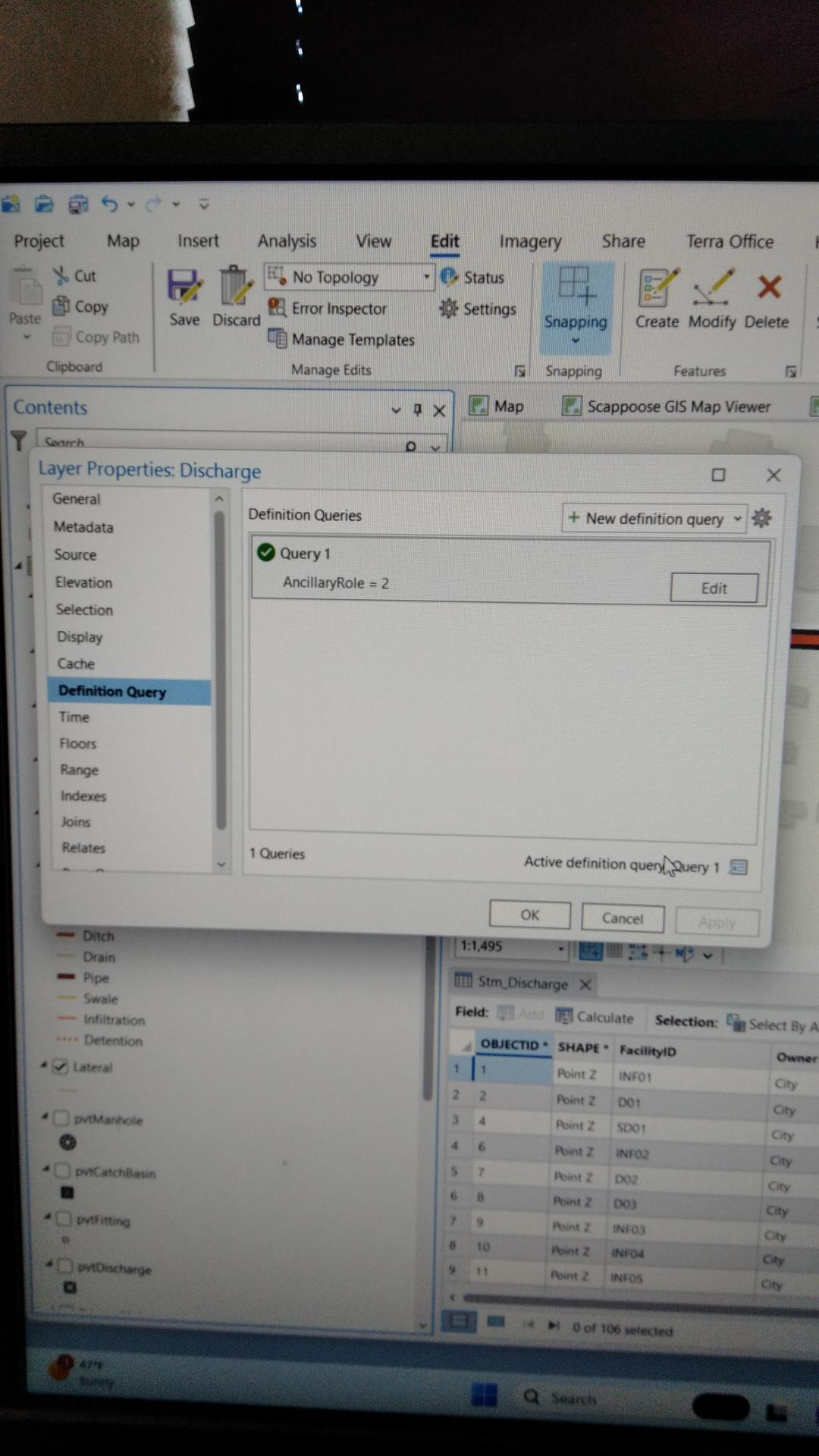
I found the workaround: just change the values in the definition query field. But I am still confused: Why could I not see this definition query in my original map? It was being applied, but I had no way to see it or change it. Any suggestions are much appreciated.



