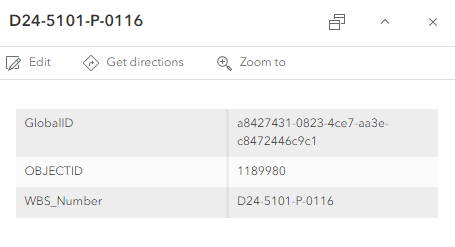
I have an Arcade Expression to not display any fields that have attributes that are null in the pop-up in the New Map Viewer. When I test it, it shows the dictionary correctly. I then configure the pop-up to use the expression in a Text element (I've also tried it as an Arcade element), and it will only display 3 attributes (GlobalID, OBJECTID, and WBS_Number). If I turn the pop-ups off and then back on again, it'll show all of the attributes without any nulls like it's supposed to, but if I click on a feature, it displays only 3 fields. I've tried everything I can think of, so any help or insight is appreciated.
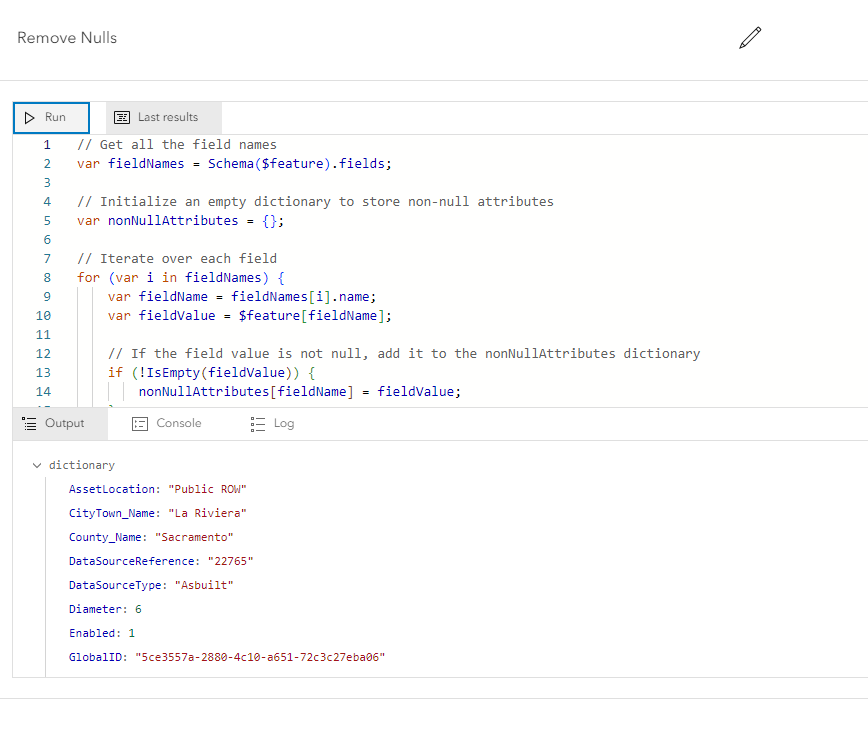
Arcade Expression with test:
// Get all the field names
var fieldNames = Schema($feature).fields;
// Initialize an empty dictionary to store non-null attributes
var nonNullAttributes = {};
// Iterate over each field
for (var i in fieldNames) {
var fieldName = fieldNames[i].name;
var fieldValue = $feature[fieldName];
// If the field value is not null, add it to the nonNullAttributes dictionary
if (!IsEmpty(fieldValue)) {
nonNullAttributes[fieldName] = fieldValue;
}
}
// Return the non-null attributes
return nonNullAttributes;
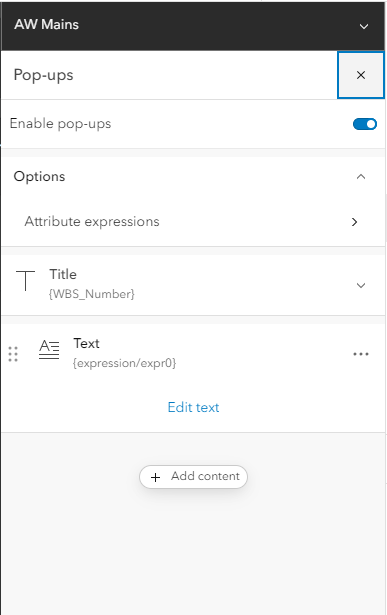
Pop-up Configuration:
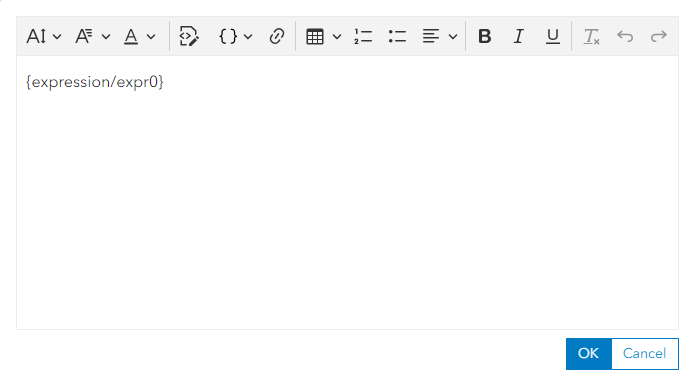
Simple Text Element configuration with just the expression:
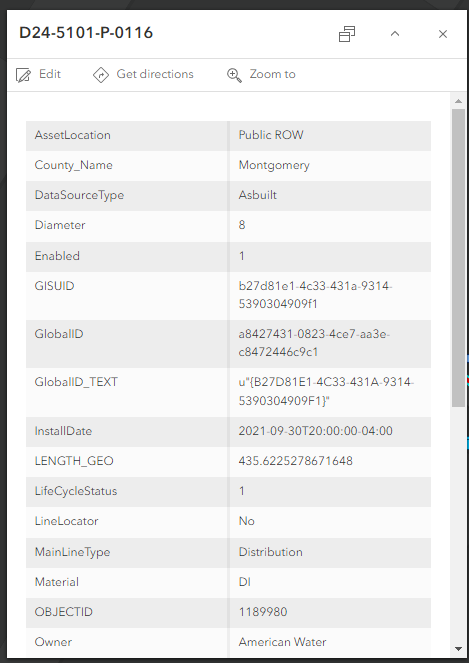
Correct Pop-up when first opened or after turning pop-ups off and on:
Incorrect pop-up after clicking on features: