Running custom models created from ModelBuilder in ArcGIS Pro does not return the log messages for each step. Only a few simple messages are shown.
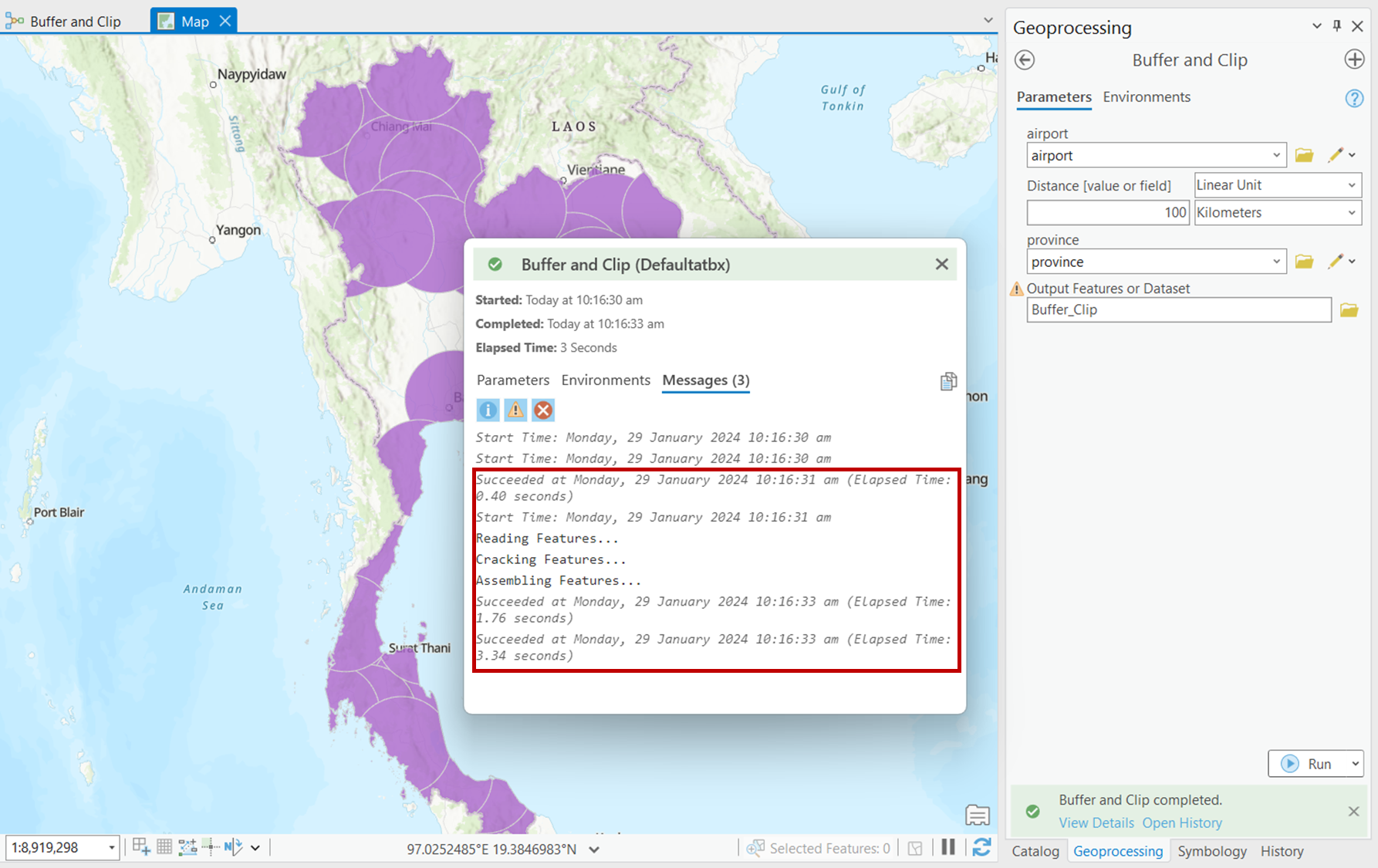
However, running the tool in the ModelBuilder pane (configuration mode) shows the details of each step such as which Geoprocessing tool is being run and how long the particular step takes.
It would be best for non-technical users to be able to see the detailed logs in the Geoprocessing pane so that they can see which step in the tool fails to run for ease of troubleshooting.
 In this case, the logs show that the Buffer and Clip GP tools are being used.
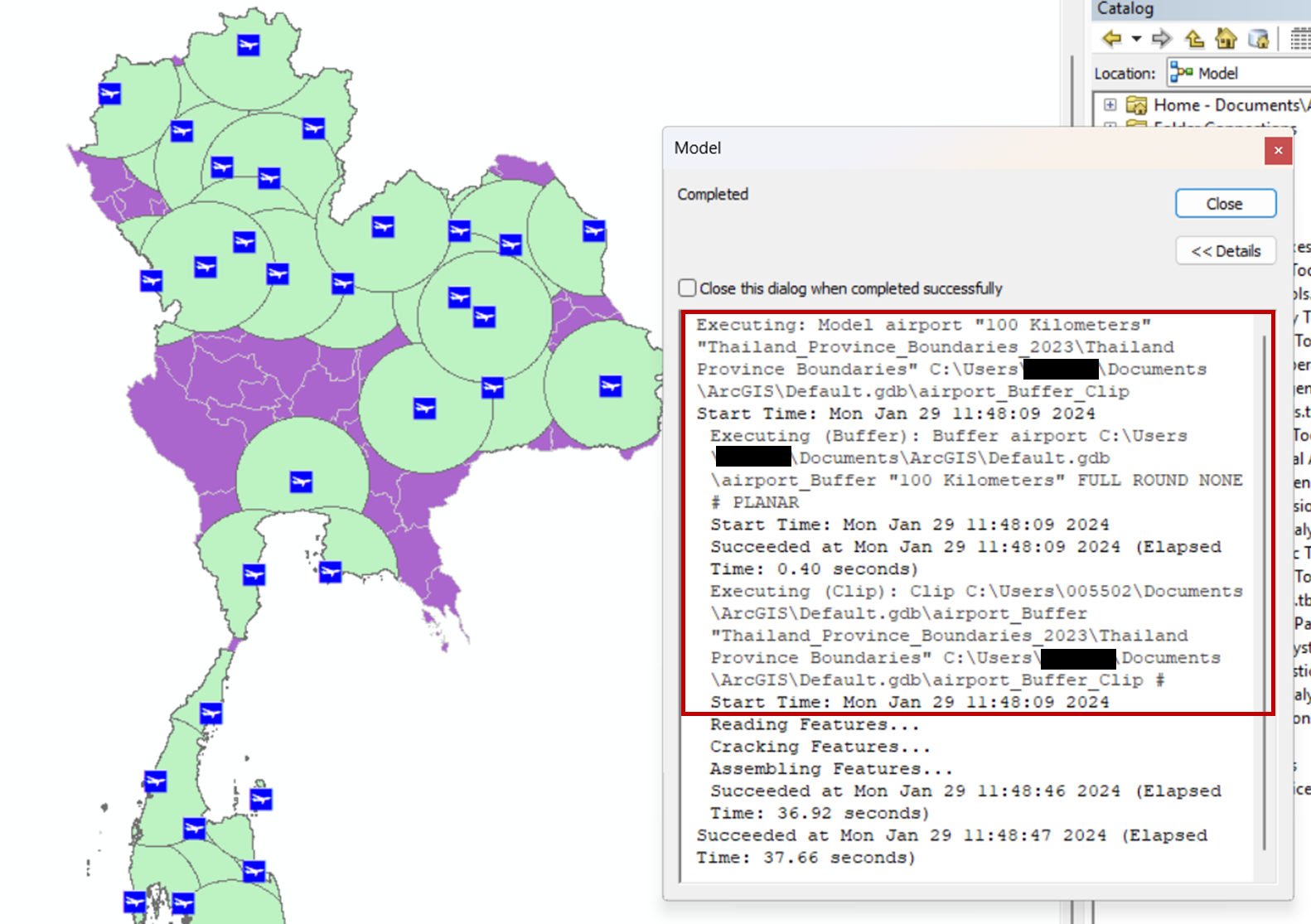
Similarly, running the same ModelBuilder tool in ArcMap also shows the details of each step such as which Geoprocessing tool is being run and how long the particular step takes.
 This is the tool from our user being run in ArcGIS Pro with very limited logs.
 Running the same tool in ArcMap returns a much more robust log, which is beneficial to users.




