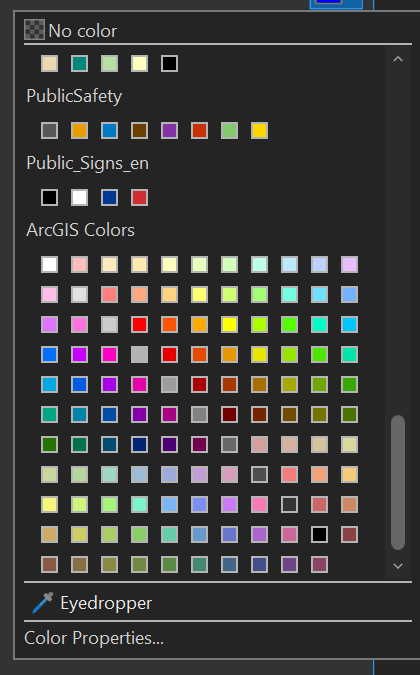
I have recently upgraded to ArcGIS Pro 3.1.3 (from 2.9.5) and I have noticed that the order of the standard ArcGIS Colours within the Symbology area are not in the standard order. It has a diagonal alignment with the greys crossing through the middle.
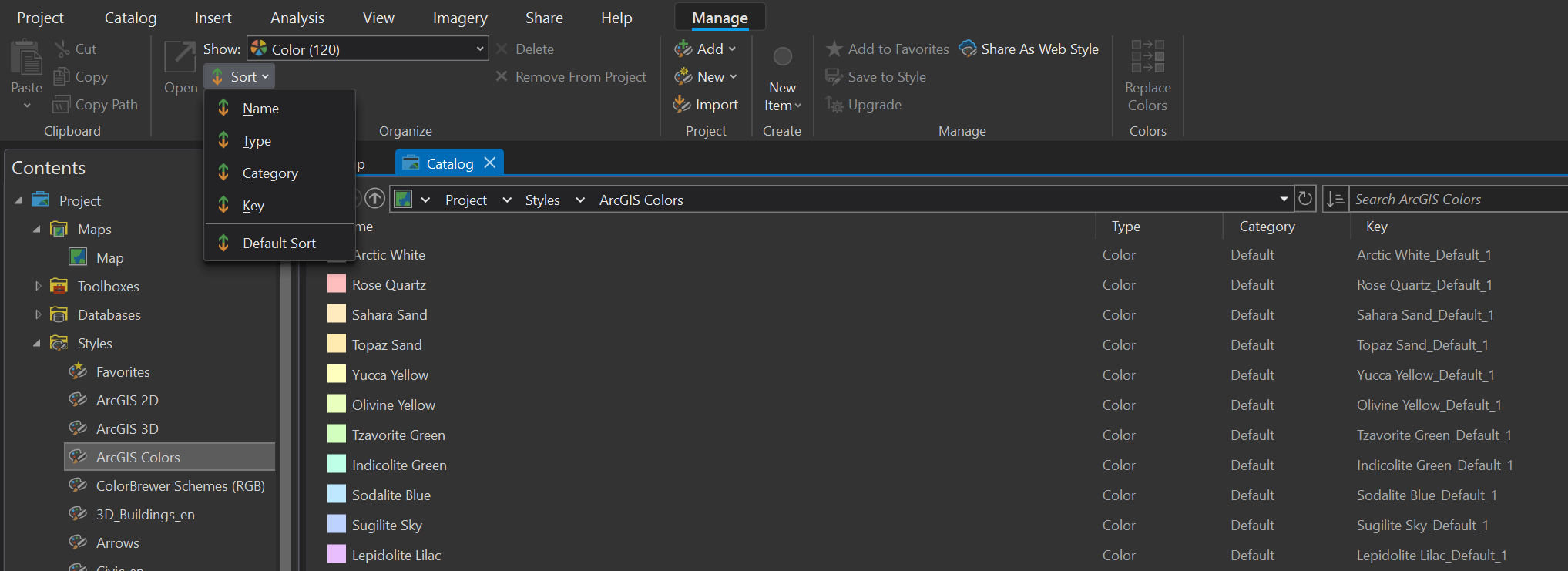
I have searched through settings and Catalog Style Management and the only options are sorting by Name, Type, Category or Key. None of which change it back to the standard format.
My colleague has upgraded at the exact same time to the same version and his sows the normal format/order.
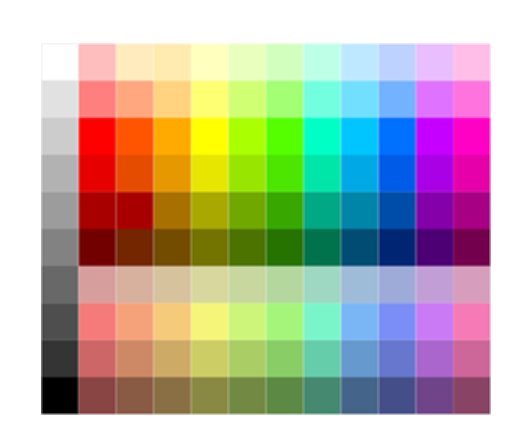
Please help as this makes map making a lot more difficult.




