It seems opening an attribute table, disables pop-ups in the Sidebar Instant app.
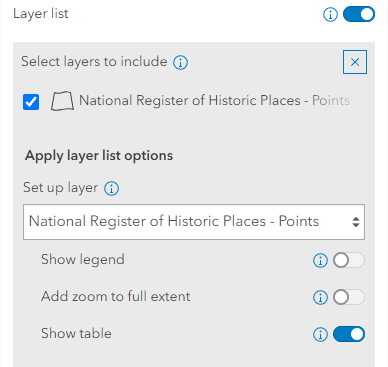
I recreated error using a living atlas layer Historic Places. Making a simple map and with Show Table in the Sidebar.
When you launch the Sidebar app, clicking a point, and the pop-up shows on the sidebar as expected.
However, if you open the attribute table
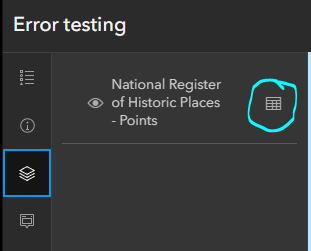
The pop-up is disabled in the Sidebar, and does not show or anywhere else on the map.
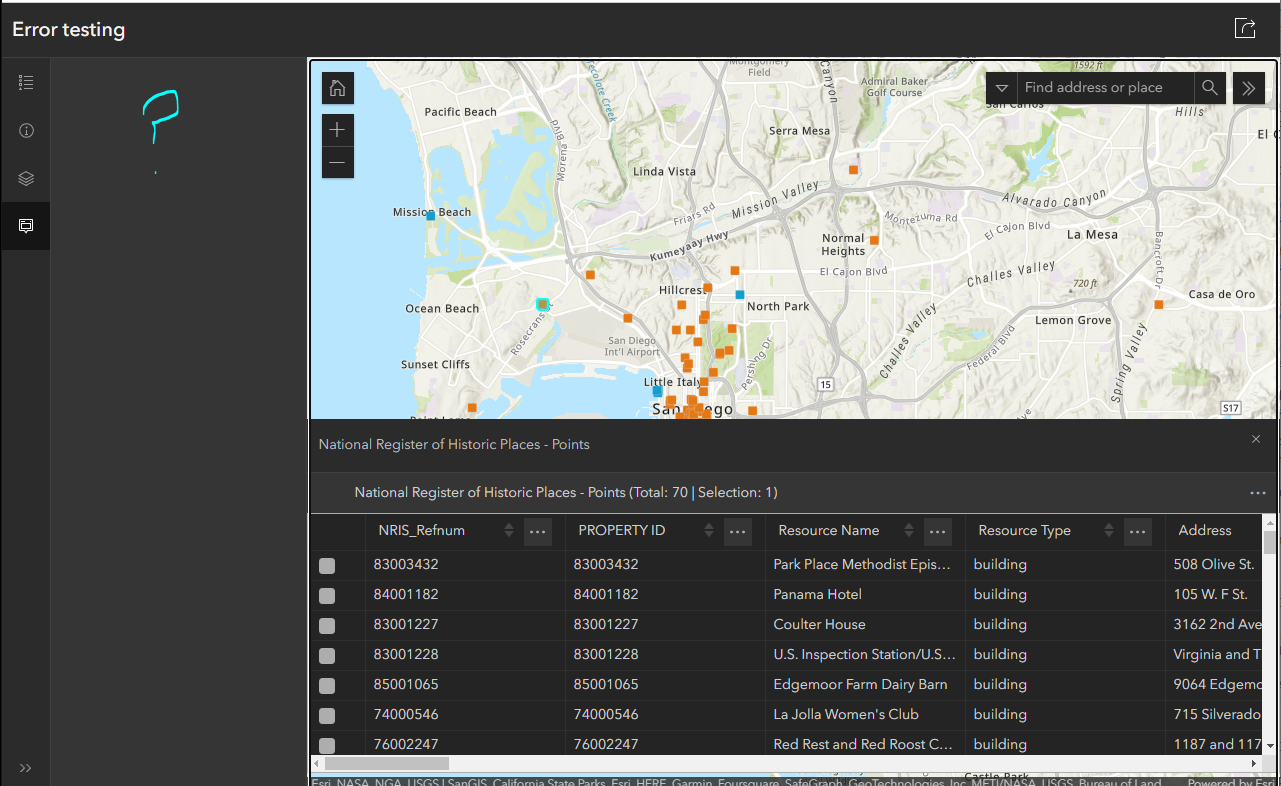
There is a trick, if you open the attribute table, close the attribute table, and open it one more time, it then works as expected.
- So, I know it's possible to have the attribute table and still see a pop-up.

