I have created web map with Indoors data and also Indoors viewer. Floor filtering, App Launch actions etc work fine. But when I duplicate Units feature layer in web map and change the name of the duplicated feature layer (to visualize different attribute of Units feature layer) then Directions, Set Home etc options are not shown in the info panel in Indoors Viewer app when I click on a feature.
1. With options in Indoors Viewer info panel

2. Without option in Indoors Viewer info panel
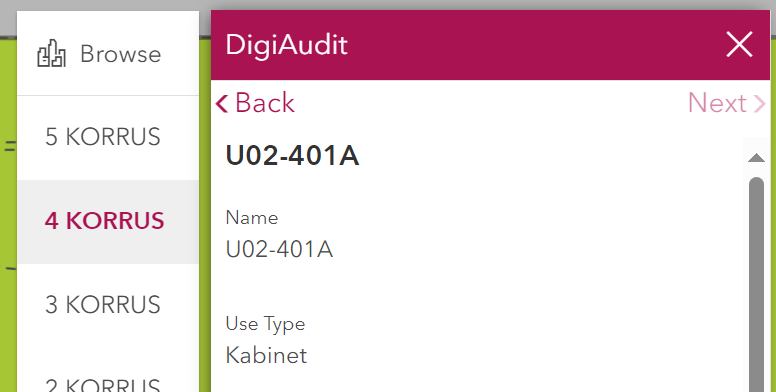
It is interesting that at some point I created a duplicate with different name of Units feature layer in web map which has the options in info panel but I can not recreate it.
Can someone verify that info panel options appear only with one feature layer named "Units"? Duplicating and changing Units feature layer name in web map will not give these options in Indoors Viewer app info panel?
How could I add multiple Units feature layers with different names and symbology (to visualize different attributes of Units feature layer) with preserving the options (Directions, Set Home etc) in info panel in Indoors Viewer app?

