I am trying to create a python script to automate the "Detect Objects Using Deep Learning" tool box. I have deduced that my error comes from running the following python command:
with arcpy.EnvManager(processorType="GPU"):
out_classified_raster = arcpy.ia.DetectObjectsUsingDeepLearning(
in_raster="tw-a_resized.png",
out_detected_objects=save_output_raster_path,
in_model_definition = pre_trained_model,
arguments="padding 56;batch_size 4;threshold 0.9;return_bboxes False;test_time_augmentation False;merge_policy mean;tile_size 224",
run_nms="NO_NMS",
confidence_score_field="Confidence",
class_value_field="Class",
max_overlap_ratio=0,
processing_mode="PROCESS_AS_MOSAICKED_IMAGE"
)
out_classified_raster.save(None)
(I just copied the python command from the geoprocessing window.)
DetectObjectsUsingDeepLearning tool worked, it was able to classify my raster no issues
but at the end of the code I get the following error:
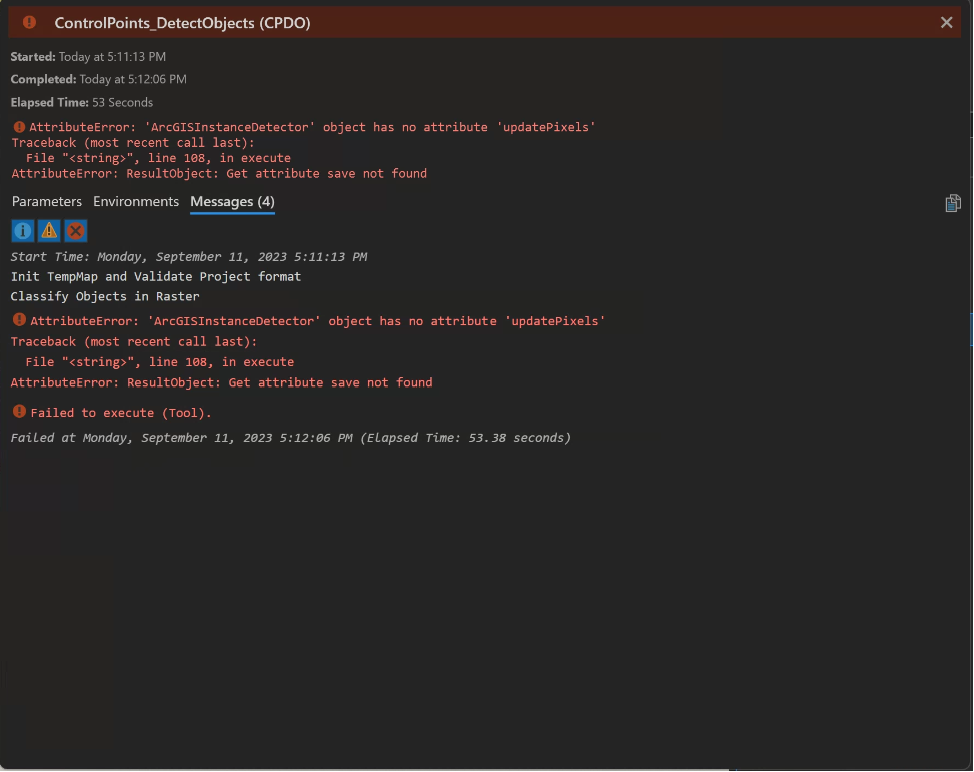
AttributeError: 'ArcGISInstanceDetector' object has no attribute 'updatePixels'
Failed to execute (Tool).
I do not have 'ArcGISInstanceDetector' or 'updatePixels' in my script and this error must be related when executing 'DetectObjectsUsingDeepLearning '. Is there a way to patch and fix this bug so my script doesn't error out when I Detect objects? Alternatively, is there a way to force my python script to succeed if it classifies the raster with no issues?
Error Snap Shot:
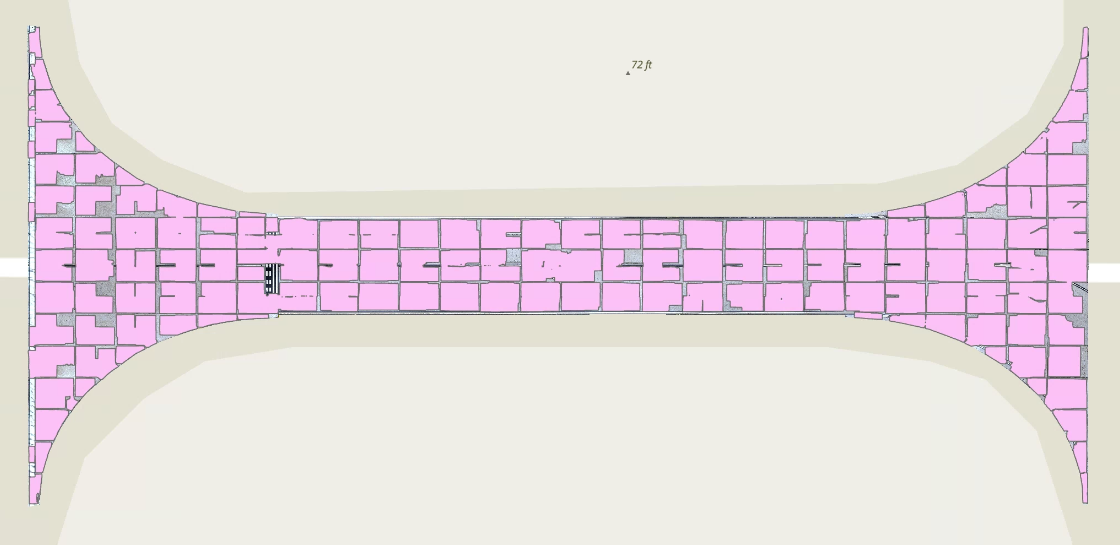
Classified Raster Snapshot:
DetectObjectsUsingDeepLearning is working as intended but I am still getting this unknown error...