I'm a power user trying to branch out into the developer side of Experience builder but having trouble installing it. I'm installing it to my remote computer (Windows) with IT's support.
I'm using the Node.js 18.17.1 and experience builder 1.12.
I'm stuck on Step #8 of installing the Developer Edition.
I'm not sure how to read the log errors or the cmd warnings. I think I'm having issues with my company's security and react dependencies.
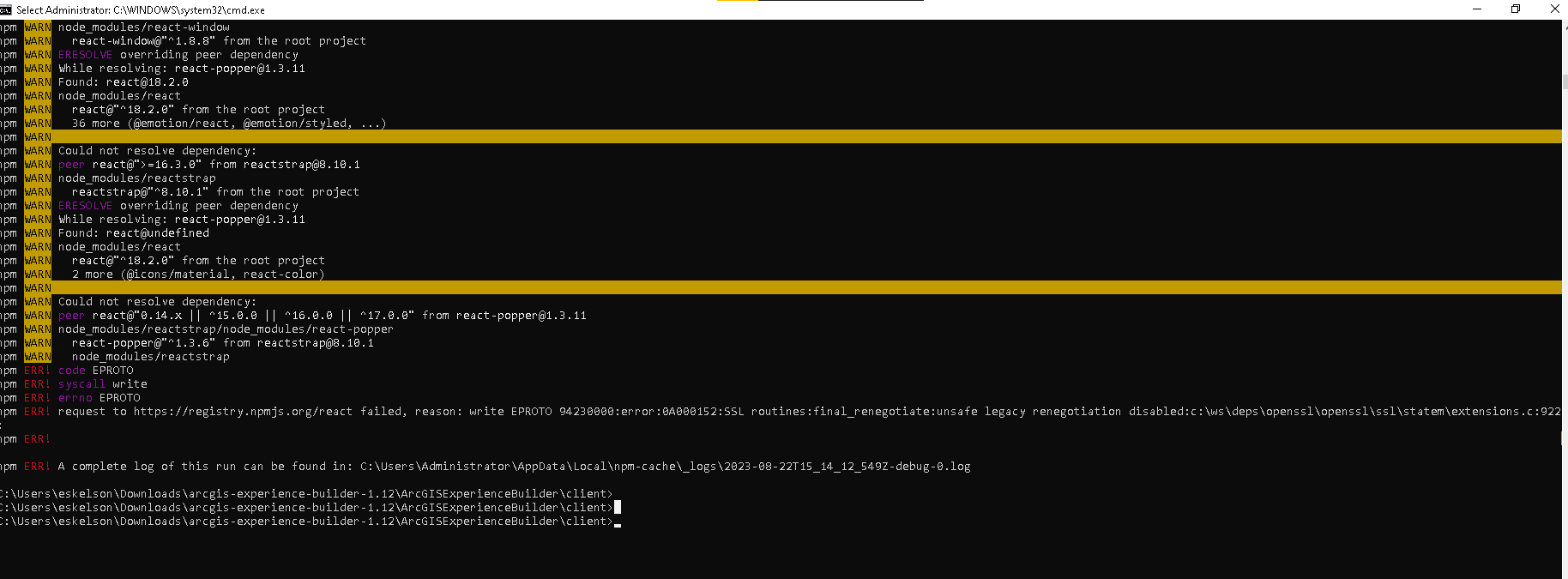
Running npm ci on the client gave me lots of unresolved dependencies on react 0.14.x to 16.8.0.
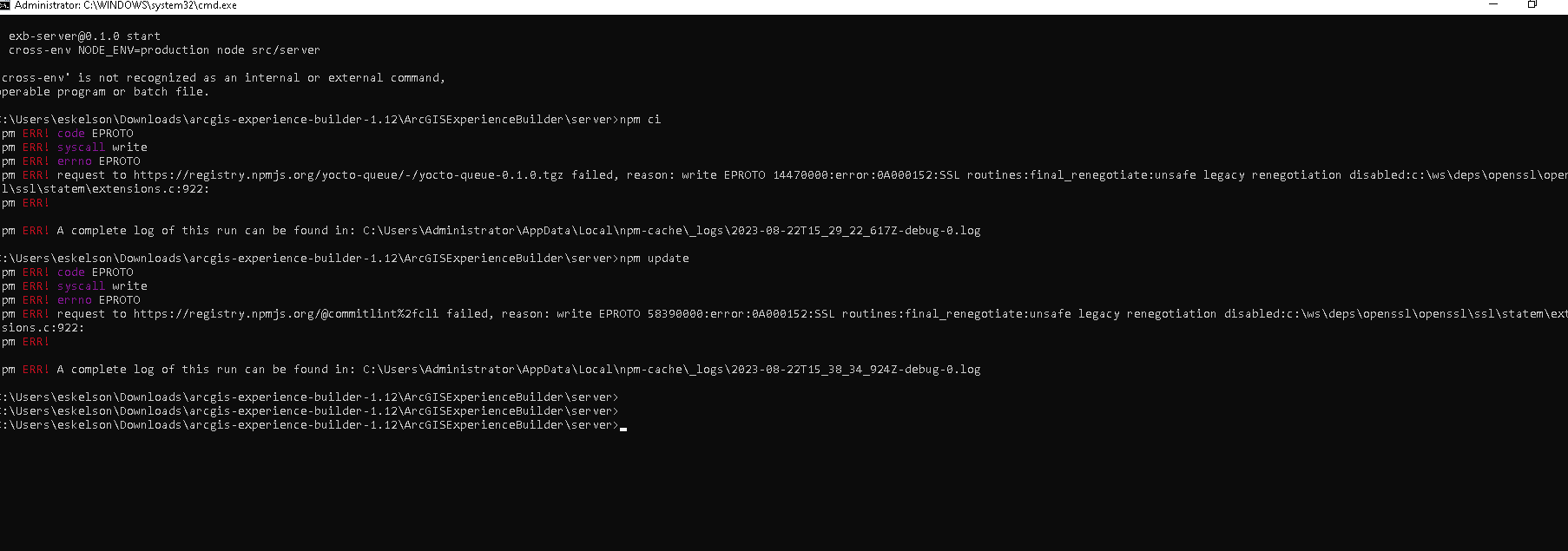
Running npm ci on the server cmd gave me an EPROTO error.
Log errors:
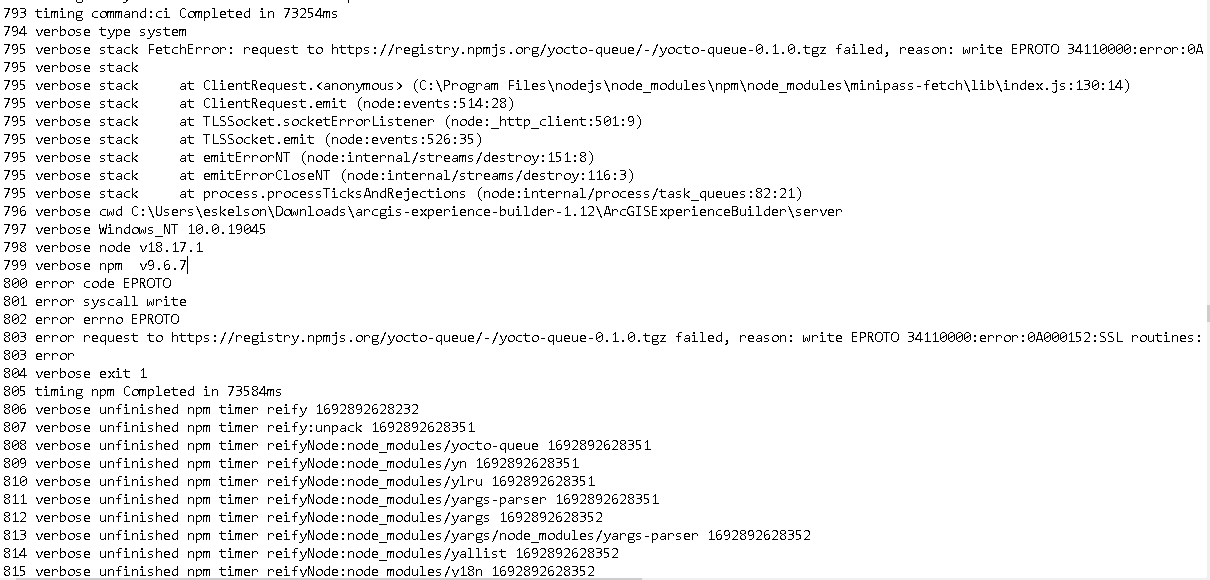
verbose reify failed optional dependency C:\path\arcgis-experience-builder-1.12\ArcGISExperienceBuilder\server\node_modules\fsevents
802 error request to https://registry.npmjs.org/yocto-queue/-/yocto-queue-0.1.0.tgz failed, reason: write EPROTO 14530000 0A000152:SSL routines:final_renegotiate:unsafe legacy renegotiation disabled:c:\ws\deps\openssl\openssl\ssl\statem\extensions.c:922:
Thank you for any direction you can give me.


