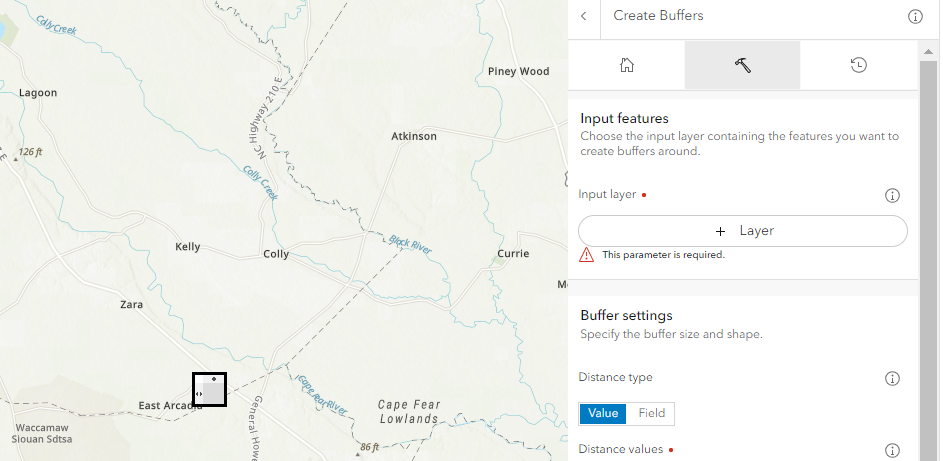
I've done buffers in ArcGIS Map Viewer Classic a few times, but never in new Map Viewer. When I try to select a layer, it just pops up this arbitrary little black box in the middle of the map, but won't let me physically select a layer from the Input Layer “+ Layer” button.
I tried to click on the little black box in the middle of the map, which appears to be like a table or something with two little left and right arrows on the left inside of the box, and up and down arrows in the top of the box. Every time I click the black box, it just goes way. No clue what the function is.
I was able to fill out all the other parameters (distance, output, etc.) without issue, but the input just doesn’t want to work.