ArcGIS Pro 3.1.1; mobile geodatabase
Scenario: I try to create a database view, but I make a mistake in the SQL, so the view is invalid.
select * from test_tblx
ArcGIS Pro throws an error because the view is invalid:
ERROR 999999: Something unexpected caused the tool to fail. Contact Esri Technical Support (http://esriurl.com/support) to Report a Bug, and refer to the error help for potential solutions or workarounds.
DBMS table not found [no such table: main.test_tblx] [test_vw6][STATE_ID = 0]
DBMS table not found [DBMS table not found] [main.test_vw6]
Failed to execute (CreateDatabaseView).
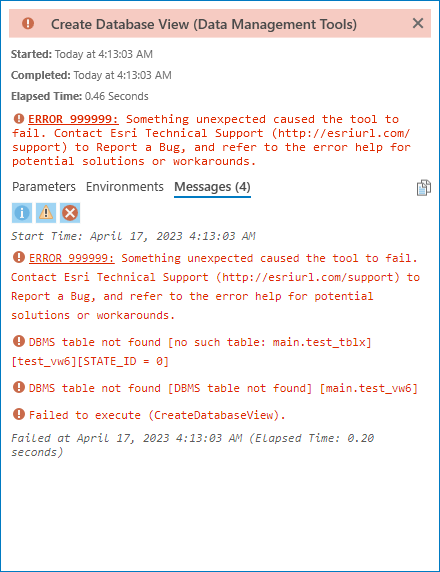
That error is expected.
However, if I refresh the mobile geodatabase in Catalog, I see that the view was actually created, despite the error. That's not expected.
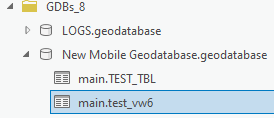
Note: If the view was valid, then I wouldn't need to refresh the mobile geodatabase. The view would have shown up automatically without refreshing. But if the view is invalid, then I do need refresh the mobile geodatabase in order to see it.
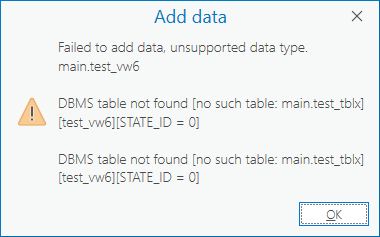
Likewise, I can't add the broken view to the map:
Video:
Why does the view get created even if the SQL is invalid?
And if that behavior is expected for some reason, why doesn't Catalog automatically refresh the GDB to show the new view (like it would if the view was valid)?

